Before you start choosing best Squarespace for blog, it is necessary to understand what kind of website you want to get at the end.
Depending on your blog’s profile there is a certain metrics that you need to keep in mind to get the best result.
Checklist basics.
Lets look at the process of setting up a website for blog that is done on Squarespace.
Steps would be the following:
“Buy Domain on Squarespace”,
“Pick up the template”,
“Put your content”
“Work out navigation”
“Integrate features”
“Do on page optimization”
“Start marketing campaign”
This is a basic checklist needed to be completed before the start of any website.
Before we choose any template for blogging we need to check if it has all of the above features set up according to our needs.
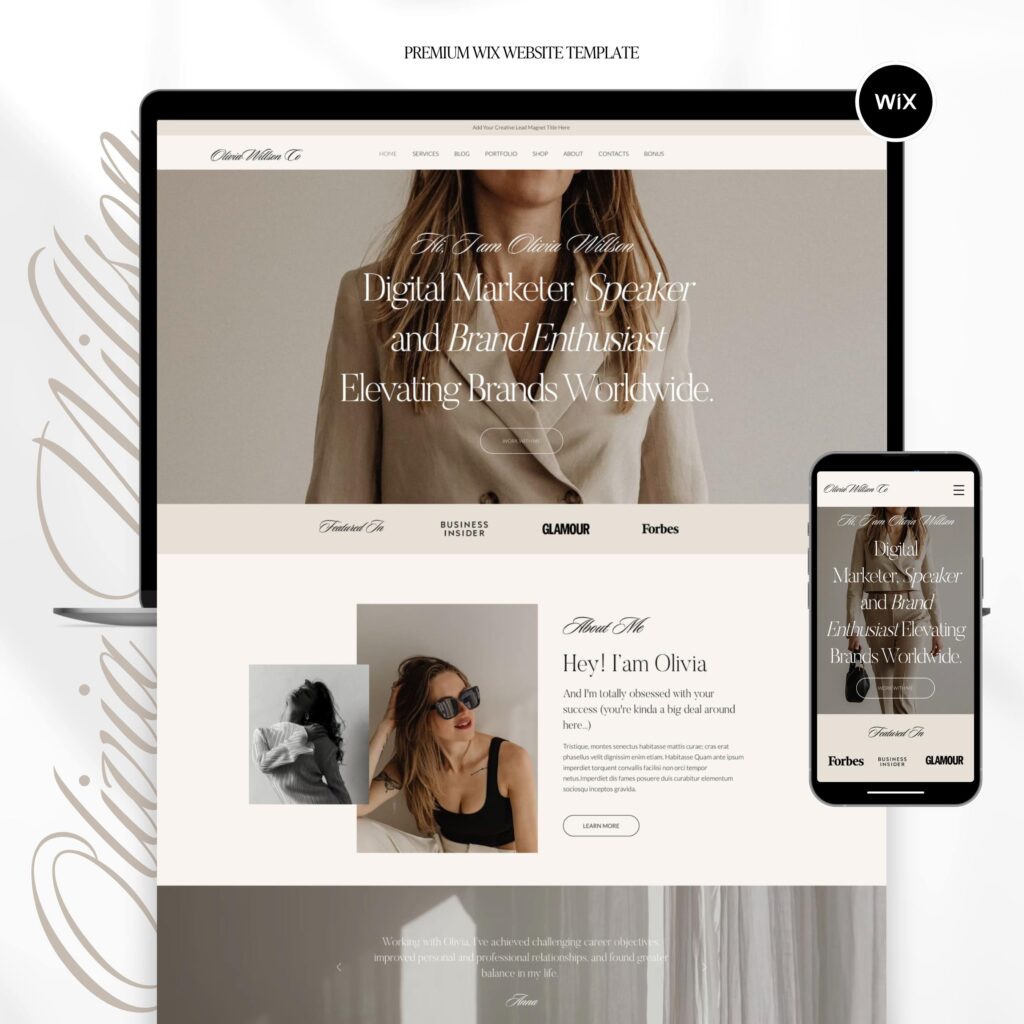
All the above parts should be accomplished when you create the blog for your website.
Today Squarespace may be considered the best option as a platform to create your blog on.
It allows for design freedom along with easy user management and enhance SEO experience.
Domain for Blogging.
Domain name is very important in terms of relevance to your blogging niche.
Not only users can memorize the name of the domain but search engines would use your domain name as another meta tag to move it up in search.
Luckily Squarespace has its own domain registrar so you do can register domain right inside your Squarespace account.
If you have an existing account and need to transfer a domain form the third-party source you can look at our guide on how to transfer the domain.
Once you have your domain ready it is time get a right template for your blog.
Best Squarespace template for blog.
Let’s move on to how we should address our preferences in choosing the best Squarespace for blogging.
The first step would be to decide whether to build up a blog template on your own or purchase an existing one.
The best bet would be to buy a presetup existing template from the experienced designer.
That would save you lots of time and effort.
Yes, Squarespace provides opportunity to craft out a website.
However, without design experience you will be definite better off getting a presetup template where you get your features already integrated into the website.
There is no versatile solution for choosing the right template. Every template has its own set of priorities that would be more or less useful for your future blog.
Let’s have some different blogging examples:
- Travel blogs.
- Culinary Blogs,
- Beauty blogs,
- Event blogs,
- Individual blogs,
- Business blogs,
- Analytic Blogs,
- Finance Blogs,
While the general requirements for the template for all these blogs are similar there are some differences that needed to be taken into account.
Now let’s move on to comparing how each type of blog should correspond with each website requirements.
Let’s start with one of the most important part which is the design.
Squarespace Blog template design.
If you are doing the culinary or travel blog you would need to get an outlook that fits to your needs.

These types of blogs require lots of space for images and attractive out look to transfer the impressions
The same can be attributed to the beauty blog. Elegant and cozy styles along with warm color layers should create an impression of finesse and luxury.
If we are talking about finance or analytical blog templates, there is a completely different color palette along with image and text balance.
This type of blog articles requires business outlook where one can find precise and exact information. The design and layout of such template should have easy navigation and seamless extra features integration.
Now let’s move on to look at different type of blogs, each having its own best Squarespace template.
Squarespace Beauty blog.
To get max out of beauty blog, your template should have a colorful design, warm palette layers and easy navigation. Images and video could provide a visual impression that affects your visitor’s perception.
Navigation should be straight forward to portfolio of various images showing examples of the stylish performance. The template itself should be visually appealing to your audience.

Everybody who visit your blog should get his feelings triggered while seeing images or video on your blog.
The best bet would be to provide feedback and reviews from existing consumers.
Whether you are writing about beauty, skin, style or wellness, it should all reflect the best experience from existing customers to make it trustworthy.
Social media integration would be another plus in building trustworthiness. This would allow your visitors to move between your website and social media pages.
Lets look at the list of Squarespace beauty blog requirements:
- Appealing visuals
- Eye catching design
- Simple navigation to examples
- Stunning images
- Review and Feedback section
Squarespace Fashion blog.
While Squarespace fashion blog is similar to Beauty it still has its own peculiarities.
The best template would be the one that a mixture or fashion gems along with up to date news regarding fashion world.
Your goal in this template is to transfer the latest information to the your visitors.
Bright and engaging design should have straight navigation to sharing latest fashion trends.
Unique and stylish images is a must to make blog look modern and stylish.
Images should be large scale helping you capture fans attention with you fashion photos and video.
A life podcast would be another good option to make your blog look up to date.
You should have References and Social media should contain references to latest fashion events and trends.
The main requirements for fashion blog on Squarespace would be:
Elegant design
Minimalistic look
Stylish Large images
Live podcast
Social media and References
Squarespace Travel blog.
Travel blog is another example of individual blog that is aimed at delivering the emotions from the article. The minimalistic design with an accent on pictures and texts would create engaging content for your readers.
Most of the article publishing would happen during the travel.
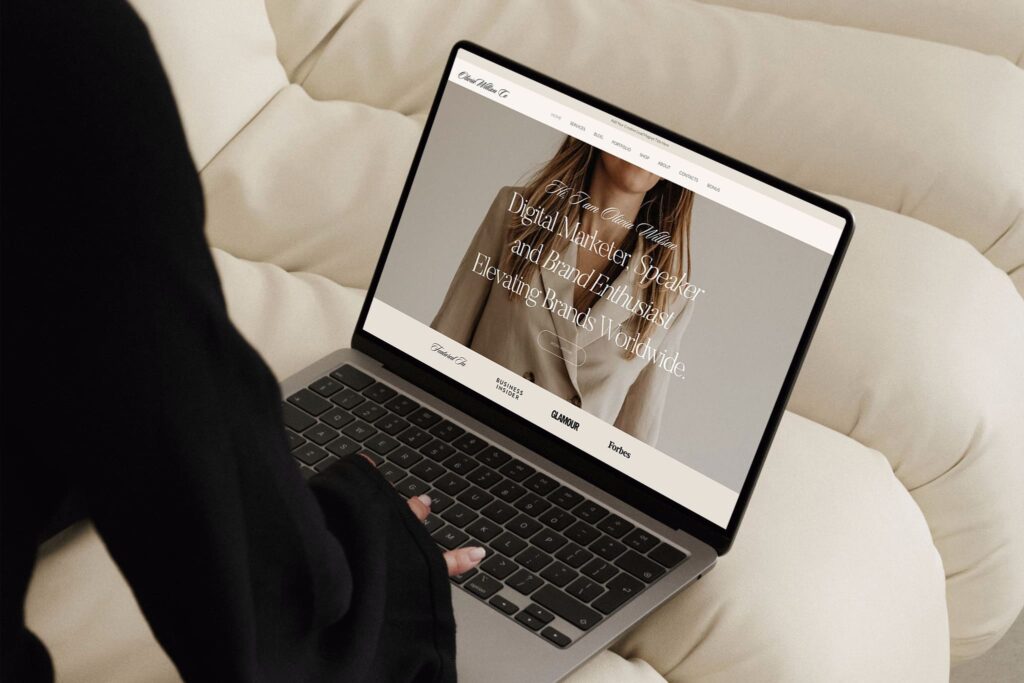
The blog should be easily customizable in both desktop and mobile version. Light design would assure the fast loading of the website for both you and the customers.
This would be especially important when you will have low internet speed during travels.
Social media integration would help you to attract additional audience who may prefer to follow you on main social boards.
The requirement set for the travel blog would be:
Light design
Image and texts balance
Fast loading speed
Easy template management
Social media integration
Squarespace Culinary blog.
Another example of minimalistic design would be food and culinary blog.
The main purpose of this type of blog is to share your great culinary experience through different sort of recipes.
The main goal here would be to attract your readers attention to your food products.
Large and clean images aligned to the center of your blog would be the best tool to make your visitors feel hungry.
Another vital part of the blog would be an easy navigation from your images to the recipes of those masterpieces.
You can integrate a payment gateway provide by Squarespace to sell your cooking recipes to the visitors.
Social media involvement with videos of preparing some of the best recipes would be a great plus to convince your visitors.
Squarespace News blog.
News blog is another example of mixture of images and texts that can influence your readers.
Strict business design along with simple and easy navigation is the key in delivering exact messages your readers. The front page should contain just a glimpse of information they want to know with an option to navigate to the full article.
The professional analysis of news and events should have an organized layout that is suitable for quick gather of most precise information.
Easy admin management is another requirement to timely upload breaking news.
Photo gallery can be enrich your ideas, visually expressing your messages.
Life podcast would be a great addition to make your content more engaging for the end users.
The main task here is not to overload your users with unnecessary information.
Thus, the structure of the template should allow a newcomer to quickly get to the main idea of your article. Once he gets that, it is up to him whether to keep going with that very article.
E-mail subscription is another option you can use to get your customers informed about the upcoming news and events.
The requirement set for this type of article would be:
Classic design
Well organized lay out
Seamless navigation
Fast loading speed
Photo gallery
Life podcast
E-mail Subscription
Squarespace Business blog.
Business blog templates should simultaneously incorporate stylish, corporate and strict layout to provide the proper impression on its readers. Whether you are a coach or consultant, your blog show convinces your readers that you are one step ahead of your peers. Apart from engaging content, your blog layout should attract readers attention through the form of your message delivery.
A minimalistic and professionally looking design with modern outlook can be sweet spot to highlight your messages and ideas.
Parallax scrolling and photo gallery can also be a good addition to make your articles more engaging.
Blog format should provide highlights about your featured posts with most compelling information. Properly structured navigation to is the key to draw readers attention to the most compelling information.
E-mail subscription and payment gateway to sell on-line courses and services would be a great addition to form a complete picture of your business endeavor.
The requirement list for Squarespace business blog would be.
Minimalistic design
Business outlook.
Structured layout
Organized navigation
E-mail subscription
Functional and Responsive
Squarespace Lifestyle blog.
Lifestyle blogs are recently becoming are becoming widespread all over the world.
The main purpose of the template is to cultivate in readers joyful and engaging feelings through sharing your personal experience. A stylish and colorful design template can help you to stand out from other personal blogs. The template appealing design should max out the effect of your online exposure.
Depending on the type of event, your blog should have a visual flare that can involve your readers.
Social media integration would be the ideal way to make your readers switch between reading your blog and social media posts.
Video integration is a great way to engage your readers in your personal experience.
Texts and images balance should be aligned to the type of content you are publishing to attract readers attention since the first second.
In some cases, it would be great to use some custom fonts to create a more custom outlook.
Responsive texts and visual are another important part to in engaging your users.
The shortlist of requirements for Squarespace lifestyle blog would be:
Creative outlook.
Stunning visuals
Appealing images
Social media integration
Custom fonts
Responsive design.
Versatile Squarespace blog requirements.
As we can see, different type of blogs have different set of priorities. Thus, to find best matching template we need to focus on type of the blog first.
Design and layout depend solely on what kind of blog you want setup.
However, there is a number of features they all have in common.
There is a set of requirements that are universal for any type of Squarespace blogs.
Such things as different features integration along with functionality is a must.
Another universal feature is it functionality along with easy administration and content update.
Minimalistic and responsive design in both desktop and mobile version is a default feature for any modern blog.
Fast loading speed of the template with large scale images and videos is what every blog should have today.
The top-notch Squarespace blog would be the ones that are well written and organized. They provide user engaging experience and are informative in their nature. Properly structured navigation allows for seamless user experience while surfing your website. Fast working responsive design in both mobile and desktop version should seamlessly bundle with creative content to deliver unique user experience.
On page search optimization is another requirement to get your blog up and running while attracting new customers.
So, the universal set of tools applicable to any type of modern blog would be:
- Minimalistic design.
- Responsive on desktop and mobile.
- Stylish images
- Eye catching outlook
- Creative content
- Different feature integration
- Organized layout
- Seamless navigation
- Social media integration
- Fast loading speed
- On-page SEO.
Squarespace blog content importance.
How you can make your Squarespace blog shine if you have no prior experience?
Yes, it is impossible to integrate all the necessary features all at once.
There is a fierce competition between bloggers in almost every business niche.
The best way to progress towards the top would be to setup a number of steps fulfilling the requirements above.
Your first and most important step would be to choose right Squarespace template for your type of blog.
Squarespace offer wide range of templates for almost any kind of profile.
Once you have the shortlist of desired templates, use the checklist of requirements to see if the template meets it all.
Choose the one you like the most. Luckily Squarespace allows deep level of customization if you want to change something down the road.
One you get your template, fill your template with initial content.
Now you have more complete picture where you want to move forward.
Once you have your template filled with content, take the set of requirements and check the website in terms of meeting each of them.
Step by step you will go through all the list and get your website aligned with best practices of modern blog writing.
In order to publish Squarespace website you need to go through the checklist that is applicable to publishing any website.
Let’s look at this checklist to make sure that you will accomplish all the steps necessary to get your Squarespace website up and running.
First I would like to go over there General requirements to publishing any website.
Here is my checklist for publishing a website :
- Select platform
- Domain name pickup
- Figure out your design
- Structure your content
- Integrate features and plugins
- On page optimization
- Marketing campaign.
Before you start in publishing the Squarespace website you would need to figure out what domain you going to use.
Today Squarespace is one of the fastest developing website builders on the market. To start working on Squarespace what you need to do is to get an account at Squarespace. So how to publish Squarespace website in detail.
Domain name pick up.
When picking up at domain name you can register it with Squarespace directly.
Squarespace platform has its own domain register.
Another situation happens when you need to transfer your domain name from another register .
In this case you would need to update DNS servers and import your existing domain from your previous register to Squarespace. Have a look at our article where we explain this procedure in detail .
Get registered at Squarespace and start working on your website.
This is a pretty straightforward procedure. Once you get registered at Squarespace you can start designing and building your own website.
Build up a design and layout of your future website.
Here you have two options. First you can create your own website with your own design.
From Squarespace dashboard you can select color themes, structure layout, add integrated features to get your site up and running. Latest Squarespace fluid 7.1 engine allows a greater level of freedom in terms of Designing and creating your own custom website.
At the same time with no prior experience it would be challenging to achieve the high level of your website design.
You will have to work on both desktop and mobile design.
This is why I would definitely advise to check out the second option.
Second option is to buy a setup template from a designer on the market.

Buying a setup template allows you to proceed faster to your goal. You don’t have to work with design or graphics. What you will need is just to jump to your content. Getting a ready to run Squarespace template helps you not only in design prospective but in providing sample profile pictures that are applicable to your content.
In this very case you don’t have to worry neither about the design nor about the images that would accompany your texts at the time of content placement.
Another advantage over setup Squarespace template is mobile design layout already done for you.
Based on what niche you starting your website in there is plenty of different setup templates that you can benefit from .
Content placement.
Once you set up a design it’s time to put your content on the website. Depending On the profile of the website you will need to use a mixture of images text and fonts to create a straightforward message for your visitors.
It’s important to structurize intuitive navigation and seamless plugins integration in case your website use extra features.
Plugin and Features integration.
After You get your content put on your website you would need to integrate the required features into it.
Squarespace provides a vast variety of features and plugins that can’t be integrated directly in your website.
Platform has its own Payment Processing feature so you can set up payment Gateway right away.
There are some plugins that are still missing all Squarespace. To integrate those plugins you would need to use an application called Zapier.

It allows side owner to integrate any third party software or Plugin into the existing Squarespace template.
Site checkup.
Once you’re done with design, content and plugins it is time to check your pages. After your manual check up, use some website health check to get a comprehensive analysis of your template. Usually a number of mistakes would pop up.
On-Page optimization.
The Next Step after your website looks good I would be to do that on page optimization.
That includes putting right meta tags entitles and description, doing internal link building, structuralizing your content with necessary keywords.
Squarespace pricing.
Squarespace offers different pricing option. It starts from $16 per month.
Here is the list of pricing options :
- Personal: $16/month
- Business: $23/month
- Basic Commerce: $27/month
- Advanced Commerce: $49/month
Platform provides you a trial period of three website usage.
However if you want to publish your Squarespace template you would need to pick up a plan and purchase a domain.
Internet Marketing.
Let’s consider a website a message to your customers. After you finish your message you need to deliver it to your audience. Here kicks in the marketing part. There is number of businesses that are creating website just to have the internet presence.
However, if you plan to get the customers online the internet marketing becomes crucial part in your business development.
We can split the marketing in search engines into two main options:
1.Adwords
2.SEO
First option is paid advertising where you pay per click on your ad.
This advertising you can start right away. However, it is usually very costly and doesn’t suit a number of businesses.
Second option is to try and make your website go up in the search of the search engine.
This option is way harder to achieve. At the same time, in the long run it requires less investments and looks much more solid from the customer Prospective.
Well done. Your template is ready to rumble.
Marketing enhancements.
Now comes the tricky part. Depending on what business niche your site belongs to, your keywords would have would get a competition level.
Let’s have an example of how the website performance can vary based on its competition.
A local photography website has it limited competition in the search engine. To get high in the search it only needs to follow them basic rules of search optimization. A completely different picture what happened if that photography online globally. For example if this local photographer would want to make a print on demand t-shirts selling online.
In this very case and search engine competition would be on a completely different level which would basically leave no chances for that photography website to get anywhere near the top. Even with huge Investments that would require at least 6 months to be crawled by the search engine and get an initial boost.
This is why the business niche and the level of competition are two major factors outlining the potential visitors number.
Keywords importance.
Keywords is the main part that accounts for competition level. If the business is local and doesn’t have high competition level, then his keywords are pretty unique and easily move up in search.
For example, if the local photography business is situated in Georgetown, then the key word to find this business would be ” Georgetown photography” and other related keywords. As you can see the unique part is Georgetown which stands for the city. This keyword search results would give everything related to this unique low competitive phrase.
In this case even with the low search engine optimization effort, a business can get into the top search.
Another example would be a photography business that would like to sell online. One of its main keywords supposed to be ” online photography services”. This type of keyword has a fierce competition rate which means that there is a big number of businesses trying to get to the top under this keyword.
For this business it would be 10 times harder if not impossible to get visitors from search engine.
However, there is a number of steps that can be done to move the domain up in the search even with such a severe competition level.
Squarespace SEO enhancements.
Texts.
In order to figure out what can be done to move your website up in the search under competitive keywords we need to analyze what are the metric for the search engine to prioritize the certain domains.
The first metric is relevance. Search engine would move up the content that that is most relevant to the keyword.
This is why it is important to have your content being tightly relevant to the keywords you want to be found on.
It doesn’t mean that you have to overload your content with those keywords as it can create a negative impact.
Content should be organically evolved around the keyword.
Images
Images are another important part of the optimization strategy. Each image on your website should have an alt texts that include your keywords. The size of the image should allow for fast loading of your template. Slowly loading websites are being pushed off from the top search even if they perfectly relevant to the desired keyword.
Fast loading speed.
The loading speed of your template place an important role. This is why it is important to do the checkup of your website loading speed after any changes. Sometimes it happens that any minor change or feature adding decrease your website performance.
All content should be added without any impact on loading speed.
Content update.
Word search engine like the most is constant update of your content. Especially if it’s relevant to your business keywords.
If you are a stable business that has little changes over time, there is no much update you can do on your website.
So how we can settle this part of requirement. To get the constant content update you would need to start a blog.
Blogging doesn’t necessarily require you to publish changes about your very business. Blogs usually provide information about General Industry changes or specific situations that happened with any of its players.
In this case, you would always have a good topic to write on. The article itself would allow you to put the necessary keywords in the text. Once it’s read by search engine your website would go up in the search.
Using blog you can increase the number of pages and amount of content on your website infinitively.
It provides a perfect opportunity to cover all necessary keywords in your texts
You can take your main keywords and make a specific article devoted solely to that keyword.
In that article you can provide your expert opinion about the core issues and your experience with dealing with it.
As we can see blog is the most powerful tool in improving your o on page SEO.
Expert blog writing with detailed information regarding the topic gives you a clear search advantage.
Having great article with references to experts regarding is it different aspects is the perfect example of what search engine wants to get.
Link Building.
References and links are other Factor that’s boost you in the search. If you have the website is that being referred by me other authority websites it will go up in the search sooner or later.
To get as a websites references to your website is one of the key search strategies used by most of the businesses who would like to strive online.
But what if you don’t have any references?
Even if you don’t have any referring websites it still can be done by purchasing the links to your website.
There is a big Market for the link building create especially for this purpose.
Site authority.
What you need to do there is to find the relative business Niche website and purchase the link that leads from that website to your domain.
Doing that number of times what created net of links referring to your site or article.
Is it referring article should have the same topic with your article. It would increase the chances of search engines to qualify your article as Authority for other articles referring to it.
As we mentioned it’s also important is that every referring website has strong Authority. What it means is that it shouldn’t be newly registered website that is just mainly used for link building for others. In this very case it wouldn’t be considered by search engines as a reliable source of reference.
Links volume.
Another important point is that the referring website has a limited number of outgoing links.
There are some high authority websites that are selling links to thousands of different websites. Such links are being devalued by search engines and most likely be considered as spam.
What you need to check if that your referring website has reference only to your page and no more than several other websites.
The ideal option would be to get a reference link from the website that has high authority and refers only to you template.
What I need to start with, after publishing Squarespace?
Keywords choice.
No matter what niche you are working in, the main task would be to find long tail low competition keywords. Using this keywords for articles and references would give you faster lift compared to their more competitive peers.
Though each of this keyword does not have much traffic, their aggregated demand would finally pay off.
Conclusion.
In this articles we covered both topics of how to publish Squarespace website and how to advertise it on the open market.
With lots of great Squarespace templates on the market , you will have no issues in getting the website with nice look out and having your desired functions. Getting customers from search engines would be a separate task.
However with time and money investment you will see the results
Starting a blog requires lots of commitment. What you as a blogger want to make sure is that all of your time and money invest worth the effort. Apart from concentrating hard on your content it is also necessary to consider the set of internet tools you can capitalize on. The final product of your blog activity should be the one that appeals to the audience. The perfect balance of form and content provides a final perception on your visitors while reading the blog.
Thus, before you start your blog, you need to pick up the platform and the customized theme to build your blog on. The part of success of your blog would be based on your theme choice and its customization. Whether you want to use Squarespace themes for bloggers or WordPress blog template or Wix theme, it is the actual custom template that would create a final perception.
Why we prefer Squarespace themes for bloggers?
There is a number of reasons why we prefer Squarespace themes for bloggers over themes and templates from other site builders.
Let’s do some comparing with major competitors, Wix and WordPress.
Here is the list of components we would need to compare:
- Design and structure
- User management
- Scale and update
- Features integration
- SEO and marketing potential.
All these components need to be compared when we choose the platform to start the blog on.

What are Wix blog advantages.
Wix is a website platform that was initially developed for artists who wanted to have a page about themselves. Within years Wix developed into a versatile site builder that is providing wide range of functions and features that you can basically create a website for any kind of purpose.
One of the Wix advantages is a powerful graphic engine and level of design freedom.
Another advantage of Wix is that it has bunch of different templates for almost any kind of profile.
Choosing Wix as your initial platform to lead a blog, gives you a huge graphical boost in how blog appears in front of the readers.
Both Squarespace themes for bloggers and Wix templates have great graphic performance potential. Building or buying a custom template based on these site builders can make your bloggers website look really beautiful.
At the same time, Wix has a number of limits that would affect your bloggers performance.
Wix does not allow to change or structural update of the initial theme. You get what you get with little space for improvements.
Wix has all set of tools to create a masterpiece of design. But you need to be both skilled designer and Wix user to be able to render further customization of your template.

The same relates to updates and theme changes. Any structural update or a theme change is impossible without compromising the design appearance.
The similar situation happens with adding extra features. Wix has big number of default features. But it is very hard to intergrade the one that is not in the default tool list.
All this makes Wix to a best bet to start your blog with. No matter how great the site looks, if your start heavily develop your website, Sooner or later you will come to the point of changing Wix to another platform. Whether it is scaling or adding certain custom features what you end up with is changing Wix to another platform.
WordPress vs Squarespace.
Being on of the oldest platform for bloggers, WordPress has lots of features for blogger great experience.
Let’s have a quick look at big variety of advantages WordPress can offer:
- Biggest number of third-party plugins
- Easy integration of different features
- Multilingual support
- On-page SEO friendly setup
- Advanced display rules for showing dynamically scrolled blog posts
- Easy integration with email and podcast
- And many more
The above advantages put the WordPress ahead of the list. Being one of the first template builders WordPress was initially specifically created for the blogging purposes.
However, the initial WordPress structure was developed long ago, and it does not allow for such design freedom as its competitors.
As a result, most of the WordPress designs look like a pile of vertically structured content.
Another issue is that WordPress designs are prone to any customization. Even an experienced designers have to approach each WordPress template individually to make design changes without compromising of overall template quality.
Why choose Squarespace themes for blogging?
Squarespace site builder provides a perfect example of potential design freedom along with number of functional advantages. Based on WordPress engine Squarespace inherited great functionality and integration options along with superior design levels.
Squarespace provides a kind of sweet spot in terms customization and design that can help bloggers to get maximum pay off from posting their content.
Let’s first look at the list of requirements for template as versatile website platform:
- Design and structure
- User management
- Update and improvement
- Functionality
- Customer feedback
- Marketing options
- Etc.
Design and structure.
the main goal of every blogger is to deliver his content to his audience. The design and structure of the blogger templates can be considered as one of the most important parts in organizing the delivery of the message. It is important for every blogger to have a customizable layout structured in the way to be most appealable.

Squarespace as a blogger platform provides an easy and convenient way to create wide range of custom designs and layouts depending on your blog profile.
Let’s look at the design elements that are playing a crucial role in creating a general image of your blog posting.
Here is the list of elements that help creating the overall picture of your blog:
- Layout and color overlays.
- Images and other graphic elements.
- Text and fonts.
- Features integration.
Layout and structure
Customized layout as well as specific color overlays consisting of warm and deep color pain levels allow bloggers to transmit the atmosphere of the articles through the look of their website.
Squarespace fluid engine 7.1 allows its users to easily structure the layout and customize color themes of their templates without any specific design or
or coding knowledge. This allows the creation of the design perfectly aligned with the core content of the template.
Images
Images and fun graphic elements are one of the major contributors to Creation or when I captivating blogger content.
Squarespace templates allow for creation of great quality images that have fast loading speed. Fast loading of the website without compromising the quality of images and as a graphic elements provide a smooth reader experience experience.
Text and Fonts
Text and fonts customization can add up to get your blogs more engaging while making your overall blog more user captivating.
Squarespace option to add your own fonts through custom CSS feature allows a blogger to integrate any font he likes.
That gives power to the content creator to add an extra flavor to his texts and posts
Features integration.
Nothing important part of the design is to have a seamless integration of different features into bloggers template.
No matter how many or which functions or features you want integrate it will not compromise your general design.
This gives you a Leverage when you want to quickly integrate new options without deteriorating your blog visuals.
User Management.
Easy management of your content as administrator is another advantage that Squarespace templates can offer.

Both in terms of design and structure Squarespace gives you opportunity to manage your blog posts including the changes of the style and adding different type of content without any hassle.
The ease of management and customization power the Blogger has in Squarespace is no match to other website builders.
Let’s look precisely into the advantages is that blogger can capitalize on through using the Squarespace platform.
Here is the short list of essential elements of a great blog:
- Engaging content
- Appealing design
- Friendly navigation
- Marketing and SEO friendly setup
- Mobile responsiveness
- Fast content loading
- Plausible functionality
- Extra features integration
- Customers feedback
Squarespace 7.1 fluid engine user interface and gives you a power over setting up all of the above components up to your needs.
Scale and update.
Having such a customization freedom along with lots of custom designs of Squarespace templates are being for sale on the market gives a beginning blogger a big space to grow.
Before you start the blog, what were your main goals?
Attract biggest target audience and to monetize your content.
To achieve this goals it’s important to have a tool set that allows you to manage the existing and add new features to your template.
Squarespace provides seamless integration of your new content and features so you can maximize your speed on a pathway to success.
Let’s look at how Squarespace provides you a freedom of updating your content.
If you want to upload extra images Squarespace does all the work to get your image perfectly optimized in terms of quality and loading speed.
That gives you an opportunity to enrich your content with images without compromising the loading speed of the entire template.
Every day people ask the same question:
” How to edit Squarespace template “?
There are two main methods of how you can update and scale your template.
The first method is just to Simply press the edit button on the upper left corner of your Squarespace dashboard.
This is a straightforward process for those bloggers who just want to add content including text pictures and media.
However. If you want to do the rebranding then you will need to make the entire template style changes.
In this case scenario you will need to go to theme profile of your template and apply changes there.
There is a number of guides explaining how to edit the template. Either you want to update your content or amend the entire look completely.
Let’s compare update and scaling of your template with Wix and WordPress.
Wix would allow you to update and scale your website in a similar way to Squarespace.
At the same time, your updated content would not be as optimized as it is on Squarespace.
All that you due to Squarespace templates being based on WordPress engine.
In WordPress you’re scaling and updating freedom is way lower than on Squarespace.
WordPress templates are rigid in terms of changing and updating their content
Updating and scaling WordPress templates would most likely impact the entire content of your template. Thus, any interference to existing WordPress template may require help from the third party.
Squarespace Features integration.
Same situation happens with extra features integration into Squarespace templates.
Squarespace templates have number of default features that are perfectly fit for bloggers of any kind.
All of this features can be easily integrated into an existing Squarespace template by an experienced user .
Wix and Squarespace still have less default features then WordPress.
Being the first platform created the specially for bloggers, WordPress has beaches number of features and plugins that can be integrated into the website.
At the same time Squarespace allows to integrate any third party login or feature through an application called Zapier.
This application allows for integration of almost any third party software directly into Squarespace template.
The advantage of Squarespace over WordPress in terms of integrating applications is that with Squarespace you have everything in one place.
Let’s take one of the most used feature which is Payment Processing.
In order to install WordPress Payment Processing called woocommerce you will need to have a separate hosting for WordPress and the separate account with payment processor.
Using Wix and Squarespace you have everything set up at one place. Both side builders
are providing their own Payment Processing gateways. The same way Wix and Squarespace have their own domain register services.
In WordPress you have to separately buy domain, hosting and sign up for payment processing.
Wix, in its turn, also does have lots of features that can be integrated into their templates.
However, there is no such an option of integrating third party software into an existing Wix. template.
As we can see Squarespace has an upper hand in terms of convenient integrating of third-party services along with hassle-free setup.
Squarespace SEO and marketing potential.
The same happens with marketing potential of the Squarespace templates.
As we mentioned before, Squarespace is written on WordPress engine and has a distinct advantage over Wix in terms of SEO.
But are Squarespace and WordPress equally good for SEO purposes?
That works only websites of both website builders are SEO optimized.
However, once you start making changes, WordPress would require way more work in terms of getting your template SEO optimized. Squarespace doesn’t have such a problem as all new content would be optimized automatically. What you would need to do is just add proper tags to your new data.
Given all the above, Squarespace would be the best bet to start a blog regardless of a profile.
But how to choose the among Squarespace themes full bloggers?
What are the best Squarespace themes for bloggers?
When you want to choose the Squarespace themes for bloggers you can mainly concentrate on the entire look of the template rather than on its functionality and features.
As we discussed previously, Squarespace itself has user friendly fluid engine that allows For deep level of customization.
What it means for blogger is that he can take anything plate and customize it according to his needs.
The advantages of Squarespace themes for bloggers is that :
- Update and change of the content without adverse design impact
- Any third feature can be added to Squarespace
- All uploaded content is automatically optimized for SEO
- Deep level customization freedom.
All the above points are extract from the requirements of the theme platform for bloggers.
Squarespace themes provide a blogger with tools to easily update and scale the content of the website.
This is especially important for the bloggers whose work requires constant upload of the new information.
Using Squarespace platform a blogger can concentrate only on a delivery of a new exciting content leaving the platform to do all the technical part.
Today most of the people who would like to create their landing page are planning to use it as a complimentary business card to provide information about their business profile. This situation makes people consider their landing page just a simple information content where customers can find certain information about the company. The overall design and functionality of their landing page is not usually taking into account. What matters the most is the time and pricing of setting up the business presence.
When people are thinking of whether they can create a landing page with Squarespace or WordPress or some other side builders, the primary results are related to how much they going to pay for this project. another issue customer are thinking about is how much time and money they’re going to spend to create the landing page.
As you can imagine in both case scenarios people have a predominant cost-based approach when dealing with setting up a landing page. What I mean by cost-based approach is that primary focus of the business owners is about time and money investment to get the the landing page done regardless of its quality and functionality.
At the same time nobody takes into account is that landing page provides the same set of components that are building your image online. It’s even more important to create an appealing landing page as you have only a single source of information for your potential customer. With this single source you need to convert your visitor into customer.

This is way harder for landing pages as it cannot have all the resources that The Versatile website has to change customer perception.
However, there are certain ways how a landing page with Squarespace or other side Builder can do a great help not only in informational sphere but as sales prompting engine.
Weather you create a landing page with Squarespace or other side builders it has number of distinct differences from a homepage.
What are the main landing page requirements?
Whether you create a landing page with Squarespace or some other site builder it is necessary to follow some set of rules for better user experience.
Let’s have a quick list of major differences between home page and landing page:
- Single page Focus
- Enclosed navigation structure
- All in One content offer
- Limited functionality
- Deeper dependence on external information sources
This is one of the small list of principal differences between the homepage and the landing page. Basically, all the differences are derived from the entire content Being Framed into single page space. In order to understand how to address all this peculiarities, we need to look at the type of landing pages that are existing on the market.
Main types of landing pages.
There are many different types of landing pages that are serving for specific purposes. However, there are three types of landing pages that are most widespread.
- Informational landing page
- Call to action landing page
- Landing sales page.
These are main three types of purposes landing pages are created for . Of course there are some other specific purposes of the landing page but most likely you need for landing page would fall into one of the categories above .

Let’s deep dive into looking of each page type separately.
Informational landing page.
This is the most widespread landing pages on the market. This type of landing pages are created with the single purpose of providing information about the goods or services of the certain business. Usually this kind of landing pages are used by small businesses that would like to state that they still have an internet presence.
As a matter of fact most of these small businesses do not interact with their customers online. Neither they have any sales or customers is that they are bringing in through internet resources.
For this case scenario their main purpose is to provide general information about business for those who decide to search them online.
Small business landing pages.
Let’s look at the type of small businesses who usually use their web landing page for informational purposes:
- Restaurants
- Beauty Salons
- Lawyers
- Doctors
- Maintenance
- and many more.
As we can see most of the businesses who use landing page instead of versatile websites are the ones that do not handle any online operations . This is the reason why they consider a landing page to be the utmost threshold in terms of their internet presence.
Another situation happens when person is using the information on landing page to provide the personal information about himself. It’s not one related to his biography but could also be a type of products or services he offers.

Many people find it convenient as they can put important and concise information on the single page to quickly provide information to their readers.
Let’s look at the types of people who are in need of Their Own landing page:
- Handyman
- Coaches and Mentors
- Beauty Masters
- Media persons
- other custom service providers.
All these people are coming from different backgrounds but they have one thing in common.
What they want is to provide information about their services in order to attract extra customers.
The same as small businesses they don’t offer any services online. For this very Very reason they do not build a versatile website but limit their online presence with the landing page page only.
However, even if they have a landing page it is possible to make it not just informational source, but an active component in your overall marketing strategy.
Is this possible to get the marketing advantage from the landing page in the same way how you’re getting it from the website?
How to make a call to action page?
Even if you are a small business or a single person who is providing your services offline, there is a steel big opportunity for you to get your landing page engaged in bringing extra sales to your business.
In order to do this, a landing page should be designed the “call to action” approach.
What I mean by “call to action” approach is setting up a clear message on your website for your potential customer.
This message should contain all of the following:
- Concise and clear content
- Lucrative design
- Navigation options
- Conceptual look
- Features integration
- Easy “call to action” experience
All of these components are equally important in creating a comprehensive image displayed on the single page to change the customer perceptions and convince him into proceeding with your website.
Let’s go step by step in analyzing each part of of the successful example of the landing page.
Lucrative design.
The design is an important component of any website that you build to attract certain kind of audience.
If we consider a design as as a combination of layout, text structures and images we need to take into account a concise space for displaying these elements on the single page.
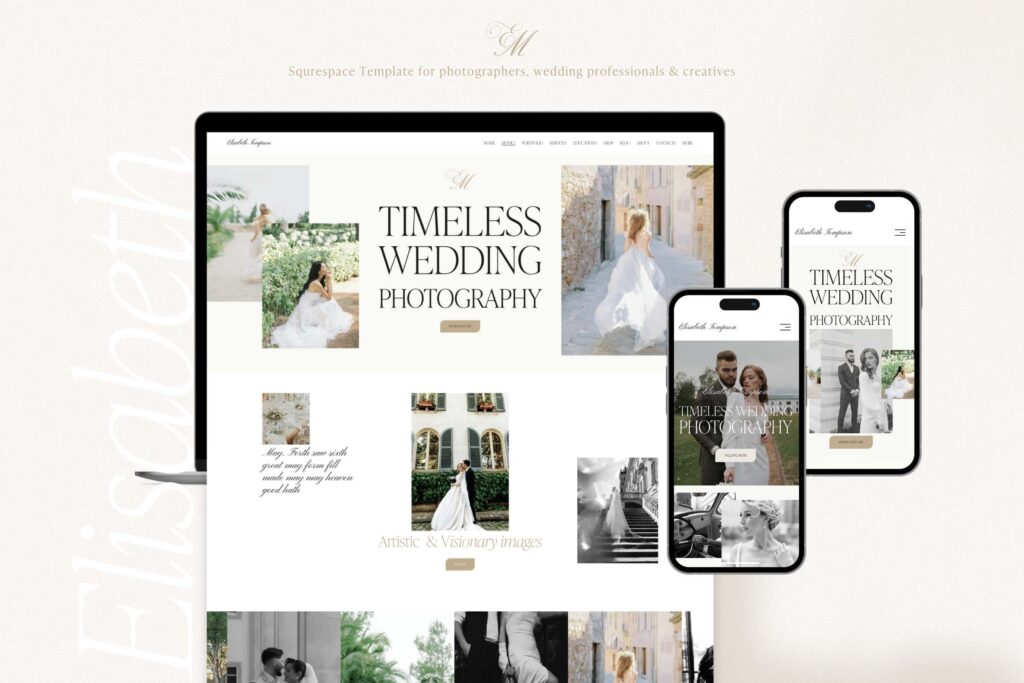
Let’s start with the layout. It’s very important to have the layout and structure of your information to be allocated across the website to attract and hold customers attention. Contrary to versatile fully functional website where you have a navigation options on your homepage, on a single landing page everything should be displayed at the same place.
What kind of Navigational options are provided?
The only navigation on landing page that you can provide to your reader is switching between different sections of your web page. This put extra load on your content representation as you as you have a single chance of convincing your customer in your services.
How is Conceptual look important in overall impression on customer?
To be able to convince the customer in your “call to action” content, you need to structure all of your content in an intuitively appealable manner, so the customer would take it on one go.
What are the Features integration option?
Many different services that are offered on the single landing page can steal be booked and paid online.
For this very reason it is important for a landing page to have an ability for allocation for the number of integral features needed to retain a customer.
Even if you are providing services that have no connection to online business, your customers can still pay for it or just book it online.
Here comes the help of the side Builder that could allow you to integrate Payment Processing or booking features into your landing page in the same way as would integrate it into multi-pages website.
How to create Easy “call to action” message?
Pursuing with the message you are delivering to the customer is the last step and the final goal of your landing page. Your Main task is to build a pathway for this message and user.
Let’s look at some examples of small businesses or personal websites that are using different ” call to action” messages to attract extra customers.
Restaurant.
While there is no possible way of paying for your future meal in the restaurant there is still an opportunity for the owner to convince customer to make a table reservation. The main goal of the landing page would be to provide a lucrative menu and nice setup of the restaurant to make the user reserve a table
Beauty Salon
While there are plenty of different services offered by beauty salons, there are certain complex services that business wants to offer to its customers. In this very case, the purpose of landing page would be to provide the benefits of the complex service compared to other type of procedures.
Blogger.
The main goal of the Blogger is to attract as many Target readers readers as possible. This is done to be able to monetize its block through giving links to some third party services. The the main task would be generating leads for some external resources. In this very case the main purpose of the landing page would be the the delivery of content in the way that bloggers audience would follow the lead.
As we can see from our several examples the entire purpose of the ” call to action” landing page is to make the visitor finally get the product or service offered.
Can landing page be a sales page?
In some case scenarios landing page owners are going even further and start selling some Goods or services From their website.
Usually these landing page owners are former owners of just information landing pages that had no ” call to action” message.
As we can see any business that has simple information landing page can easily convert it into ” call to action” page or even a point of sale.
another pathway for developing your landing page is to turn it into a complete website with all necessary attributes.
In both case scenarios you would need a solid set of tools that would allow flexible scaling and update of your landing page both in terms of adding functionality and sections with pages.
How creating a landing page with Squarespace can help?
When we consider the functionality and design freedom there are certain side builders that can provide you the most convenient platforms.
Squarespace landing pages are one of the most convenient tools to start your internet presence Journey.
Let’s look at the set of advantages Squarespace provides for landing page owners:
- Design customization
- Scaling and update
- Functionality abundance
- User interface
- Third party software integration
All of these components are equally important in creation of a successful landing page that the site owner can take wherever he wants.
Design customization.
With the landing page has the different central idea comparing to the homepage, it is important to know that customization is very limited and can be done one day on the single page.
For this very reason it’s important to have extra freedom in terms of customizing textures layout and color palette as well as fonts and different textures layovers in terms of creating a beautiful conceptual design without compromising the content.
Squarespace has one of the largest number of customized landing pages designed by professional designers that you can purchase as initial platform for your future endeavor. Depending on the type of business or your landing page goals you can choose a specifically designed press it up landing page that would respond to your needs.
User interface.
But even if you get a great looking custom landing page, you would still need to upload and organize your content. This is another challenge your face given that you just have a single page. At the same time, if you are starting your website Journey from having just a single landing page, it is a double workload to provide a concise and user appealable content given the limits of your space.
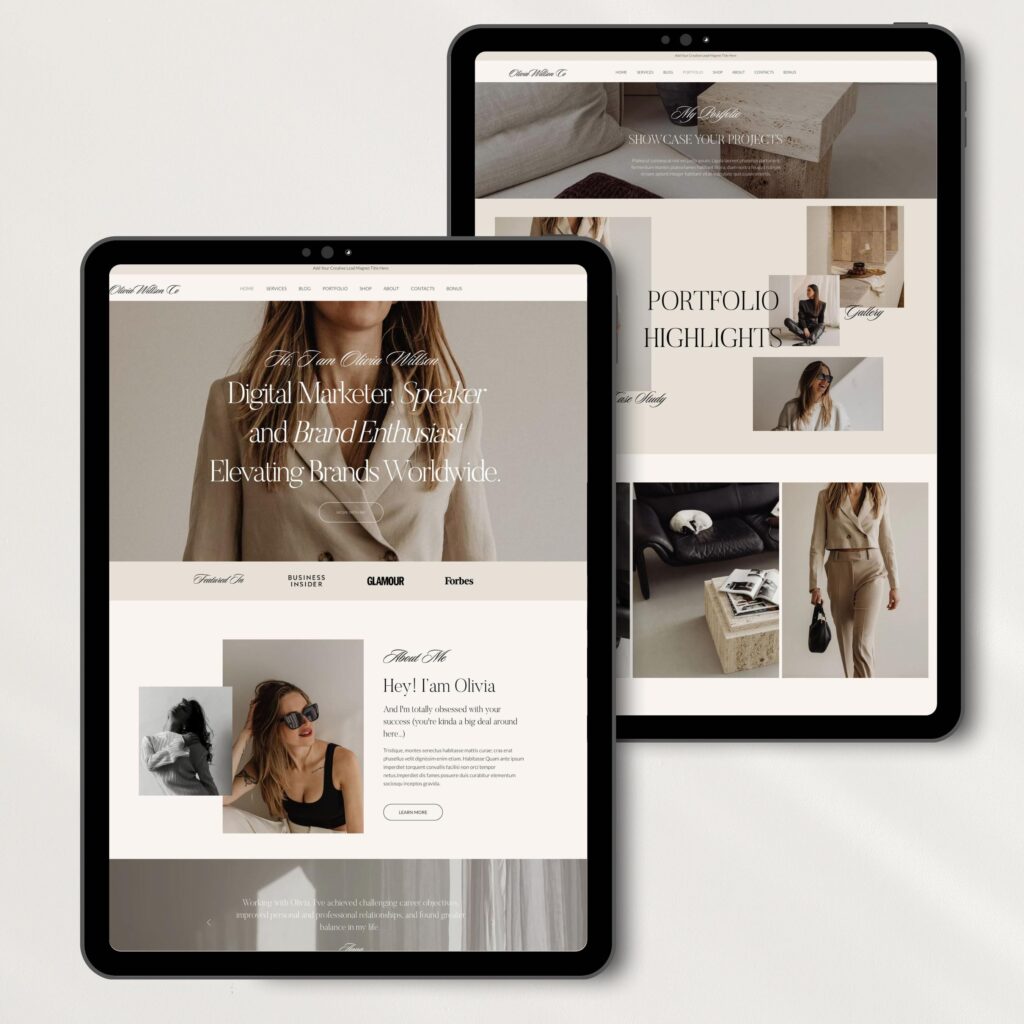
In this case it is utmost important to have the layout structure freedom in organizing your content. This would allow you to concentrate on the core of your message, rather than on how you provided to your visitors.
Update and scaling.
As we mentioned before, any kind of a landing page is just a certain path in the long way of building an online presence. Big number of former landing page owners are either switching it to versatile websites or adding some extra functionalities.
Even if you don’t have a plan of developing your landing page into something bigger, you should always have an opportunity to be able to create some additions or alterations.
Squarespace 7.1 fluid engine considered one of the best tools for the beginner in terms of customizing and developing the websites within his own scope of capabilities. Whether you want to enhance the functionality of your landing page or add sections or pages, Squarespace templates engine provides you the the most convenient and easy way of developing your website.
Functionality abundance.
With Squarespace having lots of necessary functions that you would need for your landing page it can still not be enough. Contrary to WordPress, Squarespace template have just the limited number of default features that can be integrated into your landing page.
However, when you create landing page with Squarespace, there is a solution into that issue. The reason application called Zapier. Using this application you can basically integrate any kind of a third party software to your existing landing page.
User interface.
There is a plenty of room for development of any extensive and sophisticated website. The same can be attributed to a landing page. As your business grows you would definitely need a certain tool that would allow you to grow your internet presence as well. Why we would like to choose Squarespace of other side builders is not only it’s flexibility in terms of customization and future adding.
Squarespace landing pages provides you an opportunity of customizing and developing your project without any professional experience in the design or programming sphere. When you create a landing page with Squarespace you are already several steps ahead of your competitors.
This in turn provides an opportunity for every beginner too easily scale an update his landing page both in terms of size and functionality.
To answer this question we need to First address your expectation regarding your blog endeavor. While there are many different goals goals bloggers are trying to achieve, they all need same set of tools to be able to accomplish their task.
Many side builders are providing their platforms for blog building. Such websites as WordPress, Squarespace, Wix, Weebly and other side builders have their own options to do the blog. However, we consider Squarespace to be one of the most convenient platforms to start a a website. But is Squarespace good for blogging in the same way it’s good for other purposes.
Squarespace system is set up on WordPress engine which means it Incorporated all the advantages for blog writing that WordPress used to have. At the same time Squarespace is way more friendly system in terms of customizing design and content update to provide you an opportunity for Block startup.

Let’s Deep dive into the advantages Squarespace template have as a platform to host any kind of website.
Squarespace website advantages.
Before you can ask yourself a question why is Squarespace good for blogging, it’s important to understand why is Squarespace good for setting up the general website. People are setting up their websites for a different number of reasons. Apart from leading a Blog they would like to create their own online business card. Others want to promote their services online. Those who are dealing with e-commerce or accounting for majority of Squarespace users.
In order to please all these groups first place templates shooting corporate all the website builder advantages, regardless of what’s your final goal is.
Let’s go over the list of features that any modern site Builder should have to be competitive on the market:
Custom Design
Great variety of templates
Intuitive user management
Scaling and update opportunities
Extra features
Integration abilities
Fast loading
Functionality
SEO friendly set up.
Custom Design
When it’s important to have a great content on your website to attract your audience, it’s no less important to attract attention to the platform your content is placed on. The major goal of the appealing design is to create a perception is that the website can offer smooth customer experience.
When we are talking about the design it’s important to underline several components that are contributing to the entire image of the website.

Here is a short list of main triggers to create a beautiful picture of your website:
- Structure and layout
- Warm and deep color palette
- Paint layers overlays
- Images
- Parallax effect
- Slideshow galleries
Fonts
All of these components are crucial in creating of eye-catching design of your website. A professional designer would pay attention to all of these parts to make a complete picture of how our final work should look like.
Let’s step by step look at any part of the custom design that can affect the reader of your blog.
Why is the Structure and layout important?
These are two major important components that are responsible for initial perception of your website. When person first enter the platform he can see how all of the content is structured and what kind of layout is used.
Depending on what his goal is the structure and layout of the website should correspond to it.
For example if the person render specific services like Beauty Saloon it is important to have a design is that what cultivate a perception of beauty inside the customer’s mind.
On the other hand if you offer certain Business Services like low or medical service it’s important to have a professional and minimalistic Design to show your attitude to your customers problems.
Warm and deep color palettes as well as paint layers and overlays provided by the Squarespace templates can help you to customize your website according to the potential demand of your audience.
How Squarespace does image processing?
Another a great part of Squarespace templates achievement is smooth processing of your images that you’re upload on the website. No matter what kind of sphere you are working in, it’s important to have great quality images that can attract the customer’s attention. At the same time they all should be fast loading to avoid creating an attitude of slow working website. It is the images that your reader sees first when he just starts to read your article.
Parallax effect in slideshow galleries.
To create even stronger impression some people are using Squarespace Parallax effect while displaying their slideshow galleries. This effect allows a gallery to Infinitely shuffle different pictures of your website to create an image of infinite slideshow.
Text Fonts
Text fonts is another important part that contributes to the general perception of your website. If you plan to use your Squarespace template for blocking purposes the importance of text Outlook cannot be underestimated.
Squarespace system has the number of default fonts that can be used during your website setup. At the same time Squarespace custom CSS option window allows you to integrate any third party font you like.
Squarespace blog templates
While we’re talking about the different requirements for the website to get an eye catching design, it is way harder to implement rather than just discuss the issues.
This is why significant number of different custom templates for a certain site Builder available on the market is a great advantage for a beginner blogger to start his business.
While there are not many big difference between set of tools that different website Builders are providing, there is a big difference in number of custom templates office certain side Builder available on the market.
Wix and Squarespace templates have the biggest number of beautiful looking templates for different kind of purposes.

It’s not one important to have great number of templates but to provide end user with final customization potential.
When you’re buying your template there are two things that you need from this template.
The first thing is to get a good template. The second thing is to be able to update and customize it yourself.
Scaling and update opportunities
Let’s take WordPress templates as an example. WordPress being a Pioneer system in providing the platform for blogging opportunities has greatest number of templates. However most of those templates are inferior to the one of Squarespace in scaling an updating as well as in Custom Design.
Any custom WordPress template has rigid structure and layout that leaves little room for further customization by the end user. This leads to bloggers inability of doing some structural changes while need to apply for external help.
None of this is an issue for a Squarespace user.
While based on WordPress, Squarespace allows its users to further customize the templates using one is there fluid user interface.
Why it is important to have a easy management of your website?
Easy managing of the website by the user including customizing design and adding sections and pages creates a tremendous opportunity for a successful blogger.
Easy management allows you to change the structure and layout of your website according to the change of content.
Updating your website on a constant basis is the one of the main rules for import successful blogger.
Easy scaling and update of your blog provides you a hassle-free experience while working with your website. It allows you to concentrate more on your content rather on the technical part of publishing your new media.
As your website grows it’s not one of the important to constantly update your content but to develop your website in general. Even if you are working in a blogging sphere there are several ways you can evolve your website.
When we are talking about the development of your website, we mean integration of most widespread features and functionalities.
Extra features
Easy integration of such functions as a payment processing or booking services is one of the most important aspects of smooth developing of your website.
As we mentioned before. WordPress has the biggest number of third party applications that you can embed into your existing website.
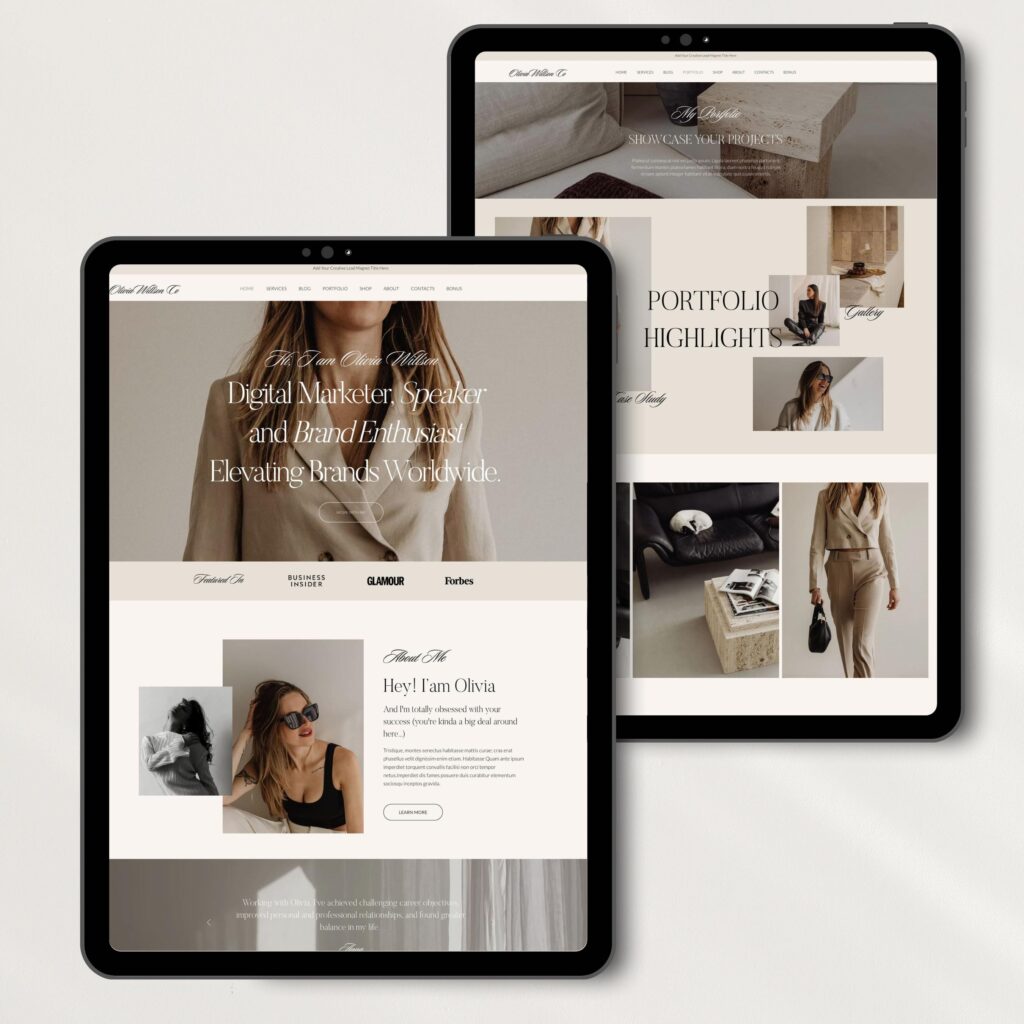
At the same time those plugins and applications are making WordPress template even more rigid and more prone to update.
Squarespace templates do not have these issues. All of the mean features necessary for the Blogger can be integrated directly into template without any coding experience. Squarespace templates do not lose their flexibility when having number of features integrated. What it means is that you can still further customize your design add pages and sections to your existing template.
Squarespace even allows for some functions where you can integrate new pages into your existing templates making it possible to juice up the benefits from two different templates.
Integration potential.
Squarespace templates do not have as many third party applications that you can integrate as WordPress. WordPress allows third-party organizations to create the plugins that can be integrated into its template system .
As a result the number of features and functions any website builder possess at the moment is the Far Cry from what the WordPress has at the moment. However , Squarespace provides the way of overcoming the potential limits of functionality
It has a default number of features and functions that are most widely used by its users. When we taking Squarespace for blogging most of functionalities you would be using are already presented on the Squarespace platform.
Just in a rare case when the Blogger needs certain kind of third party application that is never used by Squarespace default platform tools, this application can always be integrated through software called Zapier.
This software allows to integrate any kind of third party feature of function to work consistently with Squarespace templates.
This provides next level of freedom those Squarespace users regardless of their profile. All these features can be integrated into the existing templates without compromising the loading speed of the website.
Why the loading speed of Squarespace is important?
The loading speed of any website is very important for two main reasons. The first reason is that fast loading speed provide smooth customer experience when he serves through your website to find information he needs. Stock was loading can switch customer attention to another resource or even create a negative perception of your online platform.
The second reason how slow loading speeds deteriorate the overall performance of your website is it negative impact on your search engine rankings.
Any search engine would analyze your loading speed while ranking your website among the your competitors.
In case of slow loading you will not get higher rankings even in case when you have lots of appealing contents in certain niche.
And not one in speed Squarespace templates are optimized for search engine rankings.
Is Squarespace SEO optimized?
Squarespace templates are written on the WordPress engine as we mentioned before. WordPress and its turn was initially optimized for SEO purposes. In the same way as WordPress, Squarespace have slots for meta tags and meta descriptions including Focus phrase and pictures alt texts to allow for customization of on page SEO.
How Squarespace best blog templates should look like?
There is no big difference between a great General Squarespace template and the Squarespace template for blogging.
When we are talking about the blog specific experience we need to figure out first what kind of content blogger wants to use.
There are several number of blog types. Let’s split them into groups. Blogs for entertainment purposes and business blogs.
When we’re talking about blogs for entertainment it is usually a personal blog that provides information about user lifestyle experience.
Such information in the blog can be of following types:
- Travel blog
- Food blog
- DIY blog
- Beauty blog
- and many more.
At at the same time business blog would provide information about the following:
- Finances
- Taxes
- Investments
- Arbitrage opportunities
Depending on the content of the blog you should seek a respective design and structure of a Squarespace template to create a complete picture when delivering your message to the customer.
It is default images and color palettes and text fonts that would help you to wrap up your content.
On the other hand it’s important to have integration abilities or third party software to enhance your blog with different media and features.
Let’s have several examples of business and individual blogs that are requiring certain type of design functionality and feature.
What good Squarespace template for blog about travels should have?
A good Squarespace template for blog about travels should have appealing design which use light color palette color as well as good quality pictures. The general design and structure of the website should create an atmosphere of fun and entertainment for its current user. Another important future would be video and social media accounts integration.
Your readers would actually love to see your actual videos or photos in addition does the text content you’re publishing.
In some cases in some cases you would ever need a payment processing function along with booking service.
This can be done especially for active bloggers who are Gathering the groups of the followers for some outside camping or travel activity.
A good Squarespace template blog about business has its own specific. It should have a minimalistic and elegant design along with stylish and elegant text fonts. The entire structure and layout should create an atmosphere of serious attitude to a sensitive problem of your audience. Apart from business looking design your blog may need certain features such as consultation booking services or video streaming schedule. Whether you’re talking about taxes or savings people would like to get live feedback on their individual issues.
Some business bloggers would integrate certain video streaming applications into their website to set up personal consultations for Their audience.
What is the Best Squarespace template for blog?
As you can see there is no such things as best Squarespace template for blog. When choosing a platform for the blog we can consider Squarespace templates as a sort of compromise among other side builders that provide you an opportunity to build a blog from the scratch.
At the same time it is not the platform but a specific template that would best fits your needs as a certain kind of blogger. Each field of expertise would require its own kind of a design and functionality that would be a best fit.
It is your ultimate goal to figure out what kind of a template would be aligned with your potential blog.
n the modern era of the website builders every beginner has an ample opportunity to pick up the platform where he wants to start a blog. The air of WordPress total dominance in the blogging and websites creation spheres has long gone. To start your own blog you can set up a platform within one day. Today there is such a big choice of different platforms that it is hard to make a decision. To compare Squarespace page vs blog page of other builders we need to setup certain thresholds to better understand specific needs of blood content provider.
Structurally there are two main types of blogging. There are blogs that are part of the big websites where block page serves as a nice addition to the website image. The different situation happens when what you need is just one page block setup.
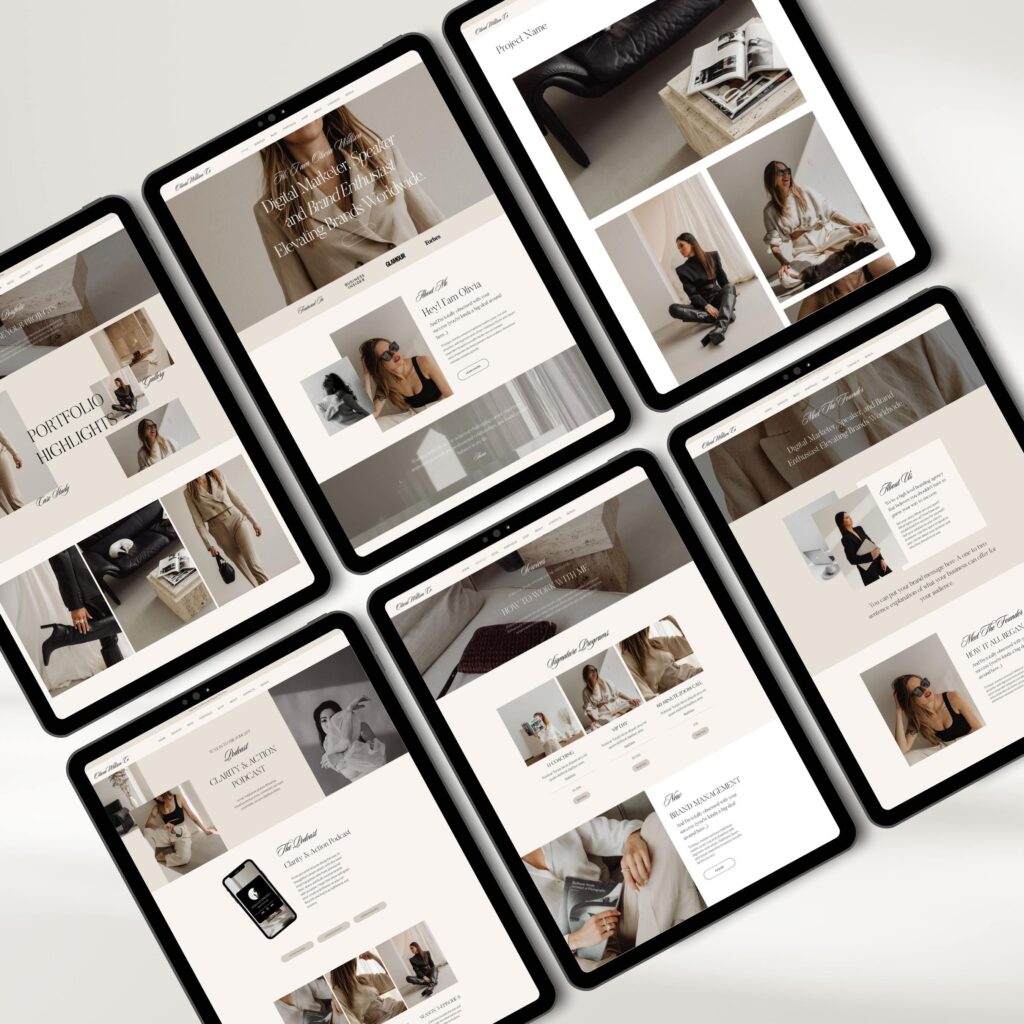
To understand better how to make a choice when comparing Squarespace page with block page from other builders we need to understand what kind of blog you want to create on your website.
What kind of blog you need Squarespace page for?
Before moving any further we need to understand what kind of block you want to start.
We can differentiate the blocks by several different options.
First of all, the blog can be split into the following types:
Personal blog
Business blog
Complimentary blog
We already talked about complementary blogs that are part of bigger websites serving to deliver information about that specific business niche.
However, when you starting in one page blog it means that your blog is a self-sufficient platform to provide all in one information to your readers.
Depending on weather it is personal or business block we can derive the potential needs for blog styling and content addition.
Both personal and business blogs have their own specifics regarding the writing style and principles of media interaction with your readers.
Let’s look at the personal blog first.
Personal blog can be related to a bunch of different matters like:
Travel blogs
Food blogs
DUI blogs
Lifestyle blogs
and many more.
Business blog in its turn can speak about the following matters:
Finances
Taxes
Savings
Opportunities
etc.
As we can see there is a big number of blogs with each providing different type of content publishing.
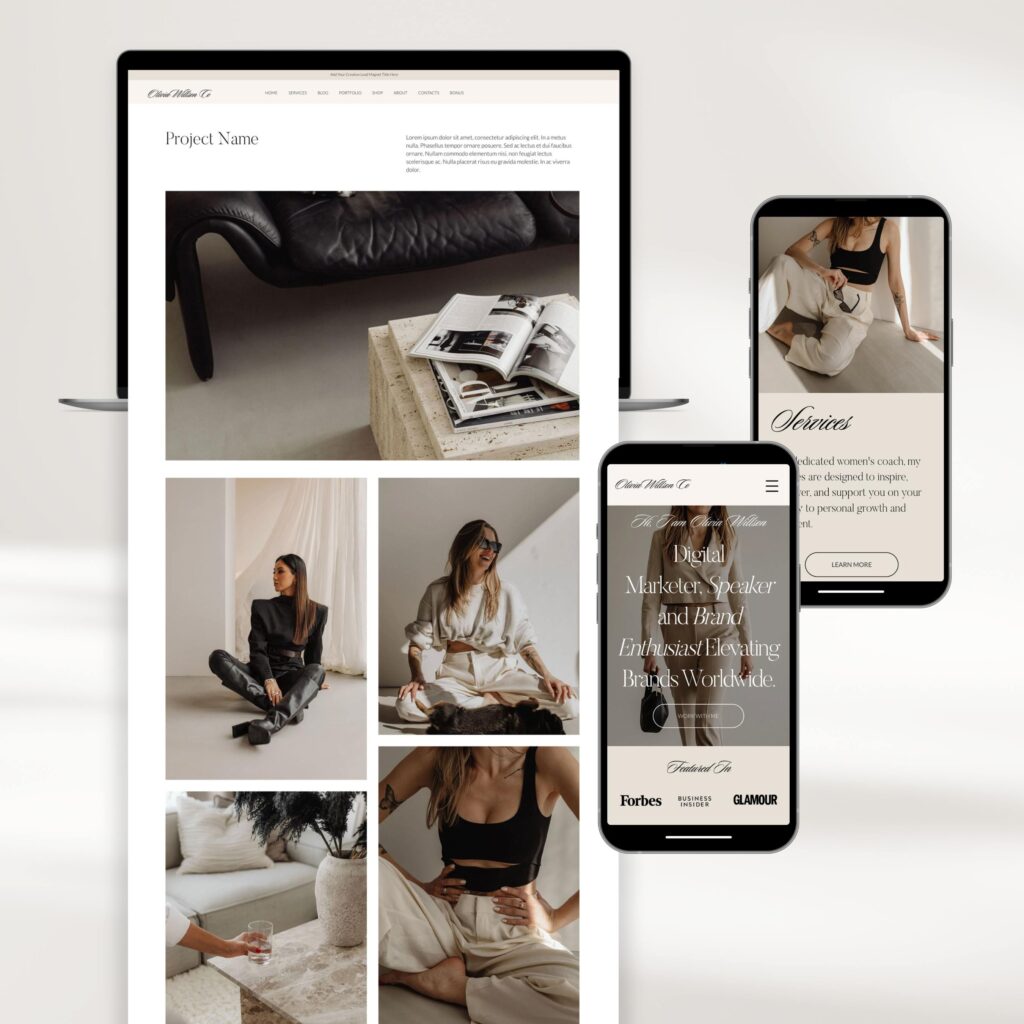
For example, travel and food blogs would require its creator to post lots of video content in order to provide emotional attitude of ulcers feelings.
On the other hand, business or tax blocks would require charts and computations to provide reader with an image of sustainable business ideas.
Given that you have already decided what kind of blog you need, it would be way easier for you to pick up the platform based on your needs. Let’s look at the advantages of Squarespace page vs blog. page of other website builders.
Squarespace blog page advantages.
General approach of choosing a website for a blog page should have no difference with choosing a platform to create a complete website. blog page created by any side Builder should meet the same requirements of versatile template as any other complete website.
Let’s look at the list of requirements for a Blog Page:
- Custom design and stunning visuals
- User management
- Functionality
- Social media integration
- Pricing
- SEO optimization
- Feature integration
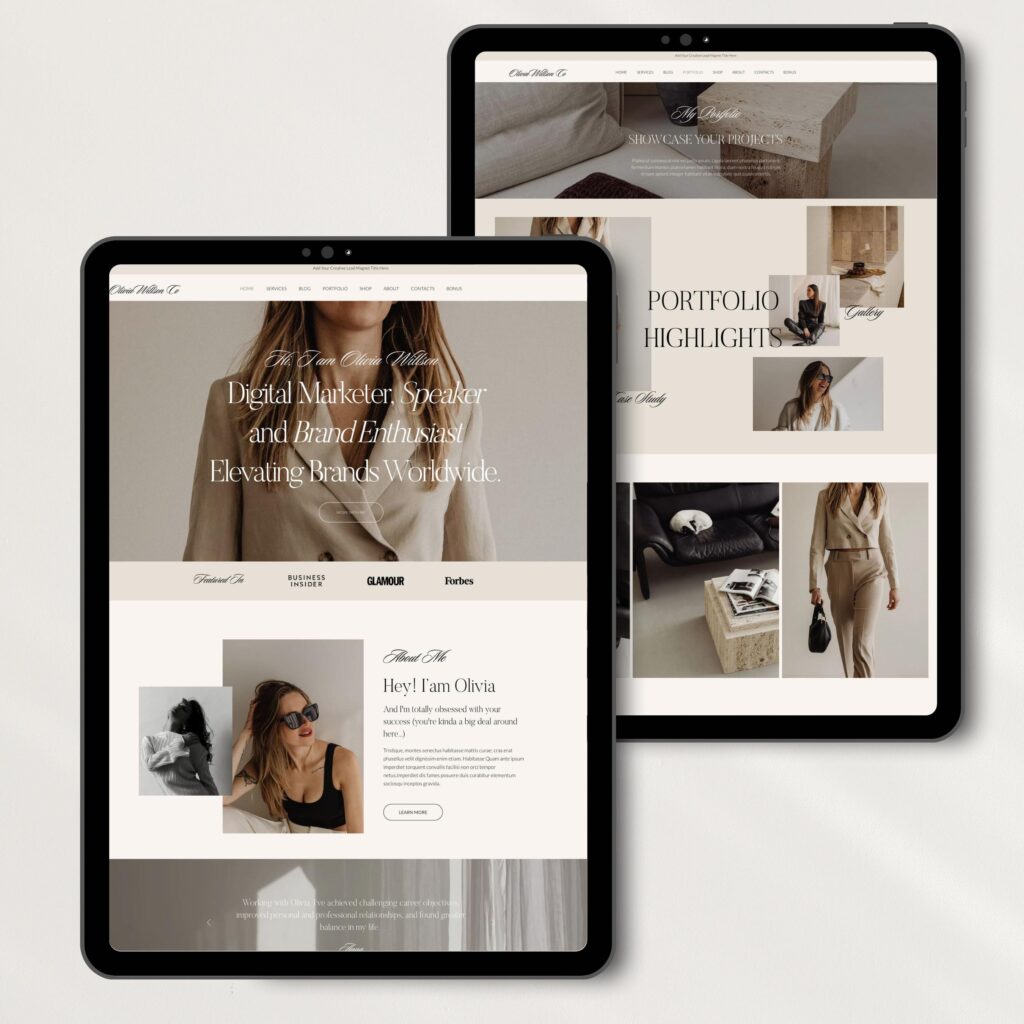
Custom design and stunning visuals.
While it’s a content that drives your blog and attracts new audience, the form in which you deliver the content is no less important. Even if you have one page website it should have a custom design with some stunning visual structures that would appeal to your audience. Even if you have a great information that is a great value for lots of people, you need to provide the smooth way for your audience to consume this information.
Was this very reason your Custom Design blog page should have all of the following components:
- Well-structured layout
- Attractive images
- Warm and deep palette color structure.
- Engaging text fonts
- Easy navigation
- Layout.
In order to provide you either the best experience with the reading content, it’s necessary to create a well-structured layout.
It is the layout that your customers sees first when he gets into your blog page. There is a common rule that your reader makes an initial decision or weather stay on your page or leave within first three seconds of visiting your website.
Squarespace templates, based on the WordPress engine, provide an opportunity for great layout customization according to the needs of the Blogger and its content requirements.
Recently introduced Squarespace 7.1 fluid engine allows you to structure your texts with all necessary headings and titles.
It allows for provision of clear structure of your content who is distinct Focus on different parts of your content. Introduction, conclusion, small subheadings and images are easily integrated into United image of your blog article.
Blog Images
Images alone are the important part of your content to make your blog articles more appealing to certain group of the readers.
It is the images that reader sees before he even starts to read the text. This is why quality Target images of exclusive content are very helpful into convincing your readers. Squarespace block page allows you to easily add image blocks to your articles.
What is more important is that these images are uploaded to the platform being search engine optimized. At the same time the upload of your image to Squarespace blog doesn’t deteriorate the quality of the image. What you have in the end is the nice quality image that is search engine optimized and fast loading on your website.
Warm and Depth color palette structure.
Another important advantage of the Squarespace blog is its color palette structure that allows for creating warm and deep Style visual textures. Last update of squares fluid engine made it possible to create a really stunning visuals that make any template look I like a professional design masterpiece. This is especially important when you’re leading the block that relates to specific topics such as food or travel.
Nice overall expression of your template intuitively convinces your readers in the sophisticated content of your website.
Text fonts.
Text fonts is another feature that can express the environmental flavor of your blog template.
Squarespace templates has a number of default fonts to set up the mood and atmosphere of your blog articles.
At the same time Squarespace custom CSS option allows blogger to add his own custom fonts to the template.
This allows the site owner to transmit business or entertaining atmosphere of his texts to be closer to its target audience.
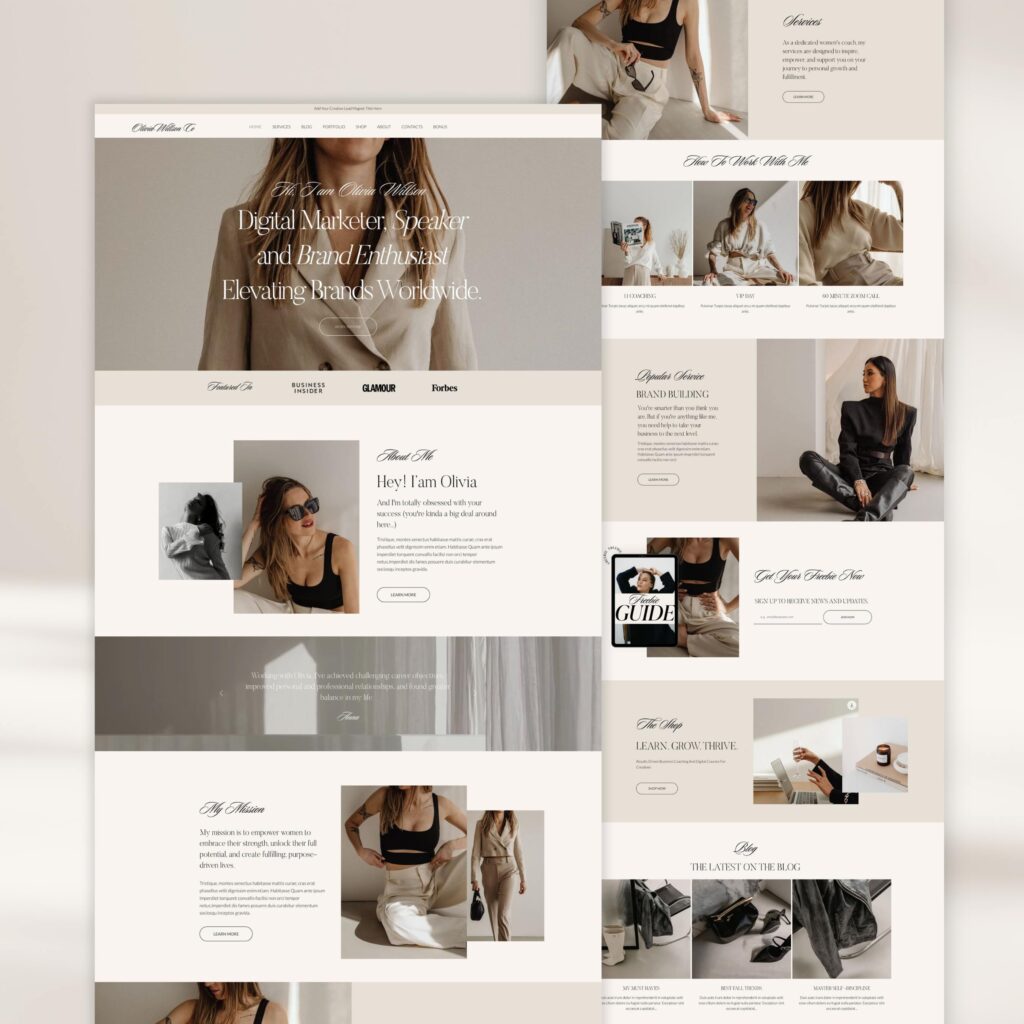
Easy navigation.
To be able to read his desired content any user shoot access this content first. Easy navigational structure allows your users to have quick and easy experience in finding the exact article or text.
Squarespace engine provides an opportunity too easily add sections and pages to your blog without compromising the structure of your existing template. This allows for fast and easy creation and development of your blog page without any adverse impact on the existing content.
User management.
Ease of use and updates of your blog is equally important for both reader and the content creator. Squarespace fluid engine 7.1 makes it possible to create a stunning website in no time. It’s not one of the time but the quality of the website th is used for blogging purposes. Simple and intuitive user interface allows a new blogger to smoothly Express his content on the new website. Why the range of tools available for editing and updating the template help start a blogger to concentrate only on the content rather than on the entire image or his template.
Today the reason why the range of presetup templates being sold on the market for different kind of websites including blogging.
Squarespace page vs WordPress and Wix page for blog purposes.
But what gives and advantage to Squarespace blog vs page of such famous site builders as Wix or WordPress.
Let’s take WordPress as an example. WordPress being the first and initial system for blogging purposes has biggest number of different blog templates available on the market. So why to choose Squarespace block vs WordPress when Squarespace is a system that is based on the WordPress.
It is all about user management. No matter how initial WordPress website is it still requires constant update and Improvement.
While WordPress and Squarespace allow for similar smooth experience of adding the content , it is Squarespace who offers more flexible page style and Design customization.
Basically, it seems that blogger doesn’t need any website customization as his main point is to add new information to the same page. However , there is a certain point in a development of any website , when design and layout customization is really necessary . At this very point the advantage of the Squarespace fully kicks in as it provides ample opportunity to customize the entire website using existing interface.
No such opportunity is presented in the WordPress structure. Having specifically structured under parent theme , WordPress templates leave little space for website customization. Especially if it should be done by an experienced person who never dealt with WordPress customization before. Squarespace eliminates such kind of issue by providing it truly Superior levels of freedom while amending and customizing your entire design.
Squarespace vs WIx
If we compare Squarespace templates with Wix templates we can see that they both have appealing design and professional looking graphics.
However in Wix templates you have the same issue as with WordPress. It is way harder to customize the existing design of Wix templates comparing to Squarespace .
Another advantage of Squarespace is its functionality potential . Wix templates allow for integration of the features that are provided by the platform. The same relates to Squarespace . At the same time Squarespace has an application called Zapier that allows for integration of any desired third party application into your block template.
Thus, Squarespace can provide custom website appearance along with update freedom at relatively low price.
Pricing points.
Squarespace and Wix provide their own hosting platforms. WordPress is set up on the regular hosting. Wix and Squarespace monthly prices are in range of regular hosting fees that you pay for regular hosting. It really doesn’t matter which side Builder you would choose as you will end up with paying around 10 to $20 monthly for your website hosting.
Functionality
While there is no big difference in terms of functionality among all major Website builders, it is all about its integration into the templates. Sooner or later, you would need to integrate such functions as payment gateway or booking system. Squarespace page allows you to integrate about features without having any special experience. Another important advantage of the Squarespace page is that also allows for addition of sections and extra pages from other Squarespace websites.
Let’s take a WordPress as an example. WordPress provides an incredible number of plugins and additional features that you can integrate into your website. However, such website would have the issues with the transfer from one hosting to another. As long as you are adding the plugins to WordPress you basically cannot move it to another hosting.
Updates and redesign
Let’s see that you decided to change the hosting for WordPress or decided to get a new design that you want to integrate your actual website into. With the WordPress it’s almost impossible given that you already applied some third-party plugins.
If we take Wix as an example you cannot integrate the existing template into another Wix website.
Thus, if you choose WordPress or Wix you are ending up with was staying up with the same website unless you manually start the new website from the scratch.
Squarespace page templates allows for integration of as a Squarespace websites into your existing template. What it means is that if you want to completely do redesign or rebranding in Squarespace it is possible to do it without losing the existing template.
This can be a substantial advantage for those users who would love to develop and improve their website down the road. Contrary to WordPress the increase of functionality using third party applications does not limit the ability of Squarespace page template for rebranding and redesign. What it means that integration of new functions and features into your block template would not adversely impact your entire website. Let’s take social media integration as an example of how you can enhance the user experience with your Squarespace page template.
Social media integration.
Social media is an important part of marketing your website content and letting your visitors know about your updates. Squarespace templates provide the tool for integrating your Instagram account right inside your homepage.
This allow you to provide user with opportunity to visit your social media accounts right from your blog. At the same time such social media integration is a great tool in setting up your search engine optimization.
SEO friendly structure.
Being built on the WordPress engine, Squarespace page templates have been optimized for search rankings.
Apart from allowing meta tags and meta descriptions to work for your search rankings, Squarespace also optimize your website content to be friendly for search engines. This includes the fast load of Squarespace page, optimized images and other graphic elements to make sure that your blog page is well read by search engine crawler.
Conclusion.
If we compare Squarespace page vs block pages of such famous website Builders as WordPress or Wix, there is a certain set of advantages that makes Squarespace page to have an upper hand. The reason number of other side builders that have their own pros and cons in terms of providing platforms for blogging. However, most of them either do not have that set of advantages or not looking lucrative from the pricing standpoint.
To understand what kind of a template would be the best fit for the video production, we need to understand what the video production is all about. Let’s get the portrait of the video producer. To be able to create a good video set the producer has to be a great photographer, designer, technical guy and good filmmaker. All these qualities should be gathered in a single person to deliver a great product to the market.
When we’re talking about best Squarespace template for video production, the first thing we should know is weather this template can incorporate all of the above.
Best Squarespace templates for filmmaking should serve as a versatile platform with set of tools that can help the filmmaker to achieve his goals.
Apart from providing a platform to work with movie clips, best Squarespace than played for video should also serve as a business card for filmmaking portfolio.
What are the requirements for the Squarespace template for video?
Best Squarespace template for video production should incorporate both the design and functionality on the top-notch level. When we are speaking about the template, we should keep in mind that for video production it’s more than just a business card or at database of customers or Goods.
The video production template should serve as a versatile tool that provides an opportunity for the filmmaker to present his Works online.
Contrary to the photos and text, movie clips have way bigger set of requirements for the template.
Despite the best Squarespace templates for video clips should meet the requirements of video uploading and Publishing, it still should be a nice looking template that would a appeal to the customers.
To fulfill the requirements in terms of the design, functionality and speed loading a template platform should have a powerful engine while providing an opportunity for custom design.
In order to understand what kind of requirements are a must for a Squarespace template for video let us make a list:
- Visual Focus
- Appealing design
- Easy navigation structure
- Content organization
- Full length slideshow
- Integration ability
- Functionality
- Mobile responsiveness
- Fast Management
- Optimized loading speeds
These are the main points that we need to check before proceeding with any given template for the video production.
Let us start and deep dive into each of these components.
Visual Focus
Am ideal template should to have strong visual Focus orientation in order to reflect the work of the videographer. While it’s relatively easy to deliver message with with text and photos, it takes way more of a hassle to reflect video content on the website.
Video clips do not play for themselves. it’s a customer we should get attracted and press the play button start getting a content. For this case scenario the visual Focus becomes the detrimental part of the videographer’s work.
And this is how best template should provide its help. Appealing visual Focus can create a perception in the customers to move forward and play the videos they like. Stunning visuals can’t be considered separately from the custom design Ace customers attention.
Appealing design.
The entire design of the website template is one of the major tools a videographer can use to stress customers attention to boast on his visual components. Clean and minimalistic Design does the great help in focusing on the core content of the website. Aesthetic and slim design can help to convince your customer proceed with looking at your videos.

The custom design of the videographer’s website consists of many different components that we should explore to get the final concept. One of the most important parts is to secure your customer’s ability to navigate through the pages easily.
Easy navigation structure.
When we have a website or videographer it’s already understandable that the template has lots of heavy content.
Thus, it is twice as important to create an easy navigation structure for a customer so he can at least save time in finding the content is interested in. Contrary to images where person just can hop between sections and pages, videos require way more effort to get from one to another. Let’s take an example of the person who would like to check some images of the photographer or designer. Regardless of structure he can just move from one image to another or even exploring the sets of images.
When we talk about video clips, the user has to go and play each video clip to understand what it’s all about. Even playing the clips alone would take minimum twice as much effort as scrolling through pictures or texts.
This is the reason why navigation is such an important part and the website of videographer.
So the best Squarespace template for video production should definitely have an easy navigation structure. another part of navigation is content organization structure.
Content organization
An ideal Squarespace template for videographer provides neat and structured way of displaying multiple pieces of the content. Whether it’s podcast or video series episodes, they all should be placed smartly on your website. The ultimate goal of any videographer is to showcase his videos to the Target customers.
What a videographer should do to fully explore his professional potential is to actually push the visitor to watch his video series.
In this case scenario it is so important to have a clean content organization that would be understandable and appealing to your visitors.
To fully explore his potential videographer should create a perception about his video clips even before the customers would play them.
Best Squarespace template should provide a videographer with an opportunity to organize its content both in terms of forms and structure to make customers watch the video clips.
Full length slideshow layout.
One of the important ways of countered organization is to set up a full-length slide show layout. When entering a videographer’s website, a slideshow should have eye catching attributes for the visitor.
While it seems that nothing can be done to really improve the slideshow there are some attributes then can make it look attractive.
Let’s look at the list of attributes that are important for any slideshow:
Different bars and layout styles
Wide range of labeling options including fonts, icons, special characters Etc.
Ability to change the layout
Video size ratio
As we can see there is still a big space for customization of your slideshow. Especially this is important when we’re talking about the video production.
Movie clips should be displayed fully informative about their content. At the same time, they shouldn’t be overloading the customer with lots of unnecessary media.
This is why the full-length slideshows should serve as the final attraction point to the visitor.
Integration ability
No matter how good your ideal website template is, they would be certain point when you would need to integrate third party resources into your website. Contrary to images, videos are way bigger in size and would need an additional hosting space at certain point of time. Initially, when a videographer starts his website template he could allocate all the videos he has on this platform.
At the same time, when the number of videos grows, they need for external storage grows as well.
What doesn’t change is the videographers need to provide customers with an access to all his works. And all this should be done from the same website template.
In this case scenario the best template for the video production would need to have a comprehensive integration ability to link external storages with the website. And not one is that. Another important point would be to provide the smooth customer forwarding from your actual template to your external storage portfolios.
There are many different systems that allow for allocating big chunk of video data. All of these storages have their own integration properties to get embedded into the website.
Website templates part in this game is to provide an opportunity for those integration to work perfectly on your website.
Nice and neat integration tools can create an environment for great customer experience and exploring all your video work from the single source. Even if the resources are allocated on many different platforms.
Social media Platforms.
One of the great examples of third party storage integration would be social media platforms. Videographers can you use their social media accounts not only for storing their video content. Such social media sources as Instagram Facebook and Pinterest can serve as a great source of customers attraction.
Using social media as one of the external sources of your video content storage helps to attract big part of customers.
But what is most important here is to make the smooth transition from your social media to your website.
Squarespace templates integration options to create an Instagram feed on your website pages it gives you a boost in both groups of customers. Those who want to switch from your website to your social media accounts, and those who want to hop on your website from being on your social media initially.

Functionality.
This Smooth customer experience is especially important for templates that are hosting videos. Videographers’ website templates should have a flawless functionality to provide smooth customer experience. This is especially important for templates with lots of videos as any discrepancy can lead to a movie play failure or even entire page stoppage.
Any failure with big size movie clips requires much more effort to restore comparing to images
For this very reason video clips as heavy chunk of information files should be all tested in terms of their functionality.
Proper functionality of the template is equally important on those desktop and mobile version of the template.
Mobile responsiveness.
With significant increase of mobile internet speed lots of people are using their mobile devices do not want to watch images but play video clips. For this very reason it becomes important to provide users not only mobile responsive template, but the template they can use for watching your video clips.
There are two functions is that your mobile version of the template should accomplish. The first function is to provide user with nice navigation experience while surfing the mobile version of your website.
Another function related specifically does the website of videographer, is to provide an opportunity for the visitor to watch full lengths movie clips movie clips from one’s mobile device.
In this case mobile responsiveness has a double importance in terms of speed and functionality. Easy to navigate and fast loading mobile version of the website should go hand in hand with hassle free experience of watching its content.
User Management.
While it’s really important to have the website template being fast and responsive for the visitor, it’s no less important to provide a fast management opportunity for the videographer while managing his content.
Producing full scale movie clips requires good functioning equipment and lots of effort. Publishing your work is no less challenging activity.

The best website template for the videographer would provide his owner who is an opportunity to easily and quickly manage his content on the website.
Apart from technical requirements for the website template in terms of loading speed and storage size, it is the user interface that allows videographer to customize his website template with his video clips portfolio.
Thanks to Squarespace engine 7.1 it now becomes relatively easy to upload and sort video content on your website to make it look attractive and stylish. A new user interface that Squarespace templates are coming with allowing owners to edit and publish video content on their platform without any significant issues.
Failure to load and slow loading speeds are the main issues a videographer can stumble on while setting up his template.
Loading Speeds
The best Squarespace template for video production should provide a sweet spot in terms of speed and quality when both uploading and playing its content.
Speed is important for both visitors and search engines.
Any search engine while crawling through your website pays attention to several different metrics with one of them being the loading speed. If the loading speed is low , it is a red flag for the search engine in terms of ranking your website. No matter how your website looks like. If it doesn’t load fast, you’re not going to get good rankings. This is especially important for the videographer’s website as heavy video content usually loads way slower.

The main task of the website template is to provide you compromise between the information you post on your homepage and it’s loading speed.
And that’s important feature the Squarespace website templates are well-known for, is its ability to provide fast loading speeds for their heavy content templates .
Scaling and Update.
Initially when you are creating website it doesn’t look as a roadblock.
However, the situation can change while scaling your business and updating your website.
When you move forward and add more video content to your website, the overall performance can significantly deteriorate.
Best Squarespace templates for videographers are set up in the way to give you a freedom of scaling and updating your website without significant drop of the performance.
It doesn’t mean that you can upload whatever you want and as many contents as you have.
No matter how initial template is good, you would always stumble upon the deterioration of performance as you add up heavy content.
What you need to find is the Compromise between overloading your homepage with lots of heavy content and having nice loading speeds.
Let’s look at the main issues a videographer faces during his website updates.
It is page load failure and long loading speeds.
To avoid both of these issues a video content maker should pay ultimate attention to the amount of content he loads on the single page.
Luckily Squarespace templates are providing speed optimized video and images processing to make sure that you video content would be played with maximum speeds possible.
SEO friendly template.
As we mentioned above it’s both important for visitor experience and search engine rankings. Another great advantage of the Squarespace templates for video production is that they are optimized for search engines rankings.
Using Squarespace templates for video production you can optimize your website to be fully discoverable by search engines. This is especially important as your video clips do not contain any texting information to rank in the search engines. However, Squarespace templates provides you with an opportunity to optimize your video content website so it will get ranked.
Blog leading
Another solution for ranking well in a search engine would be leading a Blog on your Squarespace template website. That not only allows you to attract additional readers as potential customers, but to rank higher in search engine rankings. Squarespace provides a great blogging opportunity for a videographer, where you can inject your links for portfolio directly into your blog.
This would not only attract customers, but would create a big better look for search engines in terms of constant update and development of your internet project. The most besides that you teach pretty much the problem with social security system I woke up with anything unless I was? Movie shoot over there soon enough.
Choosing the right Squarespace template for your project can be a challenging endeavor.
In order to understand you want to implement what exactly is first place template you need it’s important to gather all information around about the template and project you want to implement.
Is there is a number of different side builders who are providing you with the opportunity to create the website without coding experience. Squarespace templates are one of the popular choices. But it’s not enough just to choose the platform you want to have your website on. It is also important to get the best template for your specific profile.

Best Squarespace template for artists differs based on the profile of the artist.
However, there is certain metrics that allow you to choose the clothes to Ideal option for your custom Squarespace template. Weather your the actor or a singer or some other kind of artist, what you need is a template that would fulfill all your needs. Let’s consider best Squarespace template as a number of factors it needs to incorporate, to be able to meet your needs.
What are the advantages of Squarespace template.
When we are talking about the Squarespace template as a tool to build up your online presence, we need to know what exactly you want from the template.
Let’s have a list of requirements is that any artist would have regardless of what his profile is:
- User management
- Friendly interface
- Easy navigation
- Appealing graphics
- Mobile responsiveness
- Features abundance
- Cost of use
- SEO friendly
Now let’s go over this list step by step.
User management.
First of all. What new person needs from the website is Simplicity of setup and ease of using an updating the information. Squarespace templates are allowing you to create the website in no time. Introduction of new fluid engine 7.1 allows you to create a custom website without any coding experience. Using this engine you can not only update your existing pages, but add extra pages and build up new sections.
Another important point is that you can manage your Squarespace template without any experience as the web designer. What I’m trying to apply is that you don’t have to be a graphic designer to have your website looking professionally crafted.

The same situation happens with increasing functionality of the website. Squarespace templates are allowing you to add up number of functions and features down the road through user interface.
Navigation.
Talking about user management we touch the part of how you as an owner can you use an improve your website. At the same time is this Squarespace template setup provides easy navigation for your viewers and readers. When we are talking about ease of navigation it’s important to underline what your users would like to find on your website.
First of all, website of an artist is the kind of a portfolio that provides information to its readers and followers about the profile and action of the artist. What it means is that you need to put your main focus on text and pictures to deliver the comprehensive information to your viewers.
To comply with this task it’s important to create an easy navigation for the reader, so he can easily go to the part of your website, is that he wants to find information about.
Big websites that are overloading the readers with lots of text and information on the front page provide rather negative impact. Most of your readers would like to read the information they are interested in.
The same situation happens with images. A website overloaded with images with little text fails to provide a complete picture to its customer.
As we can see it’s important to provide the balance of text and information to the reader. Your main goal is to provide the reader with information he really wants to find out, rather than overloading him all information at once.
In this case easy and convenient navigation please the major role on creating the users attitude towards your profile and work. That’s How The Power of the best Squarespace template for artists can contribute to creation of a nice General image of the artist himself.
Brand identity
However, creating a nice navigation is just the beginning part of the process of setting up your best Squarespace template. To create a nice looking image of your profile you need to set up a brand identity. When we are talking about the brand identity, we mean your profile to be that type of a brand.
Let us proceed with the least of important components that are building up your actual brand identity:
- images
- texts
- layout
- General Style
- text fonts
- features
All these components are contributing into creating a comprehensive environment of your brand identity through your online presence.
Images and video are the main media sources that can provide information about you and your activity right from the start. Squarespace templates provide you an opportunity to upload your favorite images and videos to different sections of your template. All these done without any loss of speed of template loading. This is especially important when you’re trying to create the portfolio with lots of different works. Squarespace allows you to do that without compromising the speed and the quality of your media.
This is especially important when you want to impress your readers. At the same time, you don’t want your visitors to wait for a long time for website to get loaded. Even search engines do not like the websites that are loading for a long time. As we can see in image and video presentation Squarespace templates can be considered as the one of the best platforms on the market.
And as important part of your brand identity is texts. To be able to provide your visitors with information about your profile, you need to set up concise and appealing texts. Squarespace templates are providing you with with tools to modify the style and look of your texts. Thus, you can integrate them to be a perfect fit for your website.
Levels of graphical freedom in customizing the text allows you to make them a perfect addition to images and other media on your website.
Another place, where Squarespace templates have a clear-cut advantage, is the levels of freedom in creating the layout.
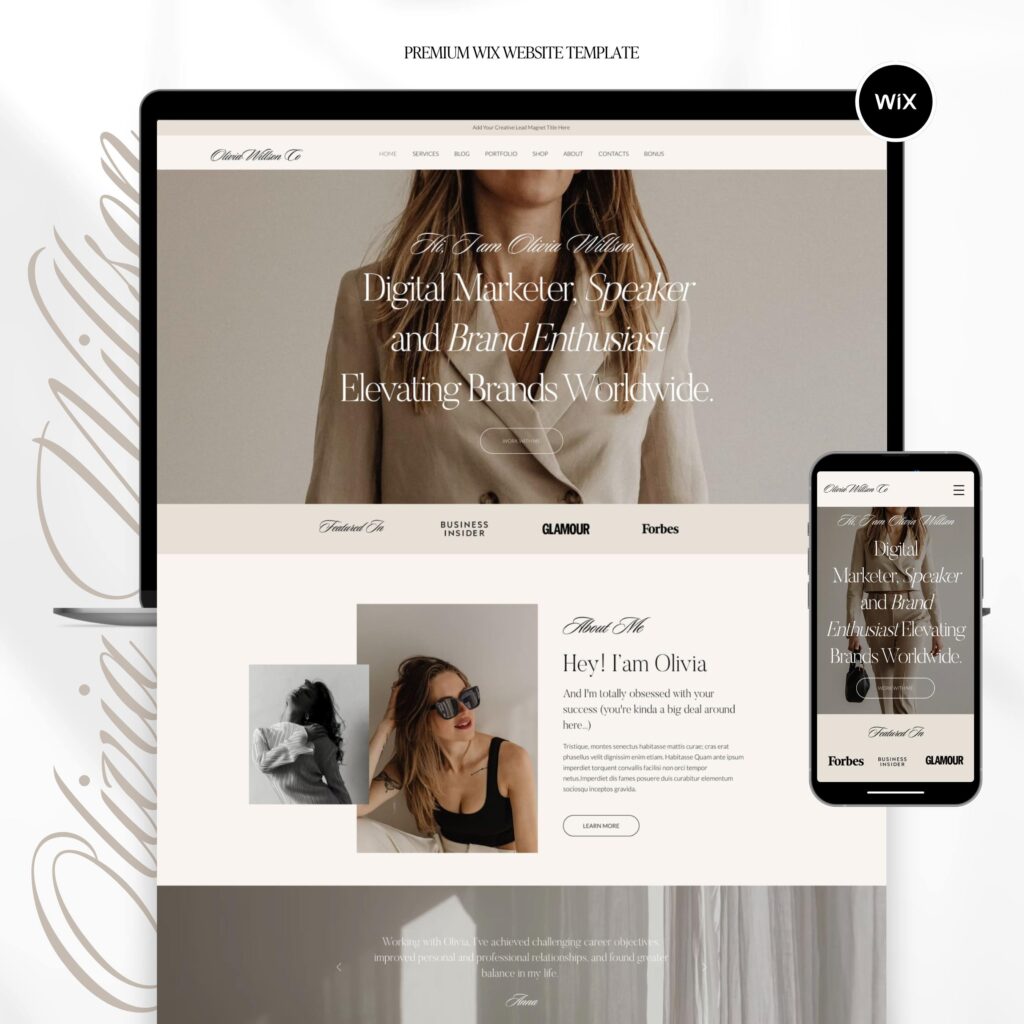
Contrary to other website builders such as WordPress or Shopify, Squarespace templates provides you an opportunity to set up and customize the layout the way you want. And with that being said, you can even get it custom Squarespace template with the great design from one of the template sellers on the market.
Custom Squarespace templates look way more appealing compared to their counterparts from Shopify and WordPress platforms. All that due to the freedom of layout setup. Being able to work with the layout and color palette , modern designers can create a real masterpiece of Squarespace templates using tools of 7.1 fluid engine
The same situation can be attributed to enhance the functionality of your website.
Squarespace templates give you an option to integrate number of features and functions with no coding experience.
Squarespace provides you with the default variety of fonts that you can use to create your website.
At the same time, is there is a custom CSS feature, is that allow you to integrate any font you like. This provides you
an opportunity to add different kinds of flavor to your text and general design of your website.
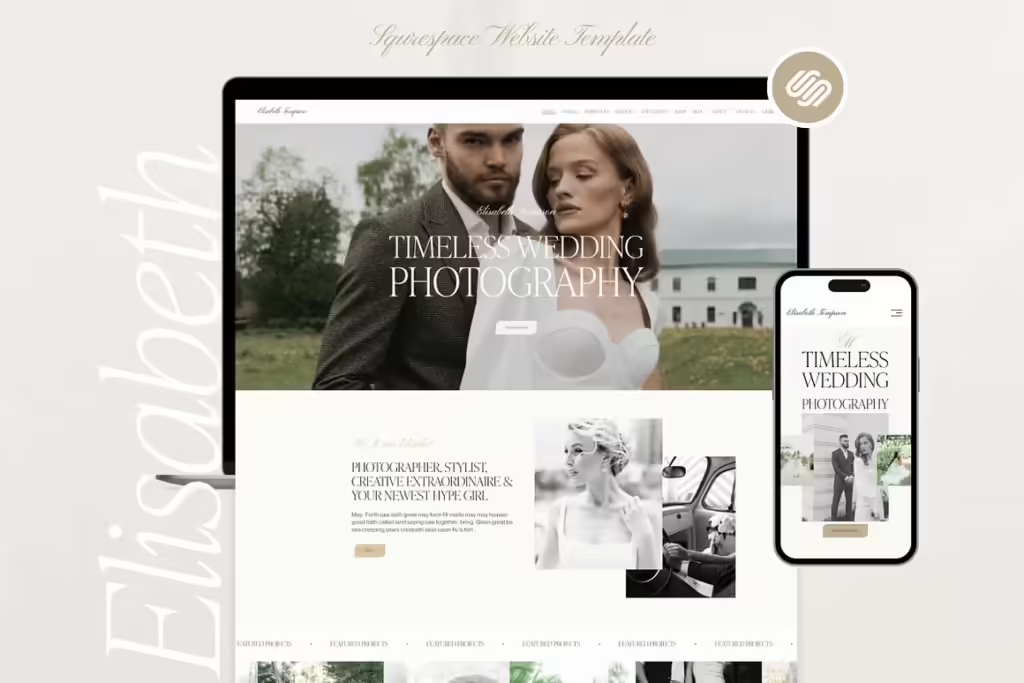
Graphics.
Even without pictures or texts, Squarespace templates provide you default number of tools that create a greatly looking website. And this includes the situation, when user doesn’t have any graphical or design experience.
Wide range of color palette, smooth lines and side setup building tools of Squarespace 7.1 fluid engine provide a great opportunity to create a nice looking website even without strong graphic designer skills.
Mobile Responsiveness.
Another part of Squarespace templates advantages is its mobile responsiveness. Squarespace templates fluid engine allows you not wanted to create your website on the desktop version but also adjust your project for mobile version. As we all know most of the customers are trying to access the website through their mobile devices. This puts an extra importance on setting up the mobile version of your website in the way to be no less user friendly then your desktop version.
Simplicity of integrating pictures and adding up the text along with freedom of use allow site creators to set up a perfect mobile edition to their desktop version.
That concerns not only graphical part of your website but but also there functionality of your resource.
There are several groups of people who have their own perceptions of what best Squarespace template should be. Let’s split the potential visitors into two main groups. First group is judging the website mainly by its design and graphical appeal. For this very group it’s important to have a great desktop version with attractive graphics and appealing text phones.
On the other hand, there is another group of people who are judging the website by its functionality. What’s the value of the most is the easiest and fastest approach in getting the functions they need. This kind of clientele are mostly using mobile devices to access your website. And not one is that. They mostly prefer to execute all the functions and features that your website presents through mobile device.
What it means is that functionality and responsiveness of your mobile interface is no less important in order to attract big chunk of your visitors base.
Functions and features.
Another thing Squarespace templates have a distinct advantage in is Simplicity of integration of different functions and features into existing website.
No matter what kind of website are you initially plan to create. Your online project is evolving along with your business. What it means is that you would always need to add new functions and features to your website as you go along.
Let’s have a look at main functions and features that you would mostly need on your website sooner or later.
- Check out function
- Booking feature
- Scheduling feature
- Social media integration
Check out
Many artists are creating their websites to be a kind of business card at the beginning of their path. Most of them decide to add some extra functionality over time. One of the most widespread function is the payment processing terminal. People need that to sell their goods or services related to their profile activity. For example a dancer can sell some clothes with his custom signatures took his followers.
Or a singer can sell his personally signed albums to his listeners. There are many more examples or what artist can sell to Their audience. But to do that they need the payment Gateway integrated into their website. Squarespace provides such an opportunity. Any artist can integrate the payment processing Gateway into their website and start selling his stuff online.
Booking option.
Apart from selling goods and services many artists need to provide a booking opportunity of their services on the website. Squarespace has this option. What any artist can basically do is to set up a booking system on his own website. Was this booking system he can sell his specific service to his customers.
Whether it’s a guitar class or beauty salon visit, Squarespace makes it possible to get it booked online.
Scheduling feature.
Along with the booking option, Squarespace templates make it possible to create a booking schedule. Using this booking schedule any customer can book his service for certain time and date. This is greatly facilitates the organization of services for the site owners. By providing such a feature Squarespace basically it takes a function of the database with all information stored automatically date the entry. This creates a hassle-free experience for the site owner while managing the users and their booking sessions.
Social media integration.
Apart from providing great booking and checkout services, Squarespace templates offer easy social media integration into their website. This can be considered as another powerful tool to attract new customers. Social media accounts integrated on the Squarespace are working both ways in terms of marketing. Those who find artists on the social media can then go to the website and still enjoy the social media integration.
At the same time there are certain number of people who are getting to the website first and can easily switch to their social to the social media accounts. This provides a win-win strategy for attract dancing the experience of the existing ones. As we all know no matter how good the website looks and what functionality it offers , the most important part is how to reach your audience.
Allowing for integration and display of social media accounts on the website Squarespace interface does a really great job in terms of helping site owners to promote their projects.
SEO friendly.
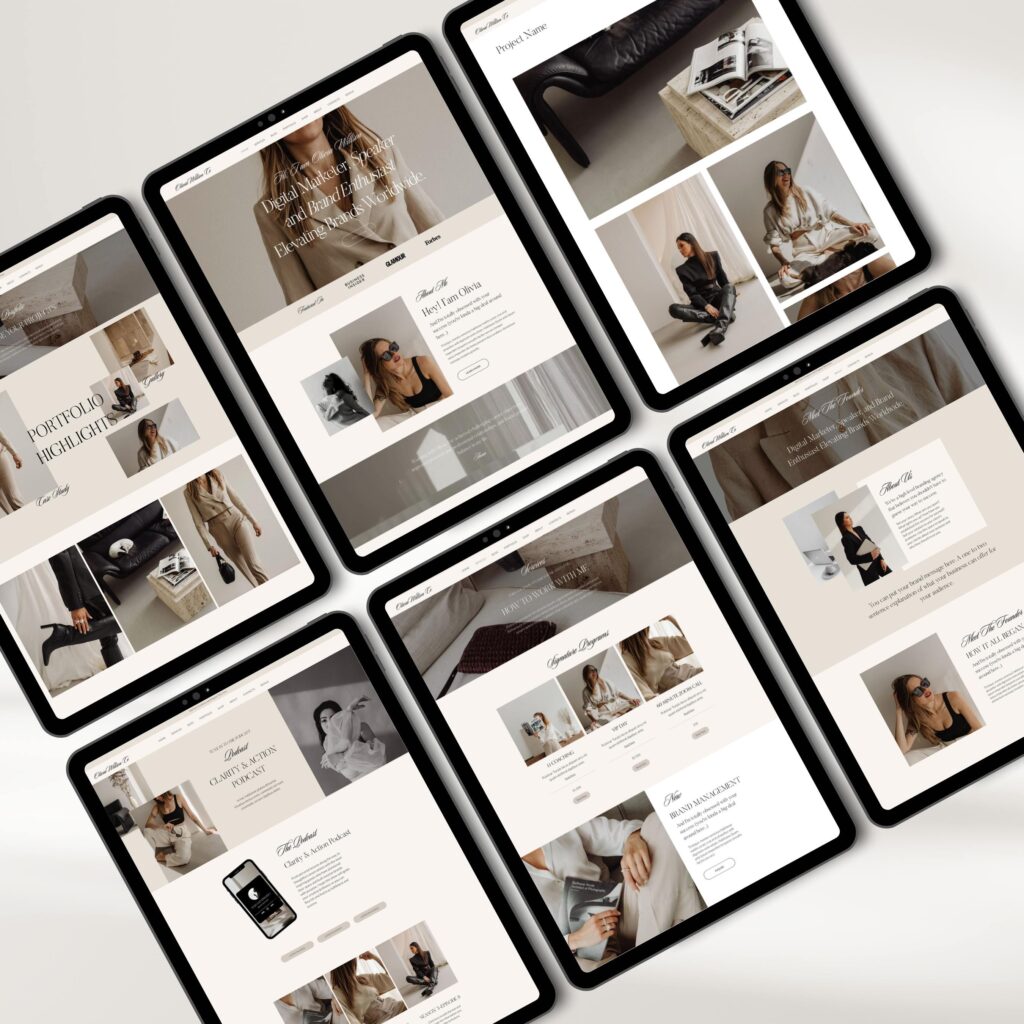
And that’s a great advantage of the Squarespace templates is it SEO friendly structure. Using the Squarespace templates options you can set up your technical and on page SEO. This allows you to make your Squarespace template to become search engine friendly. This in turn facilitates all your search engine optimization work.
Ability to put keywords and descriptions of your website into special dedicated spots allows you
to get your website discoverable by the search engines. When your Squarespace template is SEO optimized, it is way easier to get your website ranked in Google and other search engines.
Custom templates.
Given all advantages that Squarespace templates are offering today on the market, it’s needless to say that it would be a perfect fit for any startup or experienced artist.
Today you can either start scratching your website on your own or get a press it up nice looking custom Squarespace template from a professional designer.
Choosing among press it up then plates you can better feel what kind of Squarespace template would mostly respond to your needs. Whether we’re talking about the setup or functionality it is a general appearance of the website that makes it the most attractive. When choosing between setup and functionality don’t forget that functionality can always be added up later.
What most important is the initial look of the project as most people are taking a decision of state or relieve on your website in the split of the second. If they like the general look of your Squarespace template then they would proceed and research what they want.
As one of my photographer friends told me:” it’s not what you see, it’s how you see it”. It doesn’t really matter whether you use best Squarespace templates for photographers or some as other platform to deliver your content.
What matter the most are emotions that your photos can spark.
What it takes to get an emotional photo shoot?
Do you need an attractive content?
How to transfer the vibe of the environment into the picture?
What accounts the most for appeal in your customer’s hearts?

At first sight work of the photographer seems to be fun and joy. Just if you can understand what the hard work then behind those good photos that they get from the photographer after the event. If we look at photographers contests around the world, we can see that millions are paid in prizes for seemingly simple photos.
Does anybody know how hard it was for the photographer to get this simple photo?
There is a bunch of factors responsible for good photoshoot…
It’s not only the hard work of the photographer, but his style, experience and set of tools he’s using to get the best memory of the event in the form of picture.
What are the main goals who is doing photo shoots on order?
To create the best memory through the photos and to deliver this memory to the customers.
But how can customers know then you can deliver the memories they want and get the photos that would color their lives?

Well, what it takes is incorporating many factors all together to get a complex combination with each factor shining to the maximum extent.
A friend of mine who was a good photographer usually got his customers from the word of mouth. That is not how it works today.
With more and more customers looking for photographers online it becomes extremely important to have and online presence to squeeze all the juices from the market.
But what to do if you don’t have any previous online experience of advertising your photography business.
What makes you different from others?
Let’s have a short list of what is standing beyond smooth customer experience:
· Online identity
· Brand awareness
· Sophisticated styling
· Eye-catching website
· Touch and Go services
· Review based approach.
Let’s deep dive into exploring of the success components of your on-line endeavor. You are sure about your great photo sets that you providing to your customers. What you need is to deliver information about your outstanding experience and amazing photo sets to your customers.
How can you get your on-line identity from the scratch.
Let’s say you found one of the best Squarespace templates for photographers and set up your website.
Now it is time to start customizing it and create information about your services not only on your website but in some other public media sources. Apart from customizing your Squarespace template, you would need to start your social media accounts as an example of your online presence.
Another good addition to your online presence I would be to upload your portfolio of previous works to different boards and platforms, created especially for photographers.

When we are talking about building your online identity, we can use several ways advertising yourself using public media sources.
The initial and most important steps would be to register Instagram and Facebook accounts with uploading your portfolio galleries.
Another move would be to get registered on Pinterest and upload some of your works there. What you need is to deliver the message to your customers about the quality of your work. And the best way to deliver for the photographer is to actually present his photo sets does the biggest audience possible.
Another great method that you can use is leading a Blog about your photography business. This could be a super effective technique as it not only lifts your reputation among your audience but also impacts SEO ranking of your Squarespace template.
Blogging as well as your portfolio updates helps both search engine and real people to understand that you’re active and growing.
But will that be enough to get your photography business online successfully?
Another step would be to build your brand identity?
Contrary to the designers that have absolute freedom in what they are creating, photographers’ creativity space is limited by the content they are shooting.
However, it doesn’t mean that a photographer can’t have a style. Your style as a photographer starts with the Squarespace template you choose while building your online presence.
With so many templates out there for almost any kind of activity there are just a few that can’t satisfy you as a photographer.
When choosing Your website, you should consider it as an extension of your big single portfolio gallery.
This portfolio gallery would finally create a perception in your customers regarding your services.
Your website setup is the key factor in establishing a brand identity online.
How to make your style stand from the others?
You’re online styling is similar to your photograph business. Customer judge it solely by its look. It’s important to create an astonishing photo set to gain the hearts of your customers. It’s no less important to create a sophisticated look of your online presence to attract these customers to you first.
Taking into account that you already build up your online presence and getting visitors on your website, it is another effort to turn these visitors into customers. It takes even more effort though the customers into loyal and repetitive customers. Let’s imagine is the customer is comparing you and some other photographers of your field. The one in the metric he would base his choice on would be the individual Style of the photographer.
Getting the right template with lucrative design I would be the first step towards expressing your own style. Another more important step would be to use structure and layout of the website to express your photographer nature potential. Contrary to offline advertising the process of creating a good perception of your photo skills is far more complex. Every part of your website including but not limited to content and design styles should look ideal in the eyes of your customers to win win their sympathies.
How can I exploit my conceptual photographer identity through the website ?
Squarespace templates can be one of the best versatile tools to introduce your conceptual photography identity on the market?
Best Squarespace templates for photographers consist of the number of components that needs to be fully explored on the platform.
We can split those components into three major groups:
- Eye-catching design
- Functionality
- Structure and layout
Website design singularity.
We can’t consider the design being separate from the general structure and layout of the template. The major components of the design can be attributed to layout, images, styles and text fonts. Only complete integrity of all the elements can mold a persuasive statement about your proficiency level as a photographer.
With each part playing a role it’s important to have a unique combination of all the elements to transfer the emotional appeal of your photography potential. The general styling of your website should transmit A vibe of your photography passion.
Images and styles of your Squarespace template should reflect cultivation of your unique Photography Style. With the style already set up on the template, it is images that can be a game changer and expressing your photograph personality.
Images on your website are serving as a major driving point for stating you as a distinguished professional on the market. It is the layout and structure of the website that allow you to fully explore the power of your images.
Structure and layout integrity.
While it is images that your visitor sees first on your website, it is their structure and layout that form a complete picture of your online project through those set of images.
Depending on layout and structure you can create a unique ensemble of images that would stand for general impression of your website.
Here are the example of type of images that are used on our websites to provide you with full opportunity of exploring your photography potential:
- Portfolio galleries
- Slideshow galleries
- Full width images
- Background images
- Parallax effect images
- Videos and animated graphics
Each of the above elements contributes to creation of an Integrity of expression of your individual style.
Warms and depths of the textures as well as color layouts form the general look of your template. Whether it’s feminine and minimalistic or stylish and professional it’s all about graphic layout is that transmits the mood of your template.
But your own galleries and images that you use on your website provide the final estimate of your Singularity as a photographer.
While it’s your goal as the photographer to provide information about your business from the best perspective it is the goal of the Squarespace templates designer to wrap it up and present to the customer.
Website functionality.
The main goal of the designer is not wanted to create a head turning template but to support a versatile functionality integrity of all the elements and features of the website.
An appealing and convincing Squarespace template should have following components:
- Astonishing content
- Appealing and good looking texts
- Easily explorable pages
- Strong information oriented pages
- Interesting and informative blog section
- Optimized graphic and images
- Smooth and easy check out
- Optimized for search engines
- Customer reviews is a plus
Astonishing content.
When we are talking about astonishing contact it’s important to underline that it is your portfolio that would customer finally get. Thus , even if you manage to attract the customer and he would like to proceed with the purchase, he would still look at your portfolio. This is why it’s strongly advisable to have your portfolio represented at almost every section of the website. While exploring the template your potential customer can see your portfolio and deeply understand what he’s going to get at the end of the days.
Appealing and good looking texts.
Images and pictures are important. They serve as a primary source of information for your customer to make a decision. At the same time. Precise and good looking texts pays their own role in convincing the customer about the level of the photographer and it’s ability to fulfill its task. Nicely structured texts with concise and focused information on the services you provide will create warm and friendly attitude from your customer towards your personality. Using elegant fonts could really contribute to creation of atmosphere where your portfolio images would make the most profound effect.
Explorable pages
Your customers should easily find information about you and your personality. It’s not enough to provide you images as the ultimate metrics regarding your level and experience. Photographer customers are usually ordering photo sets for their personal events. Was this event they they not only want to make sure that they get a good product but to establish an emotional connection with the service provider. Every customer understands that there is no second chance in choosing the photographer after event has ended. For this case every customer pays attention to every single detail while looking for the one making photo shoots.
The more information you provide about yourself the more positive perception you would create in customer.
Customer reviews.
Adding a customer reviews on your website would be a major Plus towards convincing your customers in your Goodwill and your level of professionalism. Customer reviews provide objective and and usually comprehensive information regarding your services. There is no other element that can convince the potential new customer so much as a previous customers reviews. This is why the more you pay attention to gather reviews on your website the more customers you going to get regardless of all other factors.
Interesting and informative blog section.
Leading interesting and informational blog create another positive trait and your evaluation model. Leading a Blog in modern world is one of the main indicators that you have enough expertise in your field.
Blogging also can help you in setting up better SEO experience. Search engines allow websites that have blog on their pages. At the same time blogging serve as a kind of update that happens on your website from time to time. This gives an impression of freshness and timely update of your website.
Optimized graphic and images.
And that’s a great advantages for SEO purposes is having your graphics and images optimized. If not one that helps to load your website faster. It also directly impacts your SEO ranking. No search engine wants to have a long loading website in their top of the list. The same concerns to part of your customers. Some of them do not have fast loading internet, others doesn’t want to wait more than a couple of seconds. Fast loading and optimized images helps to easily interact your customers with pages and have a hassle free experience while surfing your website.
Smooth and easy check out.
Easy checkout option is another important point that should never be overlooked on your website. For some customers it’s not price or quality they cares the most. What they want is an instant gratification. Imagine those who don’t have time or energy to explore different opportunities in terms of finding a good photographer. What they want is just to get on the website pay online and order the service. For those type of customers it’s important to have fast and smooth check out on the website.
And check out where customer can’t get into see the empty spot for your service and make there reservation right away. Many customers don’t like the personal experience and they just want to order some service online without any prior communication with the service provider . Was this type of customers it’s important that they can locate you an information about you online . Usually those customers are looking for service providers including photographers using search engines .
Optimized for search engines.
Optimizing your website for search engines is another vital part of setting up your Squarespace template. Apart from great graphics and structure quiz functionality it is SEO friendly setup that makes Squarespace templates be one of the best for the photographers.
Search engine optimization is a long-term non-stop activity is that every website owner should do on the continuous basis. The photographer is not an exception. This is why I consider the Squarespace templates to be the best platform for the photographers. They not one to help to set up an Express their message on the platform but provide the smooth way of delivering this message to Consumers.
Everybody who is starting his new online project would like to get the best product on the market. What I mean by the best product is the best combination of content and frame to deliver the most appealing final product to the customer. We should underline certain metrics used by customer while making his choice in choosing the specific template. If we take Squarespace then plates as an example we need to answer the following questions.
what are the parts of the Squarespace template that makes them better than templates of other side builders.
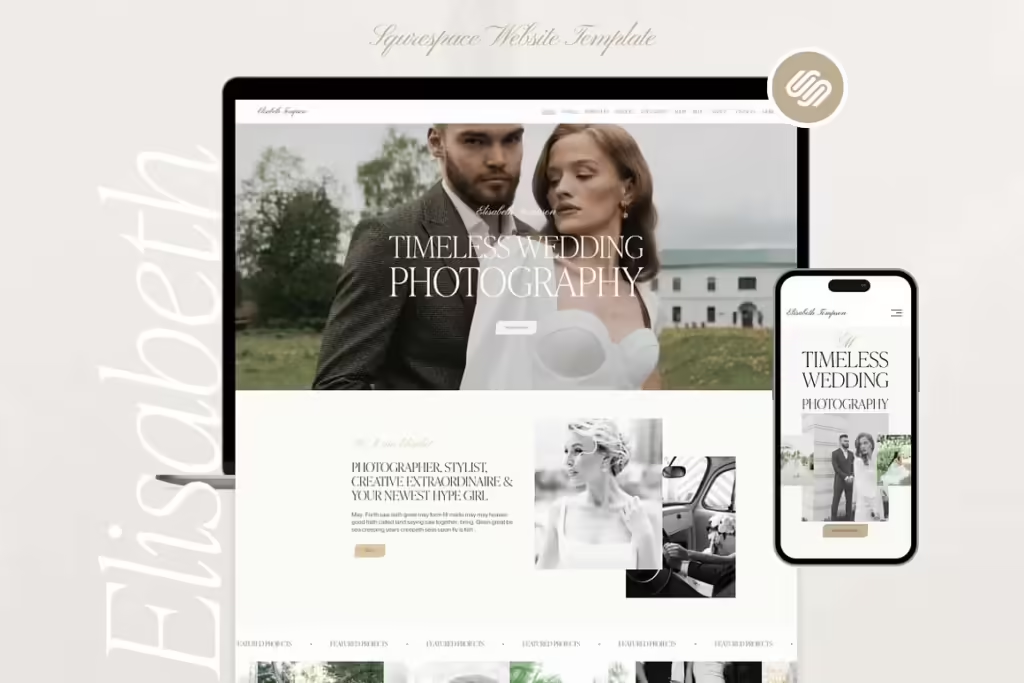
Why people should choose Squarespace templates or WordPress or Shopify templates?
What are the advantages of a certain Squarespace template over the others to become one of the best Squarespace templates on the market? What is the definition of best while we are considering the template of any side Builder?
new paragraph if it deep dive into the history of website Builders enrollment we can see that initially the main role of side Builders was the Simplicity of the side setup. However today times changed people are choosing custom templates done on the side builders. It is the look and functionality of the template.
Best Squarespace templates as best templates of any other side builders has certain components that trigger the demand of the consumers. It doesn’t matter in what field a person wants to get his Squarespace template. What matters is how this template looks like. In order to understand how to choose the best Squarespace template that would fit your goal we need to explore the elements of being the best.
Components of your success.
Now what it takes to get a success on the market? Especially if you working online and need to create an appealing content. It is the content and it is the platform it is expressed on. To those two components we can add another component of the design of the template that you publish your content on.
Let’s take a beauty salon Squarespace template as an example. What are the major key factors that needed to be envisioned in your work to get the maximum result?
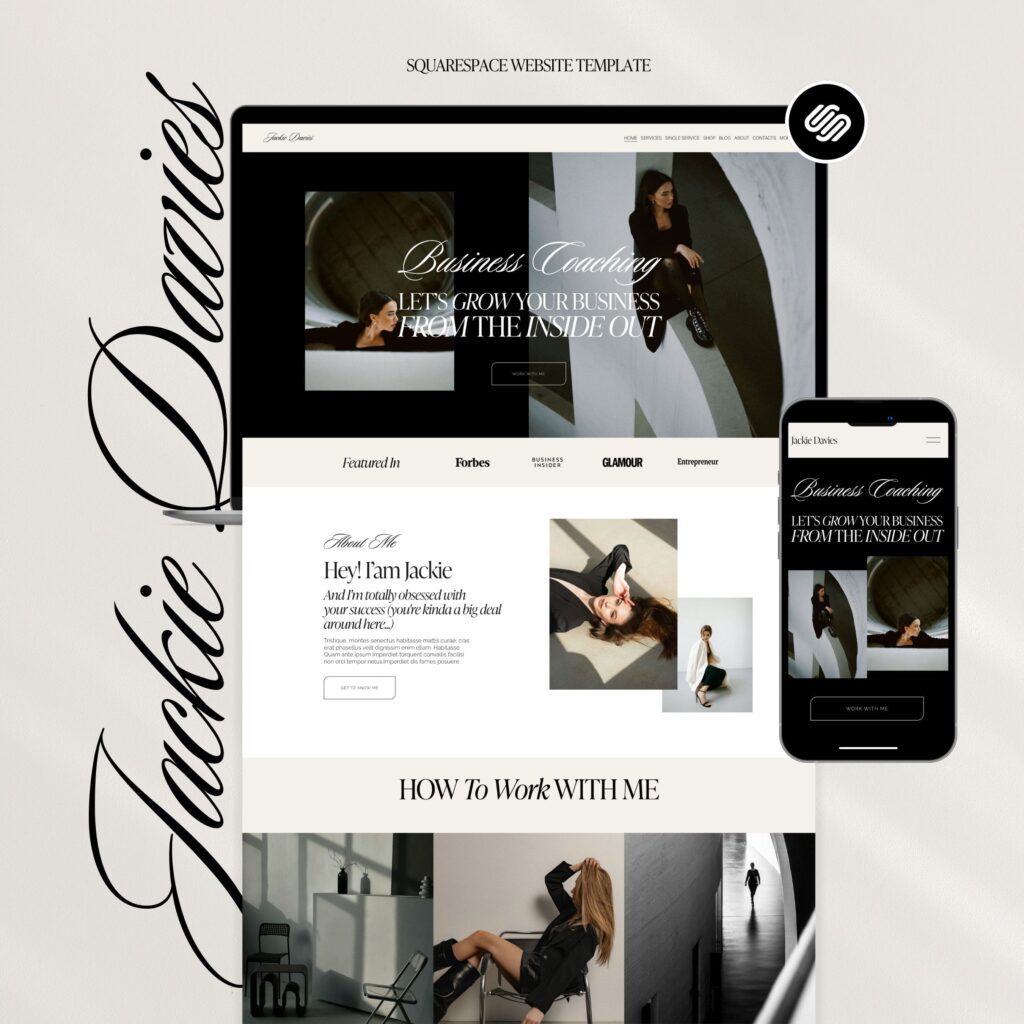
The best bet would be to concentrate on your content and provide users with most relevant information regarding the products and services. And you will be right every person who wants to get some service is interested in the information about the service. At the same time, it is no less important to publish your content in the way that it would find an appeal in your customer’s eyes.
But how to choose the packaging of your message to make sure that would catch and attention of your potential customers. It is the design and structure of your message. Now, when we are talking about the design our main goal would be to choose the platform where we can express this design.
However, are we planning to build our website on our own?
Yes, there are some users who would like to start with building their own website choosing the site Builder platform they like the most. But having no user experience in how to build a website you have little chances to build a great deal looking template. Even being a good designer it would take an effort to take an effort to get used to the platform and set up an attractive design.
Most people most people prefer to apply for help to a professional designer. Here you have two options. Whether you can order your website from a designer or you can get a great custom template on the market. There are many press it up templates for sale on the market from different side builders.
Each side Builder has its own specific style of templates.
Based on this templates you can understand which side Builder fits you most. We decided to take Squarespace templates as an example due to the fact that they feed to most of small business owners.
As we mentioned before, if you run a beauty salon or another small business your main goal would be to capture the customers attention by the entire website. Contrary to the big companies that do not care about how to deliver their message. They already built brand awareness. So it is vital for a small business to look up notch in the eyes of his potential client.
Was that very reason it is ultimately important for any business owner who just launches his website to get an astonishing look of its website . It is the look of the template that would play detrimental role in customers perception. Given that you have the similar content with your rivals. But how to make sure that template that you consider the best. And it would be also an appealing website in the eyes of your customers .
Was that very reason we need to analyze the components of the templates to understand what makes what makes the difference.

Best Squarespace templates. Components of the success.
When we see the template
that we find lucrative we’re seeing that it’s a general perception. However, any astonishing template has certain components that creates such a perception. How to understand which components are making the Squarespace template look like the best. For that one we need to analyze every part of it in detail.
First of all, let’s see what are the main components of any design. The are used while creating the template.
We did a small survey among number of designers. We were asking them to name the main factors that contribute to creation of a beautiful website.
Here is the list of what they answered:
Layout
Color combination
Structure
Images
Fonts
Let us look on each of these components separately.
Layout.
In order to create a beautiful and appealing website what you need? The first thing you should keep in mind is how to do the layout of your components. What you need to put on the top of the page. How much content do you want to unload on your homepage. What are the main functions and options people should see when they just enter your website.
All these questions should be taken into account before creating a layout for future design.
It is the layout that any designer should keep in mind.
It is also scale of your business and growth potential that should be taken into account. If you would have a great layout with a little room to make changes and updates. You’re cutting your own grows opportunities online. Another thing that needs to be taken into account is how the layout would look.
Given the set of images text and phones you’re going to use to build your website.
Images
Another important part of the design as a mean of delivering a message to your customer is images.
When your customers first visit your website it is images that he sees first. It is images that create a general impression of your website and it’s profile. Even when start reading the text images are still affecting your customer. That especially relates to small businesses offering similar service to their customers. Imagine that the customer would like to receive a haircut. There i no much new information that you can put on your website to make you different from your rivals.
At the same time good design it was appealing looking images can make you stand out from your peers.
It is the ultimate work of the designer to not only find suitable and appealing images of your business. It is also important to make sure that images are fitting into layout of your website.

Fonts.
Fonts of the text that are used in a Squarespace templates can also contribute to the beauty of your website templates.
Phone’s changes are not seen at first sight. At the same time, it is the phones that your main content texts are written in. And it is the phones that would ultimately impact your customers perception when he would finally start to reading the text about your business.
Final notes.
As you can see there is no turning case solution in creating a beautiful custom design of a Squarespace template. To get the website best that would be among best Squarespace templates designer needs to pay attention to every single detail. And it is your task to analyze the completed designs of the screen printing place to pick up the one that your customer your customers would like the most.
Fonts is the most hidden and one of most important parts website look out.
While design play a crucial role in attracting the customer, it is fonts that finally hold visitor attention.
Squarespace templates allow for usage of custom fonts that you can upload through CSS code injection.
We can split fonts into categories by their look. Some fonts bring elegance and minimalism. Other fonts give more business look. Each font has its own style that can affect the overall look of the website. When people visit certain websites, they just like to read it even if content is not that interesting.
At the same time, they have no idea why they like the website. Don’t you remember the time when entering some website, you start to read the content that is actually not relevant to what you were looking for. All this happened due to beautiful fonts. The fonts that can trigger different type of feelings and affect person’s attitude towards the texts.
Let’s look at some group of fonts to understand how they can affect the customer’s perception of a certain website.
Every font is developed by a master who designs and craft every single letter. After crafting all the letters, font can start to provide all its beauty.
Squarespace templates default fonts.
Squarespace templates and Wix templates are using a number of fonts. This allows you to create texts and headings that look attractive and stylish.
Let’s have a look at what Squarespace templates are using:
First Group of fonts we can look at are Google fonts.
These fonts are merely used in reading of articles and other texts.

Monserrat is clean and modern that perfectly fits for headings.
Lora ideally fits for text body, being elegant and minimalistic.
Raleway is another stylish font that can fit both heading and body text.
Another group of Fonts are Adobe fonts.
Proxima Nova is a modern fonts used in PDF format that is well suited for long readings.
Baskerville is another adobe font that adds up stylish flavor to reading component.
System fonts.
These fonts are used in PDF and MS office format documents.
Arial is a well-known font that looks clean and is available everywhere.
Georgia is another font used by Squarespace templates that perfectly fits for long reading.
The above fonts are default ones that are offered by Squarespace templates.
These fonts help you to create your own Squarespace website and make it look unique.
At the same time, you can always upload your own custom fonts that can help you to drive your website to completely different design.
Uploading custom fonts is available on both Wix and Squarespace websites.
Wix also uses some popular fonts that make texts looks attractive.
Here are the most popular fonts using by Wix.
Sans-Serif group of fonts includes: Arial , Helvetiva, Open Sans and Roboto.
Another group of fonts used by Wix and MS office is Times New Roman, Playfair Display.
Theere are also some fonts that are good for displaying. Such fonts as Oswald, Pacifico and Lobster are widely used among Wix customers.
There are also some Monospace fonts such as Courier New and Consolas.
All of the above fonts are widely used by customers. They attracting attention of the buyer an make them feel relaxed while reading. Speaking about the advantages of the different fonts let us look at it in detail
Fonts advantages.
First and main advantage of a custom font is its readability. One of the major points to make customer like the text is to do it easily readable. Any unprofessionally compounded text would turn away almost every reader. No matter how good or interesting text is, the reader would not want to read it unless it is clearly written.

Key points of the font include size, height and spacing of letters. All of the factors contribute to how easily text can be read by a website visitor.
Another important part is a design of the letters. Clear and elegant looking fonts attract reader’s attention. However poorly chosen fonts can frustrate and turn away any reader.
Fonts are used to transfer the flavor of the article. Their design can express what type texts they are best fit for. For example, businesses or tech companies prefer to us sleek and modern fonts. At the same time a boutique company can use elegant, cursive and stylish group of fonts. Fonts that would transmit the flavor of the merchant outside.
Visual structure.
is another important indicator of how fonts are accepted by readers.
It is not just a font by a group of fonts that attract and spread the attention of the reader.
Especially if texts have certain details or list that needed to be emphasized.
In Squarespace templates the structure of the front page consists of different sections, where fonts are applied in combination. These combinations vary from section to section to create a versatile impression of the website in general.
If there is an organization structure of the texts within the same section of Squarespace template fonts can still emphasize the importance of one information over another.
Appeal and emotional response.
Setting up the font to ensure ease of readability is a must for any media publisher. However, beyond that fonts should contribute to overall visual design. It means that they should fit the general impression that includes other design elements. Such things as images, layout and colors should all be in harmony with fonts used.
Even if you have the same text modern fonts can let reader have a light mood. Some robust outdated font can have a negative impression. The same way fonts can trigger different emotions.
For example traditional fonts can make person think of safety and trust. Some sans-serif fonts can create a feeling of light attitude towards article. Not speaking about some nice cartoon and gaming fonts that can spike child mood in almost any person.
In game and site navigation the fonts emphasis is even stronger. Through using fonts in navigation , media publisher sends a message to it consumers regarding profile of the content.
In this very case it is important that fonts would also be mobile responsive which is another important aspect nowadays.
Conclusion.
A we can both see fonts are not just bunch of differently designed letters. They can affect reader’s mind and its perception of the article. Fonts are playing a crucial role in delivering the content with proper mood. While we do not feel and see the fonts difference in the texts, it is there to ensure that all information that we get is plausible and desirable. Fonts’ ability to enhance the overall impression of the website, should always be taken into consideration.
Whether you start a new website of just an article , it is necessary to consider fonts combinations to get maximum result from your work.
There are many website Builders out there. Everyone can choose the one he prefers. However, in order to get the maximum efficiency of your project what website builder will you choose? Let’s take as an example several website builders on the market. The most widespread side Builders are Shopify templates, Wix, Squarespace templates and Weebly.When a person would like to choose a certain site Builder and get the website on this Builder, he would like to encompass the future look of his project. Let’s say person decided to choose Squarespace template. How he can know that he get the one among the best Squarespace templates possible.
When the website builders just appeared on the market people were choosing among them mostly based on their tools and user experience. However, today there are many custom websites that are offered for certain side builders. In this case scenario, people are looking more at the custom templates for each side Builder to make a final choice.
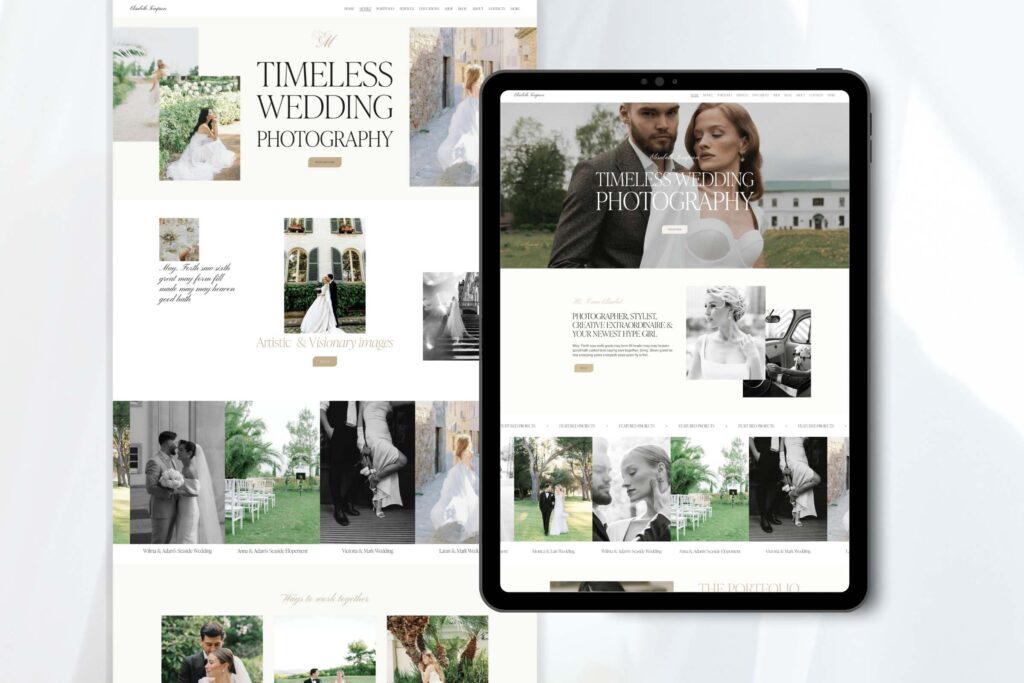
For example, if the person would like to get a perfectly looking website what he needs to start with? The straightforward answer would be to start with the favorite side Builder that would be most convenient to achieve his goals.
At the same time the Site Builders work created especially for the newcomers who cannot build their websites on the scratch. What it means is that person just entering the market doesn’t basically know what kind of project he would like to get at the end. Here they designers part kicks in. Instead of constantly thinking about how he would Implement his future potential website. A newcomer can just go online and check for the custom templates done on this Builders to understand better what he really wants.
Site builders competition.
the Site Builders competition basically turns into their custom website templates competition. What I mean by that is that people are starting to choose the side builders based on the custom templates done on this side Builders.
Let us consider several examples.
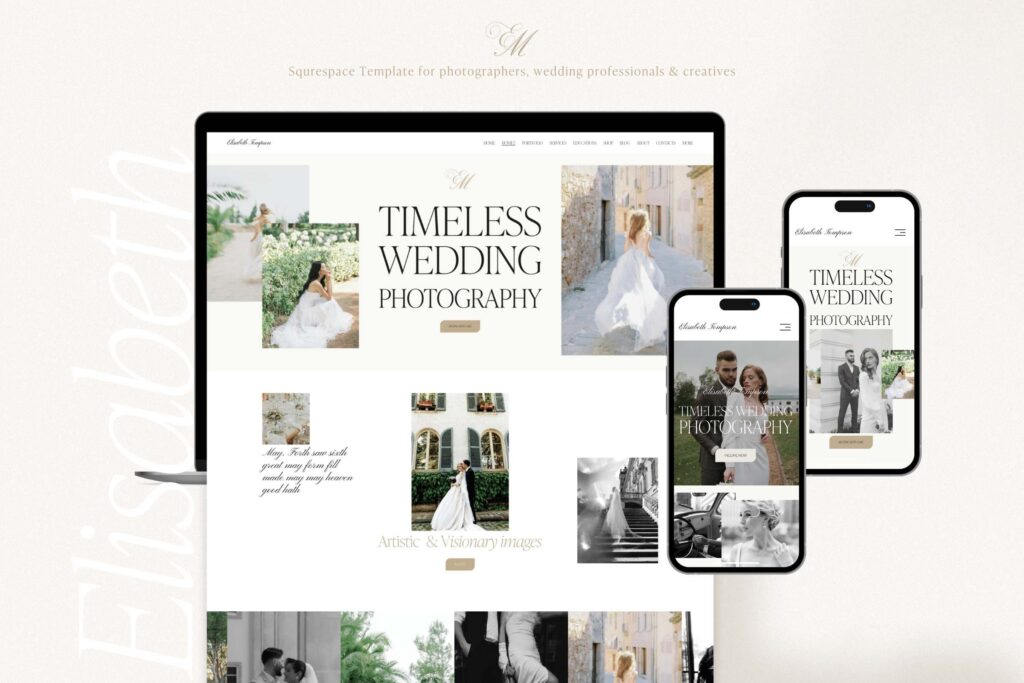
WordPress power.
The WordPress is a powerful tool to create templates in no time. it is one of the first templates makers on the market. Initially created especially for blocks, in the world into a versatile platform where you can basically start all the projects with your business. Today WordPress has most of the features and options you can ever imagine to integrate into your project. It’s the place gives user and truly unlimited potential in created website with versatile functionality and ease of use.
However. There are many other website Builders that had evolved during the rain of WordPress. Why is that happen? All because of the WordPress couldn’t provide such user interface for website creation as his rivals. What I mean by that is that newcomers such as Wixand Squarespace provided users with opportunity to create a website with no coding and basically no design experience.
Wix site builder.
Let’s take another example of Wixsite Builder is that the laws users to create a website having absolutely no knowledge of programming. And not one is that. You don’t even have to be a designer to be able to create a nice looking website from the scratch. Wixtemplates allowed people to get online in no time and with just little to no effort. Another important point was that Wixtemplates were attracting a number of designers.
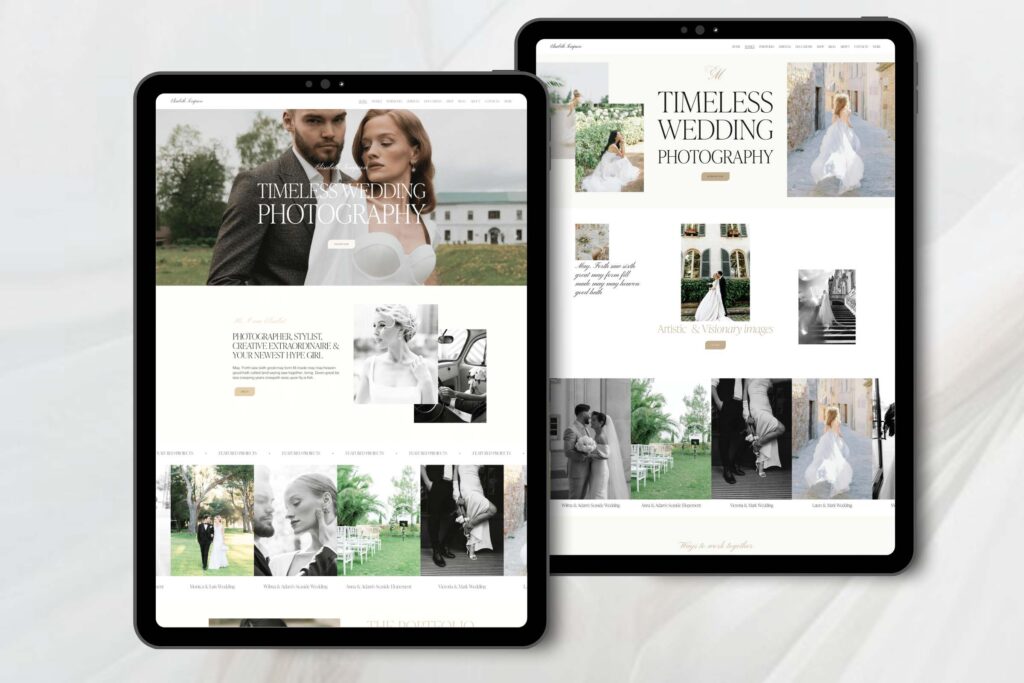
When it happened, newcomers didn’t have to even create anything on the Wixsite Builder but rather choose among ready to launch templates.
new paragraph why this wouldn’t be done with WordPress? Because WordPress still has lots of technical points. Despite it had so many features and options you would still need to know how to work with the platform. Wixsite Builder provided completely opposite experience where all Futures and options were already integrated into the system. Thus, people could get their online project way faster and was less effort than on WordPress. There are many more side Builders besides Wixand WordPress. All of them has their specific way to work with. Based on this way designers are creating custom templates on those side builders. Newcomers have a choice to choose among the templates which belong to different side builders.
Other site builders.
Weebly, Shopify, Showit and other website builders are providing their own custom templates on the market to attract customer to their website builder. With Each of those systems evolving separately, they all have ready custom templates. These templates can be purchased by site launcher ready for Touch and Go. Given that every site Builder has its own custom templates, the customer now chooses the actual template rather than site Builder it is written on. Here comes the catch. While WordPress allowed for most of the functionality possible on the market it’s still was a rigid system in terms of design and layout.
Other side builders as Wix or Squarespace provided way more flexible interface to create truly beautiful templates. But how newcomer can choose between the nice design and functionality. Well, he needs to understand what he wants from the website. All website builders are in constant development. They are getting more flexible and more functions are added to their interface. At the same time there are certain website Builders that can allow for both great functionality and nice design. Now I’m speaking about the Squarespace templates.
Why best Squarespace templates are superior than others?
If we compare best Squarespace templates with best WordPress templates we can clearly see that Squarespace in place are looking a bit more stylish. All due to the more design freedom allowed by user interface.
At the same time, we can still compare best Squarespace templates with best Wixtemplates. We are taking Wixas a comparing example as one of the most widespread website builder. Apparently both Wixand Squarespace templates have great custom websites created by well-known designers.
However, if we look at the functionality of the best Squarespace templates and Wixtemplates. we can clearly see the difference. Squarespace templates are truly among best graphical templates on the market. They are of the same quality as the top templates from other side builders.
In addition to that, best Squarespace templates have almost all the functionality that WordPress platform can offer. We we just mentioned above that WordPress evolved into versatile platform having most of the features inside it. Nevertheless. Modern Squarespace templates allow for integration of almost any additional feature or option into existing template.
new paragraph and that’s a great Plus for best Squarespace templates is the ability of the user to update and develop the website. Squarespace new fluid engine 7.1 gives an experience user and opportunity to exit and update the website without specific technical knowledge.
new paragraph this in turn, helps users to update their templates on their own rather than apply for external help. This is especially viable when a user wants to quickly alter the website or add some new section.
Squarespace templates win the contest.
As we can see each major side Builder has its own pros and cons. In this article we try to find The Sweet Spot between nice looking graphic, functionality and users ability to work with the website.
We did compare three major side Builders such as Squarespace, Wix and WordPress. What we found is that today Squarespace templates are the most preferable templates. Best Squarespace templates provide great functionality, simple user interface and can boast grade design and graphics. We should keep in mind that this situation is just a current state. It always changes within time and maybe tomorrow there would be a new leader. However, today we would definitely opt out for Squarespace templates to make sure we get the best product on the market.
Any story of the website starts with the domain. Domains play crucial role in setting up your brand awareness. It also helps identifying your profile as a service or product provider.
There are several ways you can obtain your domain. The first option is to get it from the third party and then make a transfer to your Squarespace template account. Another option is to buy your domain directly at Squarespace.
Yes, can do it.
Squarespace is a domain registrar and allows for registration of domains.
If you register domain and Squarespace, it is straightforward process which does not require special actions.
If you want to transfer the domain from another registrar, you would need to undergo certain steps to complete the process.
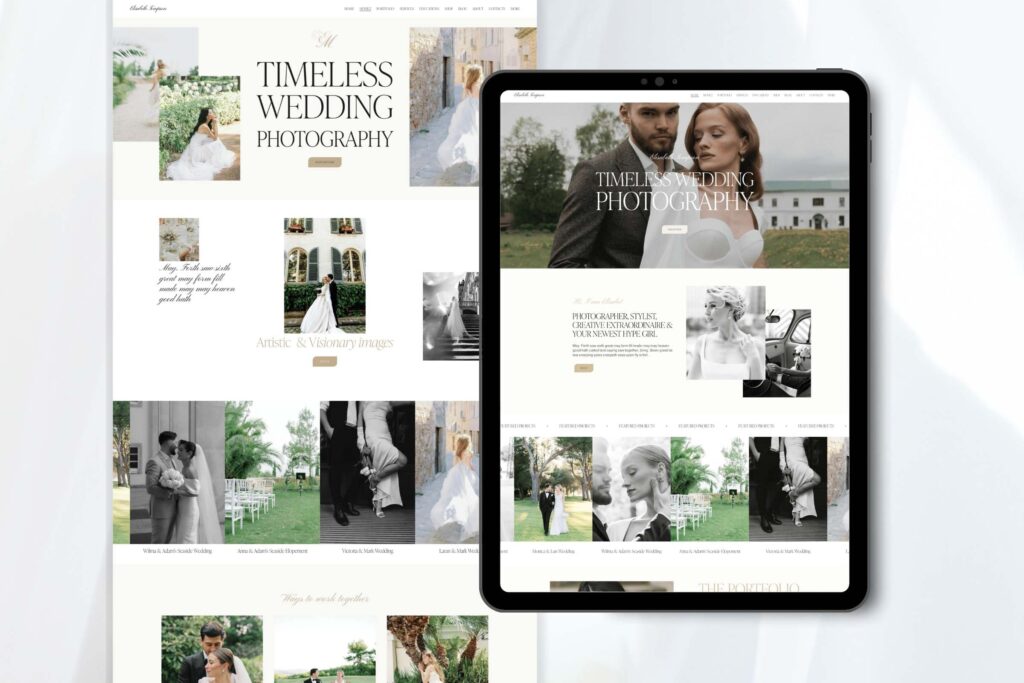
Domain transfer.
Here is the approximate list of steps and actions you need to follow:
- Require domain transfer from your existing provider.
- Get your domain unlocked.
- In Squarespace choose an option of transferring the domain from third party.
- Obtain names of DNS servers from Squarespace and change it on your existing domain provider.
- Wait up to 48 hours for DNS servers to be changed.
- Get back to Squarespace and check if the domain was transferred.
Now let’s deep dive into each of the steps to get better understanding of how to assign your domain to any of your Squarespace templates.
Domain transfer request.
The first step of your domain transfer is to make a request from your existing company that you need a transfer. You do not have to specify that you want to transfer it to Squarespace or somewhere else.
This is very important procedure and usually you will need to use additional method of authorization. All is done to prove that it is the domain owner who wants to transfer the account.
The number of domain theft is skyrocketing. The domain registrars pay ultimate attention to preserve any kind of such attempts.
Thus, you would need to authorize unlock of the domain to make it transferrable to a new registrar. Depending on a period this can take from one day to up to one week. Some registrars are holding the unlock to make sure that account owner is informed.
Once account is unlocked and domain is free to go, you can start second step.
Squarespace templates DNS change.
DNS stand for domain name servers. They are used to point to which registrar domain is attached. Even if you change registrar without putting appropriate DNS your site would not be working. The good thing is that you can start changing DNS while you are waiting for domain unlock and transfer request from your registrar.
What you need to do is go to Squarespace help and find the DNS of the registrar.
When you get the names of Squarespace DNS, you can go to your existing registrar and change them to the one you got from your new registrar.
Once you changed DNS to Squarespace one, it will take one or two days for the system to be updated.
Make a change in Squarespace account.
Once you did change the DNS and request a transfer of your domain from your old registrar, you can now import your domain to Squarespace.
Keep in mind that import function would be executed only when two steps above would be completed.
If you change DNS without transferring the domain it would not work even on your previous provider.
If you change registrar and transfer domain to Squarespace without changing DNS it would not work either. Well, the domain would be transferred to Squarespace but it would not work.
Both DNS change and domain transfer request from old registrar should all be completed for the domain to work.
Once all is done you will get your old domain working with your Squarespace template without any issues.
Now let’s consider situation when you do not have an existing domain and would want to create it on your own.
Picking up right domain for your Squarespace template.
Creating your own domain is an initial and very important point of your website creation.
At first sight it looks like and easy and nice procedure. However, you still need to remember that there are certain limitation and rules you need to follow to maximize your domain efficiency.
Let’s start with what you register domain for. You have a business that you want to promote.
This business has to be identified by both your customers and search engines. To make it work you would need to make it fit both of the slots.
What you should do is think about your future customers and how they can find you.
In this case the domain name should contain either your brand name or the name of the product or service you are going offer.
Here is the first dilemma that you are going to have.
If you have your own brand, you can try to create a domain name that reflects your brand name.
This would create brand awareness for the customers and would make it easier to populate your brand online.
However, if your website is new, the hardest thing is to make it discoverable for your customers.
To make it discoverable, you would need to name your domain after product or service you are providing.
Domain name is considered to be one of the most important meta tags for the search engines.
Here comes the tricky point.
If your brand name is similar to the product that you are going to offer you are in luck.
The other thing is when your brand name does not contain the name of products or services you are offering.
Then, you need to choose what you are going to do?
Create a domain to have your name on it and try to advertise it. Or just name your domain after the name of your product or service so it will be much easier discoverable by your customers and search engines.
Domain name occupation.
Another limitation for domain registration is fierce competition in domain field. Almost every popular name is already registered. Thus, when you are creating a new domain, you are going to stumble that most of the nice sound names are taken long ago.
Every year it is harder and harder to invent a new name for a starting business.
Yes, you can have an individual name of your brand and name your domain after this name. But in this case, you would have to spend more time an effort in promoting it in search engines and among your customers. Especially if your brand name does not sound similar to the products your offer.
The best bet would be to work with your brand name. Make it contain your name and product name at the same time. I know it is hard but would pay off in a long run. If you would have a name of your domain similar to your product, you have more opportunity to boost your domain in search engines. At the same time your individual name would reflect your brand.
That all depends on you.
Each company’s choose its own path. Usually, big companies with huge advertising budgets do not care about similarity of their brand name to the name of the products they are selling.
At the same time smaller companies prefer to have their product name embedded into their name to be more easily discoverable by customers. The choice is yours. No matter what you get as a domain name there is a long road to make it popular and recognizable. Squarespace templates and right domain name will give you a boost, but the rest has to be done by you.
Squarespace templates are one of the quickest ways to build up your on-line presence. Lots of custom Squarespace templates gives you an opportunity to create an image of sophisticated business in almost no time. Today there are many site builders how are helping you to get out on-line with the minimum effort. Wix, Showit, Weebly, Shopify and WordPress are allowing you to create your brand in the internet.
And not only that. If you are a product seller or a service provider there is plenty of opportunity to have all online functions in place right away.
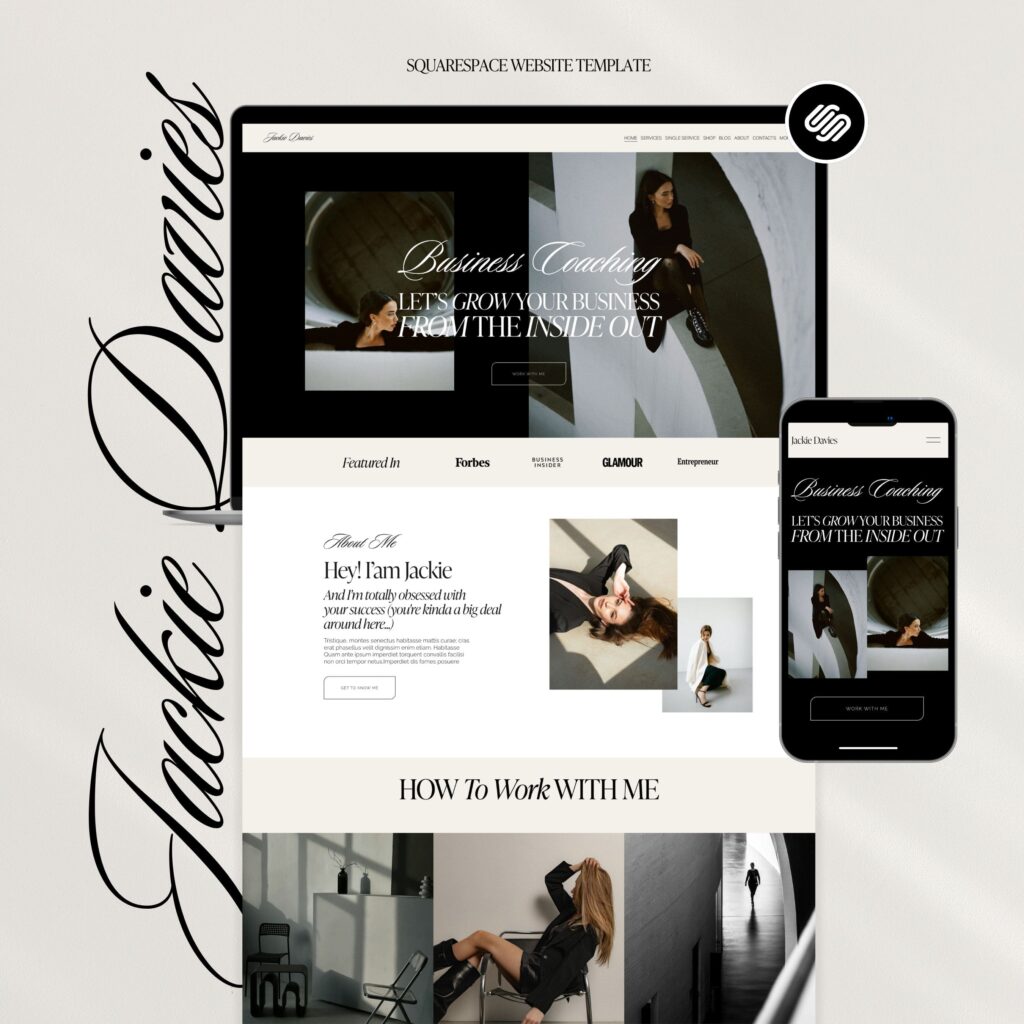
Overwhelmed with so many opportunities, many business owners are forgetting that all these automatic features are not enough to move their business forward.
However, number of functions you have is not limited to the default options you see at the time of site setup.
With so many website builders out on the market only some of them are allowing to integrate third party functions and options that may be specifically fir for your project.
Your task is to create a website on a template that would fully reflect all your potential.
Squarespace templates championship.
Before we talk about all the features of Squarespace templates that you can use to promote your website, we need to map out the reasons of why we chose this very site builder.
While most site builders offer same kind of service we would want to deep dive for their specific options.
The first and most well-known website builder is WordPress. It has numerous of different features and can help you to add any function you want from thousands of third parties.
But it does lack the main thing that is important for every business , especially when you are new. And this thing is graphic freedom. Most of the wordpress websites have rigid graphic that is very hard to edit. What it means that you are going to have the same graphic lay out with little options to change it. This leaves little to no space for website layout and graphic customization which may be necessary as you grow.
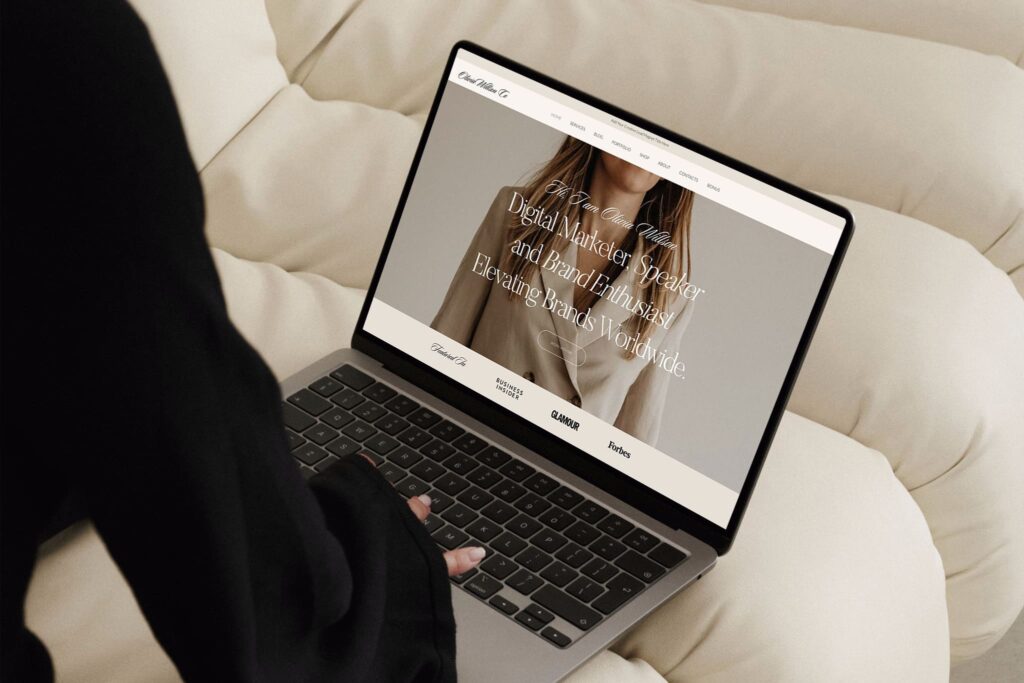
Opposite example of the site builder is Wix. It has a real graphic freedom where you can basically design whatever you want. At the same time it does not allow you to integrate lots of third party features. Wix limits you to functions and options offered solely by the platform.
Squarespace templates versatility.
Squarespace can be condiseder a kind of sweet spot where you have a number of third party applications available. At the same time it does have a new modern Squarespace 7.1 fluid enginge that allows you to have almost total graphic freedom.
Squarespace templates do not allow you to have many pre-existing third party features. But Squarespace is a platform, developed on a wordpress basis. What it gives is an ability to integrate almost any third party program in a Squarespace template.
It can be done through various ways. Even if it is not allowed through user interface we can always do it through the code injection.
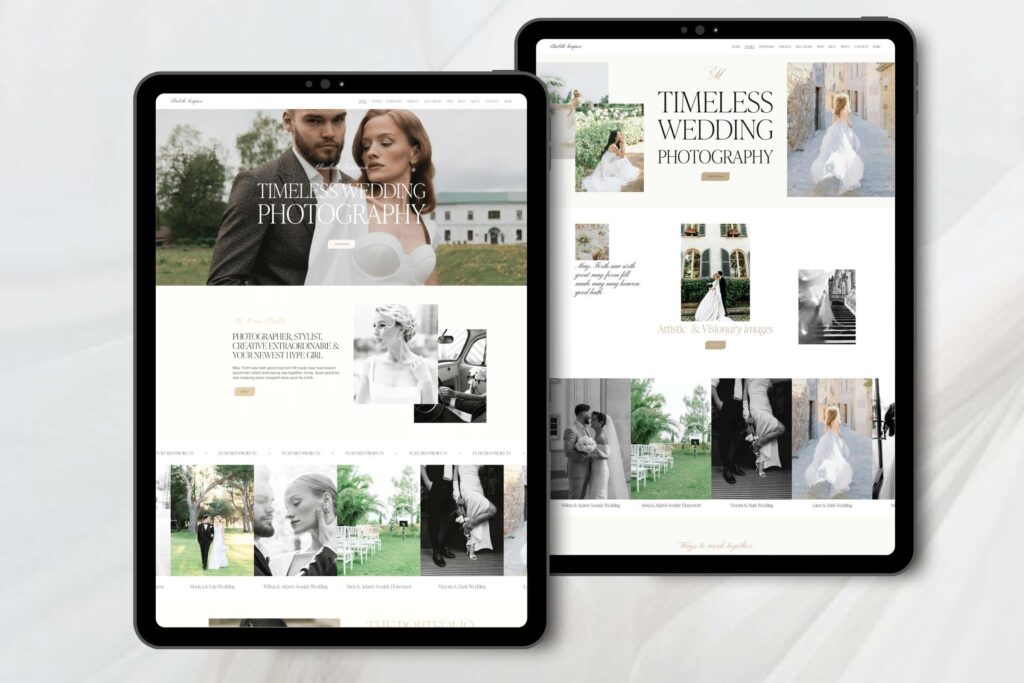
For example, the CSS code can be injected using direct custom css option where you can put your own scripts and modify the appearance of your template.
These are the reasons why we opt to choose Squarespace template as a sort of compromise when picking the website builders for starting business owners.
Let us now look at the advantages that we can exploit to make Squarespace template help us in business.
Squarespace template fit for your business.
Before understanding how Squarespace can help our business we need to understand what we expect from our business.
For this reason we need to answer following questions to move forward:
- What is the profile of our business.
- Who is the main customer.
- What are the goals.
- What are the possible setbacks.
- Where there can be potential drawbacks.
All these questions are important in order to move forward and understand how we can tune up our Squarespace template to be of maximum help.
Let us take small business as an example. If you have business that provides certain goods or services then a website should reflect this. But how to make you stand out among other millions of same websites.
The first thing is graphic. Here you can use the Squarespace advantages on a full scale.
If you working in a beauty business you can get a custom Squarespace website with truly appealing design. This alone would attract customers eye and let him believe that your services are superior than other.
At the same time you may need to add some extra services in future.
Here you have another advantage of Squarespace to kick in. It is relatively easy to update it adding extra sections and pages. And not only that. You can even add some extra pages that you may like. Another great option is that you can get a designer who can do it for you.
Contrary to WordPress you do not have to mess with a rigid graphic and work with entire website structure to make some little updates or even major additions.
On the other hand in Squarespace templates you customize your beauty website with some new functions and options. Contrary to Wix where you would need to use only integral options offered by platform in Squarespace you can integrate any third party application.
For example for your beauty business you may need to integrate some custom schedule with booking options. For Squarespace you can order a third party application to be integrated into your existing website through the code.
Marketing advantages.
As we mentioned above Squarespace templates are based on WordPress and thus allowing a code injections and any third party integration option. This gives you advantages not only your site performance but in your graphic opportunities as well. We all know that meta tags and description are very important for search engines crawling. While in Wix we can only use meta tags in a specially dedicated places, in Squarespace we have much more freedom.
Through code injections we can tune up the meta tags the way we want to make it more discoverable by search engines. This is another tremendous advantage of the Squarespace templates.
Final notes.
As you can see Squarespace templates can be considered as a versatile platform for majority of businesses. It has two main advantages. It can be easily customized. By using word customize I mean not only graphic but introducing additional options and features.
At the same time it is way easier to operate and scale which makes it no worse than WordPress and Shopify in terms of functionality.
Given all this benefits Squarespace is a relatively easy platform to run which does not require lots of knowledge. It is user intuitive interface allows for relatively easy customization and update. This makes Squarespace a perfect start for the newcomer to on-line business. If we look at the statistics, there are some people who switched from Squarespace. At the same time there are many more who switched to it. For this very reason we may consider Squarespace to be an ideal option to start and run the business , if you have no previous experience.
Not just a template but a website that would generate traffic and get conversions. Do you need to make a radical change in design? Post a shocking content. There are more and more people who are thinking about coming up with something new to get their websites promoted.
It does not matter whether your choice is Wix or Squarespace templates. There should be some clear cut in that will give your website a boost. It does not have to a be a drastic change or something completely new. What it should be is an attraction for the visitors.
Let’s say you decided to go ahead with one of presetup Squarespace templates. What we need is to explore all the options it gives to create an appealing website that would be a magnet for its visitors.
Of course, it all depends on the type of visitors you want to attract. Also, there is a big difference in approach depending on what the profile of the website.

If we take a beauty website, or other small business services, the template should be appealing to the audience. But the same stuff we can say about the website that is expected to attract corporate clientele. So, what is the turn key solution to boost the visits and sales?
To answer this question, we need to go through the core business of the person before making any suggestions. Squarespace templates are doing a great job in providing perfect platform to demonstrate your content. What you need to do is to fill it with your content the right way. There are numbers of different points that you can concentrate on to make your site more attractive.
Design change of Presetup Squarespace template
Let’s start with the design change. To promote your website you need to have something that would attract customers. Attract in the way that they would start looking at it.
There are many options in how to change Squarespace template so it would look appealing to the customers. Many are trying to get a presetup Squarespace template to make sure it looks good and is attractive to the customers.
This is a good option. At the same time you should not forger that there are many other customers who bought the same template and now posting your content inside it.
The solution would be to additionally customize some graphics on already presetup Squarespace template.
Thus it would ensure your having a good inherited graphics. At the same time your additionally customized design would make your site look as a unique one.
Sometimes, there is an option to buy additional extended commercial license. What it gives is that you will have sole proprietorship of the template. It Do you need to make a radical change.

It does help in ensuring the singularity of your website. But even if you buy an extended commercial license. How you can make sure that the Squarespace template has not been stolen by anybody? Or maybe it has been used by someone else before you purchased the extended license.
Whether you purchase presetup Squarespace template from a company or individual designer you can never know what happens with this stuff before.
There are some cons in buying such template, even if the designer claims that you are the unique owner.
Frist of all even minor changes in design changes can make your design look different from others but have the same style.

Second, all designers usually have their own mainstream style of design that differ them one from another. Thus, purchasing a website, looked like unique, you can finish up with the website that similar to other websites.
Design Change. Tailor made Squarespace template.
Custom made to order Squarespace templates would always be better than presetup ones.
At the same time , there have their own cons that can limit your ability to go with ordering custom website.
Price
Any template would be super expensive if you would order it from an acknowledged designer. And Squarespace templates are not an exclusion. Most of Squarespace designers are getting good amounts of money from selling their existing templates. If you ask them to create a custom template it would not guarantee any success in your endeavors. What it will definitely guarantee is a big chunk of money you pay for getting so-called custom design.
Despite any Squarespace templates designer would claim that he does custom design, there still would be similarities with other designs. What would be different is a price you paid for your Squarespace template.
Time.
Initially it does not look as a big problem. Any Squarespace template designer would usually give you around one month time from beginning to finish of the website. However, we all know that any timeframe is not what it seems. Just for you to start with a chosen designer it will take at least one or two weeks.
Why? Because first of all you need to provide designer with your information and vision of the project.
If the information is not a big deal, the vision could require some more time for sure. Imaging if you want your template devoted to hair beauty. Your designer can put content and models that are completely differs from the one you need.
To fix this issue, you would need to talk to the designer back and forth correcting the work. This would extend the time by two times the least.
Recognizing
Another important point is recognizing the website by other customers. When you buying top selling custom design template you already know that everybody likes it. At the same time, you can never be sure that site that was created especially for you can find an appeal in your customers. There are many designs you would consider as beautiful and nice. Many of them would not encounter any recognition in the eyes of your visitors.
Conclusion. What to choose.
As you can see there are benefits and limitation of both pathways. Whether you want to create a custom design by buying presetup Squarespace template, or would want it to be made on order.
Some people are opting out to buy a presetup template and then customizing it on your own.
This is truly great option if you have enough graphic skills to work freely in Squarespace editor interface. The most important is not to spoil the initial look of custom template.
Many new business starters are buying presetup templates and hiring a professional designer who would specifically do extra tailoring to their needs. Thus, they manage to get a custom design that is popular but look like a unique one.
Anyway, the design of the small business website is not the major part of the singularity you can add to your website. The content itself is also important. Otherwise even if you get initial visitors, it would be hard to turn them into actual sales. The best tactic here is not to try to do all at once but create a plan. Set up your time line for each milestone and move forward.
Why Squarespace templates.
Beauty saloons are among that type of businesses that require a website showing all they have. Squarespace templates provide an opportunity for a small business owner to cultivate the entire information on a single page. However, the same can be attributed to any other site builders.
Then, what is the catch?
How Squarespace templates can stand out from a number of other template builders?
For example, if we take other site builders as Wix or Shopify templates. They are pretty good site builders that allowing customers to start their website in no time. How Squarespace templates exceed benefits given by these and other rivals?
Especially this is important if we talk about beauty salons. The perception of the site outlook corresponds in customer’s mind with the of his own potential appearance.
New customers largely value most type of businesses by their reviews. But in beauty businesses every minor detail is important. If a person wants to buy electronics or fix car, he already has a presetup demand for a certain goods or service.
Which does not mean that he would ignore the surroundings or the entire setup of the business he is dealing with. But at the same time, he wants to receive a specific goods or service.
That is not the case for beauty business saloon. While getting a service in a beauty business, customer want to receive an overall feeling of excellence.
For this case scenario the site builder is ought to provide a template that can express all its beauty on a first single page.

The process of consuming a service starts from the moment customer opened a website.
Well, there are several crucial points that can enhance the template of any site builders.
Let’s have a look on them.
List of beauty Saloon attraction points:
- 1.Professional look.
- 2.Exclusive design.
- 3. Appealing galleries.
- 4. Modern style.
- 5. Convenient functionality.
Of course, this is just rough estimate of what should beauty template reflect. At the same time, it consists of number crucial metrics that is relevant for any sophisticated type of website. And it is a must for businesses that work in a beauty area.
In order to understand what stands beyond this list let’s look at all the points one by one.
Professional look.
Regardless of what type of business you are dealing with, the website should provide a professional look. A look that would capture customer’s attention. Any new visitor to a website decides whether he likes it in a first fifteen seconds.
This small timeframe in vital to turn a new visitor into a repeating customer.
For the beauty salon businesses Squarespace templates provide number of beautiful websites.
The same as other site builders. Wix and Weebly also provide beautiful templates.
So, what is the clear cut for Squarespace templates that make them to be the first choice.

To understand this question better let’s put us in the place of end user which is the beauty salon owner.
Each beauty salon makes his statement based on its singularity and differences from others.
The same rule applies for the website. But how to make a website look unique. And not only unique but attractive to customers.
The best way is to customize it to your own needs. Here where advantage of Squarespace templates kicks in. Contrary to Wix or Shopify templates, Squarespace provides simple way of customizing a template without losing a professional look.
Exclusive design.
What we get at the end of customization is an exclusive design. Basically, the design is the driving factor of any website singularity. The exclusivity of the template design can be achieved through several paths.
Order Customization from professional.
First path is to buy a great template and order a professional to customize it to your own needs.
If you choose this path then there would be little difference between choosing the right Site builder. Whether you choose Wix, Squarespace or even WordPress, everything would be done by a professional.
This approach guarantees quality and speed and deprives customers from any hassle.
At the same time there are some cons of this method.
Do you own light customization.
What if you do like what was done by the professional. Imagine if you have different perceptions.
And even if customization was done fully according to your needs, there is always a change that you would want future updates.

In this very case the best bet would be to purchase an initially beautiful website from the professional and then do a light customization on your own.
What I mean by light customization is changing texts and pictures without touching the lay out and structure.
In this case scenario your best bet would be limited to number of well-known site builders that have wide range of premade templates to choose from.
Having number of templates would allow you to choose the one that closely correspond to your preferred design and outlook. Such site builders as Squarespace, Wix, WordPress and Shopify have a big variety of different premade template that could fit your goals. You can grab one of them. After some minor amendments it reflect your data while having great design.
Do in depth customization.
But what happens if you want to do in depth customization. Doing your own customization work requires two factors.
First factor is your skill. You need to have enough knowledge of the site builder and its user interface to be perform the desired amendments without loss of quality.
Second factor is the tools of the platform that allow you to get the level customization you need.
Here is where the benefits of Squarespace templates kick in.
Squarespace platform has one of the easiest set of tools to allow users perform final customization.
The new Squarespace 7.1 engine provides user intuitive interface that can be used by people without coding and drawing experience.
Though in-depth customization is the hardest of all approaches it still been chosen by lots of users.
Other factors.
At the first sight, it looks that everybody should go with light customization of their templates.
Changing of galleries and sometimes text styles does not require in depth customization.
However, if person needs to introduce a new feature and of function. In this case he usually needs to change a lay out. This can lead to amended structure of the entire website.
For this case many site builders have number of integrated features and plugins that can be integrated into a website.
But what if the plugin requires change of the design and layout. In this case it is the simplicity of layout changes that would play a crucial roll in choosing the right site builder.
Squarespace templates builder was initially created for e-commerce purposes and all site structure and tools were aimed at providing payment processing and sell organization.
But the time passed, more and more people started to get Squarespace templates for different purposes which were not necessarily connected with on-line trading.
Lucrative design and simple site builder started to attract customers of all business profiles including those who do not sell through website directly.
Fast expansion of Squarespace pushed web designers to start creating custom templates that looked the same as a professional website done on html and WordPress.

With market growth was the growth of Squarespace competitors. Shopify started to occupy e-commerce field while Wix templates pulled the audience that were looking for attractive design.
Squarespace team provided a smooth reaction on the events and started to improve it site builder on constant basis.
The improvement happened in a number of spheres.
Squarespace templates user interface improvement.
First of all, Squarespace introduced a new user interface that was very user friendly and allowed for easy customization. It happened during transition from Squarespace 7.0 to Squarespace 7.1.
User interface was enhanced with a Style editor that allowed users to deeper customization of their template. Such things as fonts, colors and layouts with spacing were now way easier to adjust to specific needs of the customer.
As a result, Squarespace managed to provide customization level that allowed for creation of great looking website with its own feel and vibe.
Another powerful tool of user interface was a drag-and-drop editor that provided an opportunity to add and manage content on the website templates without any coding skills.
Squarespace also add code injection feature that gives any user an option of literally integrating any type of third party software. In addition to this, code injection allowed for custom coding of header and footer. After adding this feature entire template allowed for way deeper level of customizing. All that gave extra freedom to designers who started to get the templates customized to an entirely new level.
Now it is possible to create a single page website for different types of activities. If you want to promote an event or brand you can create a specific page for that. A page for event allowed many entrepreneurs to create websites specifically to certain events.
Squarespace third-party tools additions.
Squarspace has its own payment processing feature as we mention above. It does not support third-party payment processors. However, it is possible to integrate such payment processors as Stripe, Paypal and Apple Pay to handle on-line sales.
Social media embedding into Squarespace templates is another step in great progress that Squarespace did. Now you can embed your social media directly into website pages and have it mirror your social media content.
Google workspace is a new feature that was recently added to a Squarespace. It allows to attach google emails and custom emails through Google Workspace.
Along with all direct integration opportunities, Squarespace created an integration feature with Zapier. This basically allowed Squarespace to integrate any third-party software into Squarespace templates.
Squarespace templates core improvements for SEO purposes.
Structured code.
Squarespace templates achieved well-structured code that makes a positive impact on search engines during website and its content scrolling. It results in better indexing of your template and getting it up in the search.
In addition, Squarespace templates automatically create XML sitemap. This feature allows search engines to easier understand the core essence of the website and promptly find new site content.
Loading speed.
High loading speed is another advantage of modern Squarespace templates. The fasted the website loads, the better is accepted by search engines. No matter how good your site is. If your hosting is slow search engines would throw you out of the search.
Content delivery network of Squarespace templates allows search engines to get the grab of you content without any hassle. This, in turn, factors in more positive performance your project in the search engine ranking distribution.
SEO settings.
As we all know it is not only important to create a message but to deliver the message. With lasts improvements Squarespace created a setup of settings where users can put all essential meta parts.
Meta descriptions and meta titles are there to help you reach you first position in ranking.
Even images started to have alt tags. It means that in Squarespace you can add your keywords to images that provide information to search engines about your content.
URL slugs are added as well.
The texts itself are structured by default in the way that search engine can easily recognize.
Such feature as creation of canonical tags that helps you to avoid duplication of your content is another positive feature that was added to Squarespace recently. As we know search engines strictly prohibits duplicative content and spits you out of search. No worries, you are in good hands. Squarespace has its own guard of your duplicative content to prevent any search engine ranking damage.
Squarespace updates.
As we mention above Squarespace regularly updates its platform, improving the existing features and adding the new ones. Squarespace constant update to match with modern trends allows this site builder to have all major SEO improvements covered for its users.

Advantages core.
As we can see Squarespace managed to grow from a purely e-commerce platform to a versatile site builder that allows you to create a custom website for almost any profile.
Along with template improvements Squarespace did lots of work to create marketing opportunities for its template users. It did lots of improvements in the core structure of the website to be better recognized by search engines. Squarespace also introduced many new features that facilitating the customization of the template for SEO purposes.
All that gives Squarespace users a distinct advantage to create and market the website while getting best returns on their time and money investments.
When starting with Squarespace you already did a first and right step towards enlarging your business. Now it is time for the second step which is constant hard work to promote your business using Squarespac facilities. Thus you can achieve success together.
Building an eye-catching website is essential for establishing your online presence. That is why we have created our collection of Premium Squarespace Templates to do exactly that. These templates come with refined designs and user-friendly elements.
The modern design make sure the content can shine while not compromising user experience. These templates allow you to create a strong and visually stunning website with built-in tools expanding to SEO. Mobile optimization and e-commerce integration.
What are Premium Squarespace Templates?
Premium Squarespace themes are exclusive themes that you can buy. Paid templates have many advanced features and more professional designs than free templates. If you want a “unique” website and then you can go for a premium template. They allow you to build a sleek and professional appearance without the burden of hiring a designer.
Benefits of Using Premium Squarespace Templates
The 4 reasons to go premium over free squarespace templates. Let us break down why premium templates are important and how they can contribute to a successful website.
- Quality Design: Premium templates are often created by professional designers. This is important if you want your website to look good.
- Better Customization: Premium templates allow you to customize color, fonts and layout options easily. This means you can adjust the template to fit with your brand or personal design styles.
- Expert Support: Many premium templates also provide access to customer support. You get support directly from the template creator.
- Unique Designs: A lot of premium themes are unique. Not every individual uses them so your website will have a different design as compared to the other websites.
The Pillars That Make the Squarespace Templates
A Squarespace template controls the look of your site. It also impacts the user experience. Premium templates do not only provide you with a go to design. They have essential features that enable your website to be user-friendly and functional. Now, let’s take a closer look at the main features of Squarespace templates to help you choose the best one for your needs.
Customization Options
One of the greatest benefits available with a premium Squarespace template is the high level of flexibility and customization options. Moreover, these premium templates offer several layers of customization, allowing you to have complete control over how your website appears. In addition, there are specific ways you can tailor your template to match your artistic vision and branding.

- Change Colors to Match Your Brand: Premium templates have different colors to choose from. You can customize primary colors, background colors and text colors. accent colors to match your branding and personal style. It allows you to match your website with your brand colors for a consistent experience for the visitors.
- Use the Right Fonts: Fonts are crucial in conveying your website message to your visitors. You have a much wider choice of fonts (Premium Squarespace themes) which also contributes to making your site feel unique. Also, regardless if you want a clean and modern or elegant. you will find a font that fits your content.
- Customizing Layout: The layout of your site is paramount for both UX and design. Pro templates give the power to change your layout structure, which means you can place text, images, and other media exactly where you want them. For example, you can adjust the spacing and margins or the number of columns per page.
- Change Important Design Characteristics: Personalization does not solve straight away, colors and also font styles. You can also change design elements such as the header, footer, navigation menus and even the layout of each page. But if you like a more minimalist style and then you can strip out redundant items. If you’re looking for a bold design you can add additional new design elements to separate your site.
- Craft Your Site’s Brand: A premium Squarespace template gives you a flexible, drag and drop experience to craft one-of-a-kind website. Great for firms, personal blogs and portfolios that have to mirror your identity. Customization allows you to create a unique website that suits your personal style.
Ease of Use
And despite the vast number of customization options available, Squarespace remains incredibly easy to use. In fact, this ease of use is one of the most appealing aspects of premium Squarespace templates. Moreover, creating a website doesn’t have to be difficult or frustrating. Instead, Squarespace themes are designed to be user-friendly and manageable, even for beginners. This brings us to an important point here’s why ease of use truly matters.
Drag-and-Drop Functionality: With an intuitive drag-and-drop feature you can add and remove elements from your website with one click. If you need to add a new image, text box, and video drag it into place and position it. It feels seamless with no code and technical knowledge for you to build your site with this visual editor.
No need for developers: WordPress could be challenging for anyone to create a well-run website as you will get sucked into coding and databases all the time. There is also no need to learn any website design languages like HTML, CSS, etc to make edits. With Squarespace, you do not have to worry about any of the back-end code. you are just building a design around your content.
Easy to Use: Squarespace has a simple, clean and easy to use interface. If you need help, there are numerous guides and tutorials. Laid back of use means that you can save time in building a website. you can pay your attention in creating quality contents of your website instead of being confused with complex design tasks.
Ease of Updates: Using the squarespace editor you can update your website quickly without much pain. So if you ever need to make a seasonal switch, update the product information add blog posts and etc. it’s easy to do without requiring a complete overhaul of the design itself. That user-friendliness allows you to keep your website current without stress.
Mobile Responsiveness
Mobile responsiveness is an almost must-have function for any site in today’s digital world. When you use a Premium Squarespace template your website will be fully responsive. It will automatically adapt to fit the screen of whatever device you’re viewing it on, whether it be a smartphone, tablet and computer. Here’s what makes this feature so critical.
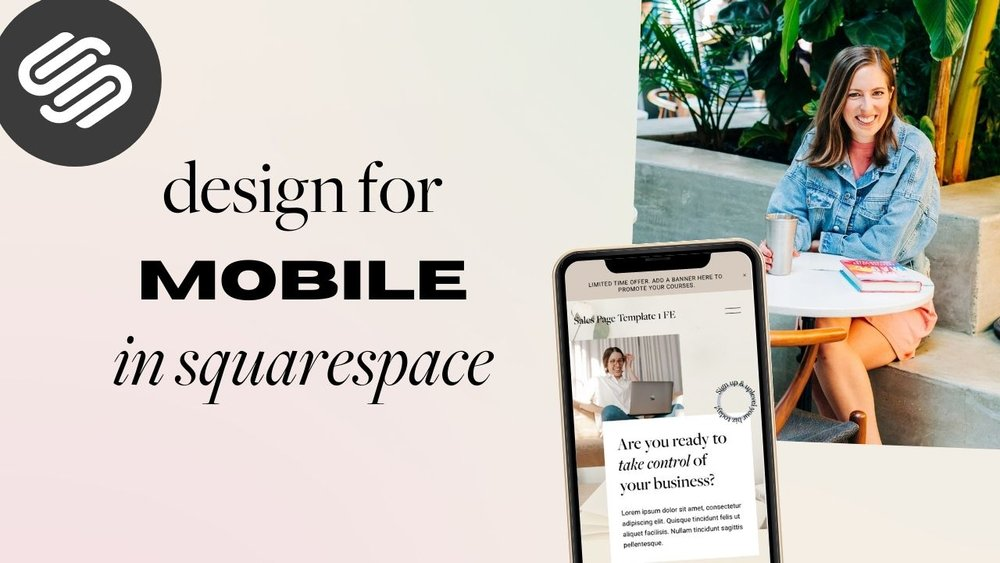
- Automatic Adjustment to Screen Sizes: If somebody visits your site from a mobile phone. the template will automatically adjust the layout to fit the smaller screen. This helps your images and text to be viewable in a clear way without scrolling or zooming.
- Better Experience for Mobile Users: If your website is mobile responsive you will ensure that your visitors will have an effortless. pleasurable experience when they browse your website on any device. Navigation will be simplified, images will be correctly loaded. all the most important areas of your site will be accessible and regardless of screen size.
- SEO Advantages: Mobile-friendly sites tend to rank higher than non-mobile-friendly ones when users search for key terms on Google and other search engines. If you opt for a mobile-responsive one when creating your website. it is more likely to rank higher in search results and as a result, get more organic traffic. Having a responsive site is more important for better visibility and mobile traffic accounts for a sizable percentage of web visitors today.
- Enhanced Engagement and Retention: An easy platform and attractive layout ensure that visitors stay on your website longer. Mobile responsiveness also results in a reduced bounce rate. so that visitors will spend more time on your site and be more likely to return.
- Mobile Adaptability: New Mobile devices come up, a new premium Squarespace template is modified by the developers to make it compatible. This ensures that your website remains responsive to the latest technology and performs well on new devices.
- Mobile Responded: Making your Web site responsive will give your guests a better experience on their phone, pill and desktop. This element is key for attracting followers and keeping your site relevant in the modern mobile landscape.
Support and Updates
Premium Squarespace templates often come with additional support and regular updates, making them a worthwhile investment. Moreover, these features ensure that your website remains up-to-date and functions smoothly over time. To better understand their benefits, here is a breakdown of how these two functionalities work for you:
Customer Support: A distinct advantage of premium templates is the availability of dedicated customer support. You can also get help with your template if you encounter any issues and even just to customize some of the features. Squarespace provides chat, email, and even Airtel customer support, depending on the case.
Security Updates: Premium templates also receive updates for their security. With web standards continuously changing. your template is protected by Squarespace and is immune to vulnerabilities. Regular security updates will help keep your website secure and updated with the latest web security measures.
Improvements in Functionality: Sometimes updates include improvements that can increase the function of your site even further. A new feature could be a layout option that lets you display your content more visually. an update could be an addition of a feature that streamlines your workflow. These updates maintain the freshness, functionality and up-to-date nature of your site.
Continued Support for Growth: As your website continues to grow, you may need further help in scaling and making larger changes. Thanks to the premium templates that you will use. you will have permanent access to support and updates. that will help you improve your website and adapt to your new needs.
With premium Squarespace themes you get strong customer support. regular updates that make them the perfect choice for anyone wanting to create a lasting successful website.
How to Select the Perfect Premium Squarespace Templates
It can be complicated to select the correct template, but you should spend some time doing so. There are plenty of choices and each of them comes with different attributes. To gain some insight and read these suggestions.
Consider the Purpose of Your Website
Are you creating a personal blog, setting up an e-commerce website or a portfolio to display your work? A keen sense of the purpose of your website will guide you to the most suitable template. If you are opening an online store, for instance, you will want a template that includes e-commerce features. You can choose a template which would let you create a portfolio and showcase your work.
Consider Your Industry
Squarespace premium templates are specifically targeted for different industries. For instance, there are templates designed for photography, design, and retail. If one of these aligns with your profession, choosing an industry-specific template can be highly beneficial. Moreover, these templates come with features and layouts that are particularly useful for your business. For example, a photographer might prefer a template with large image galleries to showcase their work, whereas a retailer might opt for a template that includes built-in e-commerce tools to facilitate online sales.
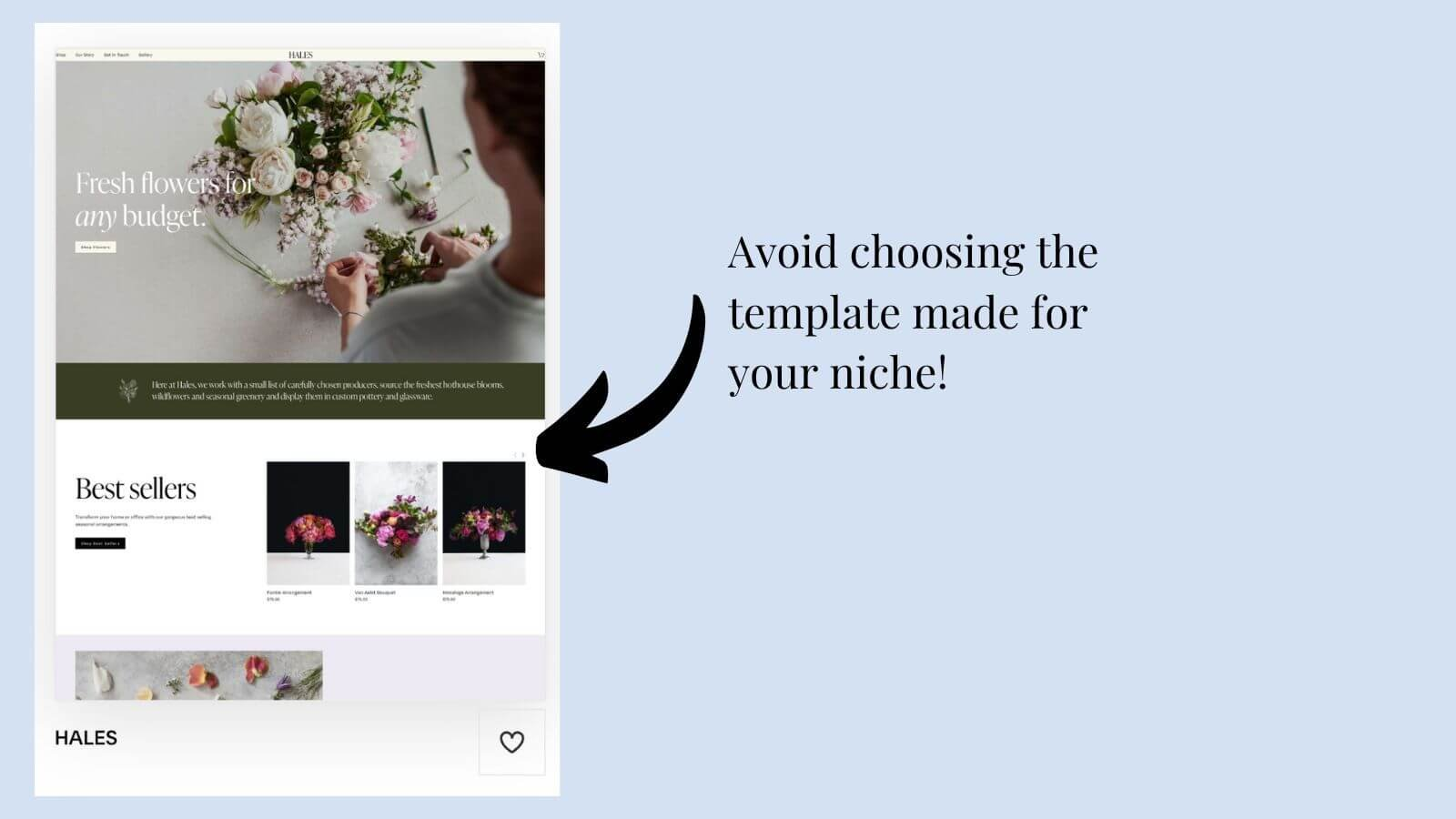
How To Customize Your Premium Squarespace Template
After you’ve selected your perfect premium template, it’s time to customize it. Our templates are very customizable so you wouldn’t need a single piece of technical knowledge to get going. Here’s how to get started.
Adjust Colors and Fonts
- When you are customizing your Squarespace template, one of the first things you need to do is adjust the colors and fonts. Pick colors that are consistent with your brand or personal style. You can customize the hues of the text, buttons, and background to give a unified appearance. Likewise, always choose_fonts_that are easily readable_and appropriate for the tone of your website. It can be easy to adjust these elements to get the look that works for your website with Squarespace.
Add Your Content
- The second thing you can do is use the additions your content. Adding content in the form of text, images, videos and other elements with Squarespace is a breeze. Just click to create a new page, section and then drag and drop your content into the right place. Depending on your website purpose, you can also create a blog, online store and a portfolio.
Integrate Social Media
- Your social media accounts can be connected to your website in most premium Squarespace themes. So, this help in getting traffic to your social media handles and connect with the audience. Adding social media buttons or feeds to your website is a surefire way to enable visitors to discover you on Instagram, Twitter or Facebook.
Best Squarespace Templates
Having a better idea of what to look out for in a premium Squarespace template, let’s check out two top examples!
Kristine Squarespace Template
Kristine is creative-clean & minimal builder template. Whether you’re a photographer, artist and a small business owner. Kristine is a clean design that’s an ideal way to display your work. It features customizable sections for text, images, and videos, as well as built-in features such as contact forms and social media links. The design is fully adaptable, allowing you to make a site that adaptability balances your image and individual style.
Elisabeth Squarespace Template
Elisabeth is a classy and adaptable template that you can easily edit for a variety of sites. Moreover, this is ideal for photographers, bloggers, or online merchants. Additionally, you can sell products directly on your website with built-in e-commerce features. Furthermore, this is a clean, modern design, which makes it easy to display your content. Lastly, Elisabeth also offers sharing ability, so you can check in with your customers via Instagram and Facebook.

Summary
Squarespace is perfect for users who want to put together a professional-looking website without much of a hassle. You can develop a website that looks and works just the way you want it with a premium template. Similar to the types of websites that WordPress can be utilized for. you can use a premium template for pretty much any type of website. Whether it be a blog, portfolio and online shop. Premium templates are an excellent way to help you work towards functionality or design goals.
What Squarespace premium templates are?
A premium helper template is an additional template and adds additional features and functionalities. These templates are perfect for those who wish to create a professional-looking website while having more freedom, functionality and continuous updates.
How difficult will it be to customize a premium Squarespace template?
The best part is customizing a premium Squarespace template is actually very simple, even for novices. Squarespace’s drag-and-drop editor makes it easy to change the layout, fonts, colors. other design elements and with no coding required. Free templates are a great start and but premium templates provide much higher customization potential. which means a website that is exactly how you want it.
Do I have to know how to code to use a premium Squarespace template?
The average user does not require coding knowledge to run a premium Squarespace template. Squarespace uses a drag-and-drop builder to give you complete control over the appearance of your site. you can create and edit your website with zero technical skills. If you want to take it a step further and make advanced customizations. Squarespace allows for some CSS (Cascading Style Sheets) so if you know how to code, you can do this, but it’s not necessary.
Do premium Squarespace templates are mobile responsive?
Yes, all paid Squarespace templates are mobile-responsive, which means they automatically scale. Moreover, they look amazing on all devices, including smartphones, tablets, or desktops. As a result, your visitors can have a smooth and pleasant experience no matter what device they are using.
Can I test a premium Squarespace template with any website?
The answer is Yes, You can utilize a premium Squarespace template for a number of website types and kinds, including blogs, portfolios, business websites, online stores, and more. As Squarespace themes are flexible and customizable, you can adjust their layout & features according to any website type.
Premium Squarespace templates offer support?
If you’re using a premium Squarespace template, you’re able to get Squarespace’s customer support. This comes as live chat and email support, help guides and a knowledge base/tutorials. Moreover, premium templates also include updates to keep your template up to date with the latest functions and enhancements.
Do I have to pay a little more to get a higher quality, professional template on Squarespace?
Yes premium Squarespace themes usually have an additional fee. The premium templates provide greater advanced features and customization options that can be worth the investment. especially for those seeking more professional and unique website functionalities.
Can I change to another premium squarespace template in the future?
Yes, you can change to another template whenever you want. Squarespace is flexible enough that you can easily adjust the design of your website and even during the building process. WordPress templates are global across your entire back-end. but switching templates can require adjusting some of your existing content to look good in the new template.
When you try to compare pricing of a Squarespace templates to other builders it is always a hard task.
Each platform offers its own unique product set that can hardly be measured by installment payments. Yet we will try to see if we can give a rough estimate of what you pay and what you get for.
First of all, let’s talk about Squarespace templates advantages as all-in-one platform for site building. It provides you with hosting of your website, along with domain parking platform.
At the same time, it has a great number of different templates to choose from. Apart from that there is a big number of different custom Squarespace templates being sold by numerous top-notch designers. Another positive aspect of the Squarespace is its ability to help you out with all kind of questions through their responsive customer support.

Speaking about pricing structure let’s compare Squarespace templates to other popular site builders such as Wix, Weebly, WordPress, and Shopify and Showit.
Squarespace templates pricing.
First of all, lets see what pricing structure Squarespace has itself.
Squarespace usually uses plans on a monthly basis but prefers to charge you annually.
It has 3 plans:
- Personal for 16$ per month.
- Business for 23$ per month.
- Commerce based for 27$ per month.
All these price plans allow you to start your on-line shop at literally no costs. At the same time you are going to have bunch of advantages.
Your plans will include such important features as custom domain , SSL certificate security and e-commerce options with their own payment processing. Keep in mind that the prices of Squarespace is not far higher than the ones of robust html website with domain and hosting.
But for this price you can get a really beautiful and visually attractive template that was professionally designed. Another important note to mention is that you can get a top design template that can be customized according to your needs.
This is impossible using plain html website. Every time you need any sort of customization you would have to apply for help from a professional html coder.
To understand how Squarespace works, you need to start a trial with the platform and check everything for yourself. Here it is necessary to mention that if you purchase a template from a professional designer Squarespace would provide you a six month trial. What it means is that you can use the template for six month customize and fill with your content.
You only have to pay if you want to make it public under first level domain.
Let’s pass on and compare other site builders pricing structure.
Wix pricing structure.
Wix is one of the main competitor to Squarespace so let’s look at its pricing structure in detail.
Initially created like a simple website builder for artist Wix outgrew into versatile platform. Today this platform allows you to create website for any type of businesses and profiles.

Wix is similar to Squarespace in terms of providing services as all-in-one platform.
It provides hosting of your website along with domain parking and SSL certificate security. It is all incorporated in each of its plans.
Wix Free Plan:
Contrary to Squarespace trial period Wix offers a free plan without any time limitation. The only limitation you will have is a second level domain (xxx.wixsite.com) and a sign of Wix logo over your site pages along with Wix ads.
Under this plane you get only basic features to keep your website on and working.
Now let’s switch to the paid plans of Wix with the features provided.
Wix Combo plan:
The minimum plan that wix has is a 14$ per month (annual billing) where you get your first level domain.
Under this plan you get 3GB of storage along with 30 minutes of video storage. Also, domain goes free of charge.
Wix Unlimited plan.
For this type of plan, you pay 18$ per month (annual billing).
- 10GB storage
- 1-hour video storage
- Site Booster App – $60 value
- Visitor Analytics App – $60 value
Wix Pro plan:
In this plan you get everything that you have in a previous plan but with greater volumes
The price is 23$ per month:
- 20GB storage
- 2-hour video storage
- Events Calendar App – $60 value
- Professional Logo – $50 value
Wix VIP plan:
For the price of 39$ per month you get everything that you had in Pro plan. The only difference is that for this price you will get Priority and VIP support.
Another benefit of Wix is a great variety of custom-made templates. Wix has big number of designers that are providing excellent custom-made masterpieces. Similar to Squarespace you can get a top design template and then customize it according to your needs. The user interface is slightly different from Squarespace but is not harder to learn.
The next builder to compare is Shopify. This platform was specifically developed for e-commerce activity while there are also custom design options available.
Shopify pricing.
Shopify is a platform that similarly to Squarespace allow people to create an on-line store from the scratch. It also can be considered as all-in-one platform. This platform does not have such level of design freedom as Squarespace and Wix. At the same time, it allows to make some customization through coding.
Similarly, to both above providers it has its provides hosting of your website and domain parking of the first level. It also has number of great custom templates that can be purchased from professional designers.
Another advantage of Shopify is that it has an option to integrate a number of apps and plugins into your on-line store.
Shopify offers security measures for its stored data and payment processing.
It has responsive customer support and is perfect to scale your sales in case you go on to the next level.
Shopify plans cost more than competitors as it offers much more versatile options.
Basic Shopify plan costs 29$ monthly where you already can have an unlimited number of products(storage)
Shopify plan costs 79$ monthly and provides you all the same functionality plus 5 staff accounts and professional reports.
Advanced Shopify plans cost 299$ and provides you advanced report builder with 15 staff accounts.
What to choose?
As you can see each of the site builders has its own advantages and is tend to be more applicable to a sphere for which it was initially created.
They all have similar price structure.
Thus we cannot really take the price into account.
Squarespace templates sits in the middle of Shopify and Wix. Wix is famous for its easy design customization while Shopify is strictly selling platform.

We did not take a WordPress into account as it is not an all-in-one system and is similar to plain html hosting plan in terms of pricing.
Before making your choice, you should consider the long-term results that you want to get from your site builder. It would allow you to start with the system that best fits your needs. Start with the trial period and see whether you get along with any of above. Do not not worry you can always change it later.
Squarespace templates for blog writing.
Squarespace templates platform was initially created to satisfy the needs of online businesses for easy start of e-commerce. Over time Squarespace developed into versatile site builder that allows to create website of any sort and kind. The improvement of the Squarespace platform was based on improvement of wide range of aspects.
First of all, Squarespace updated its user interface in Squarespace 7.1 one version there is a new easier setup of user management.
Another breakthrough is a developing of new features that can be integrated into Squarespace making it more and more versatile platform.
Apart from that Squarespace started to provide opportunities for third-party applications integration. This allowed Squarespace to become a truly versatile platform that can suffice the needs of almost any kind.

Today Squarespace provides such integration as PayPal and Stripe in payment processing sphere.
Mailchimp is another program that can be integrated to start email marketing of the products and services.
There are such services as Adobe Fonts or Live chat that can be integrated too.
With this constant improvement flow, Squarespace started to be used not only by e-commerce profile but by many users who are not directly involved in on-line trading.
One of the new trends that takes places is usage of Squarespace templates for blog purposes. Let’s have a look at advantages list of Squarespace platform over other site builders for blogging purposes.
Squarespace blog advantages list:
- User-Friendly Interface:
- Squarespace is famous for its easy to operate user interface. Known for its intuitive and user-friendly interface. Using drag-and-drop techniques it becomes clear and easy create and customize the blog. You do not have to have any coding experience. Growth of your blog does not complicate its management and flexibility.
No matter how many pages or pictures you add, it would be still an easy target for editing and management. Such level of freedom provides user with an extensive opportunity to track and analyze its blog. This, in turn, helps him to concentrate solely on the content of the blog rather than on its website optimization. Also. the blog integration does not require any specific coding skills
- Beautiful Templates:
Another distinct advantage of the Squarespace are Squarespace templates. Today it has such a big number of beautiful templates of any kind. It is hard to make a mistake while choosing one of Squarespace templates for your business. Some of them are a real masterpiece. Custom made Squarespace templates are not only visually beautiful and appealing. They are functional and responsive. There are some templates created on Squarespace platforms specifically for bloggers.
They eliminated all hardship in starting the blog. So basically no matter what you put in a text it would look like a professional on-line news maker.
Mobile, SEO advantages.
- Mobile Responsiveness: Nowadays more and more people are switching from computers to mobile phones. There they read news and articles. This is especially important for audience who likes to read blogs. Today any sophisticated blogger would want his mobile website to look at least as good as its desktop counterpart Squarespace templates are perfectly fit for mobile usage since the beginning. It means you do not have to go an optimize manually mobile version of the website once you are done with desktop version. You blog would shine nice since the start on both smartphones and tables. This is one of the major advantages of Squarespace as mobile audience grow at unprecedented pace.
- Built-in Blogging Features: In addition to the advantages listed above, Squarespace has specific features tailored for bloggers and those who create content. It provides integrated blogging features. With these features it becomes easy to manage content, sort the blog posts, create articles with tags and meta titles
- Integrated SEO Tools: Search Optimization is another crucial feature that Squarespace worked out well. Even if your blog is great and appealing, you need to deliver your message to the prospective audience. Squarespace templates have been already setup to allow for optimization. Integrated SEO tools will help your project to move up the line.
Other Squarespace advantages.
- All-in-One Platform: Another convenient feature of the Squarespace is its all-in-one platform setup. Squarespace templates are setup on hosing that is already a domain site that has security. As it was mentioned previously, easy setup allows you to launch your website quick and easy and concentrate on a content rather than on technical aspects.
- Scalability: Squarespace does not mess up your stuff when your blog growth bigger. It has excellent scaling option and allow you to grow your blog as much you as you.
Same relates to traffic. Google is well known to push down the websites with the low loading speed. Not in this case. Squarespace high speed loading website stays at the same speed even if number of visitors are skyrocketing. This allow you to concentrate solely on your needs and content creation, while forgetting about technical issues.

- E-commerce Integration: E-commerce options allows you to use your blog for sale of products and services right from your website. It has integrated e-commerce feature that is easy to customize and launch. Even if you do not have anything to sell at the start of your blog, you do not know what would happen in the future. This potential feature would always be of extra help.
- Customer Support: Fast customer support from Squarespace is another advantage.It gets you help from a number of sources. Live chat, phone or e-mail. All this channels are available to save your precious time in resolving your issues.
- Regular Updates: Regular updates and checkup turned Squarespace from rather rigid platform to flexible and versatile website builder. Constant adding of features and tools makes your experience with the platform getting better every day. It also helps your blog to be displace on the modern flexible system that is convenient for your users.
Should I proceed with Squarespace templates for my blog?
Nobody can answer your question. It is not only matter of how good Squarespace is.
It is also important to look how good the platform is comparing to a number of its competitors. Wix and Showit are perfect alternative blog builders which provide versatile experience. The best bet would be to get free trial and feel the setup of each platform. In the end you do not have to stick to one platform. People often switch platforms even after several years of working. The choice is yours. And remember:
No matter what platform your content is on. If it is good, you are going to get succeeded.
Today Squarespace templates are one of the most popular website builders for those who start e-commerce business. Squarespace itself provides a vast opportunity of tools and options to craft on-line store to your needs or services. It can be tailored to sell big number of items, create a booking schedule and add services. Every year Squarespace updates and expands its user interface capabilities to provide wider range of tools for its customers.
However, there is still a big gap in set of tools needed. Not all business profiles can find what they need inside those big number of integrated options.

For this very reason Squarespace allows to integrate third party tools that help to develop customizable websites according to the specific need of each customer.
Let’s have a look at each of the tools that can be integrated to create an accomplished Squarespace template.
Squarespace users grow in number every year. So does its integrated tools. For this reason, we would explore the third-party tools that were available at the beginning of the year of 2023. But it is important to know that this number of third-party tools is subject to change over time as long as their functionalities. Here is the list of tools that are usually integrated in Squarespace:
Squarespace templates third party tools list.
Payments systems:
- Google Workspace (formerly G Suite):
- Description: Google Workspace allows integration of your corporate e-mail addresses that are your domain based. It also provides a number of other productivity tools. It became popular recently as more and more people are using Google services for their versatile goals.
- PayPal:
- Description: Squarespace supports PayPal integration for processing online payments. PayPal is one of the oldest payment systems that can be integrated into almost any site builder.
- Usage: Not long ago this system was very popular among sellers and buyers of all kind. Especially it became popular when E-bay did purchase it. Today this system is only used for those who provide services or sell the stuff in small quantities. Reason for that is that PayPal’ resolution center can take back the money from the seller even after goods were shipped and delivered.
In addition to this, there is a huge 3% commission on any transaction done through PayPal.
- Stripe:
- Description: Stripe is another payment service provider that allows Squarespace integration to accept credit and debit cards. The setup is rather easy and looks like a plug and play process.
For this reason platform quickly became very popular as one of the major payment processors to accept credit and debit card payments. Their fees vary from volume and type of plan the merchant subscribed.
Mailing and integration tools.
- Mailchimp:
- Description: Mailchimp for e-mail marketing can be easily integrated to Squarespace as well. So the user can benefit from doing e-mail blasts from the Squarespace template based website. Also Mail chimp allows to sync your data from computer to manage email campaigns based on customer data.
- Zapier:
- Description: Zapier is an interesting tool. It allows to connect Squarespace to wide range of apps, that were previously separated from it.
Integration of thousands third-party apps allows for automated data exchange and workflows transfers from one to another.
- ShipStation:
- Description: This tool is a fit for you in case you are selling material stuff and ship it to the final customer. ShipStation helps websites involved in e-commerce to manage and fulfill orders, including shipping and tracking.
Additional tools that may be Squarespace integrated.
- Acuity Scheduling:
- Description: This scheduling tools provides an opportunity to easy booking of an appointment. It integrates with calendars if used with Squarespace templates.
- OpenTable:
- Description: OpenTable is a tool that has its name speaking for itself. Mostly developed for restaurants or othere businesses that are working in the food industry. It allows to track and complete orders, control the suppliers and is great for staff management. Apart from the it can be used for reservation of the table or an event. Integration process is fairly easy with hardly any coding knowledge needed.
- Instagram:
- Description: Squarespace templates have their best shine when you can see Instagram picture roll at the bottom of the main page. Instagram feeds has pretty easy integration so that all your customers coming to see your website can notice your Instagram beautiful posters. Displaying Instagram pictures feed always give an additional flavour to your Squarespace website.
- Adobe Fonts:
- Description: Squarespace has a limited number of fonts that are used with its themes. Integration with Adobe Fonts (former TypeKit) Formerly provides an opportunity to use huge number of different fonts from adobe on one of your Squarespace templates. It is especially important when you want to create a custom website that would catch an attention from the first look.
- SoundCloud:
- Description: Developed specifically for musicians and composers, Sound Cloud allows to displace your music and recordings on your website. It does not require lots of knowledge or coding experience ton integrate into one of your Squarespace templates.

Communication and Event tools with Google.
- YouTube/Vimeo:
- Description: YouTube provides an opportunity to be directly embedded to Squarespace templates. The same situation is with Vimeo integration. They both allow integration without any coding knowledge.You can embed videos from YouTube and Vimeo directly into your template.
- Eventbrite:
- Description: As we all know Squarespace templates are not only for goods selling but for booking of events as well.
Eventbrite is a perfect tool to start RSVP. It is a tool to start promotion and management of the events. It also allows tickets selling and event tracking.
- Tawk.to:
- Description: Live chat is another tool that is of great demand by majority of businesses. With the help of these tool, you can chat with your visitors right from the browser. Integration is rather straight forward. This real time users engagement gives you power to detain and attract new users in greater volumes at almost no additional costs.
- Google Analytics:
- Description: Another popular Google tool that can be setup on Squarespace templates. It gives you an option to get information about traffic on your website and provides metric for its analysis.
Integration process is not hard and does not require any coding experience.
Do I need those tools in my Squarespace template?
There is no single answer to such question. Every situation is individual. Even if you manage a business that falls into the niche of one of the tools above it does not mean that you must use it.
The best bet is to build the template completely with existing tools. Once Squarespace template is built you can start integrating tools according to your needs.
Even if you know what tool you want to integrate it is always better to check an official documentation on Squarespace platform. There you can get latest information about new integration options and new features appearing.
When considering Squarespace templates alternatives, we should address specific differences of each aspect. Such things as design, e-commerce opportunities and customizing options should be taken into account.
Lest first look at alternatives in e-commerce and on-line selling options.
Looking for a real commercial alternative to Wix and Squarespace templates for setting up website templates. There are some alternatives available on the market. , Every one of them has its own set of features and with wide range of prices.
Below we provide shortlist of competitors that can be considered a certain alternative to Squarespace templates.
Consider them first of all:
Squarespace e-commerce alternatives.
WordPress using Elementor Pro and Cadence or Divi:
Pros: WordPress is a highly customizable platform. It allows to create a big
selection of themes and plugins. Elementor and Cadence are very popular site builders.
Design is really to customize with them and build a great website.
Cons: Demand a rather solid dive and a number of technical aspects and specific knowledge compared to Wix or Squarespace.

Weebly:
Pros: Weebly is considered to be mot user-friendly website builder.
It has drag-and-drop functional user interface allowing users to create anything from scratch. It offers a number of different website templates such as e-commerce option, blog, booking, steaming and podcasts options. Above all they are all easy to integrate.
Cons: Some users may find it less flexible compared to other platforms.
Shopify:
Pros: Being considered as mainly an e-commerce platform, Shopify also allows to build a plain website. Shopify mainly focuses on selling products and services online. It provides a great range of website templates for any color or taste.
Cons: There is not much space to create customizable templates if you are out of e-commerce sphere.
Webflow:
Pros: Webflow has a great visualization of design. At the same time it has specific customization options. It gives chance to build a website with a code-free experience. Webflow also allows to use custom code at work for more experienced users.
Cons: The price is usually higher than one of Wix and Squarespace.
Jimdo:
Pros: Jimdo is a plain and easy-to-use website builder. It has number of advantages such as flexibility and simplicity. These advantages make it fit for many different kind of websites.
Cons: Jimdo has limited advanced features and plugins compared to Wix and Squarespace templates.
As you can see there are bunch of alternative web site builders, each providing certain
e-commerce benefits for. Now let’s turn to design customization.
Squarespace templates Design Alternatives.
There are lots of design alternatives to Squarespace. Different site builders provide opportunities to create visually appealing websites. The websites that would look professional, no matter what your business profile is.
Also, depending on which builder you pick, there are always some unique features that are not seen right away. At the same time, they can be of great help during. deep dive into customization.
Lest look at design capabilities of Squarespace templates major competitors:
Wix:
Pros: Wix has a drag-and-drop editor that can be used as a versatile platform to create great variety of the templates. Wix website builder has powerful tools to produce highly customizable website templates. All these customization does not require coding experience of any kind.
Webflow:
Pros: Webflow is great platform that is well known for its design advantage when comparing to other similar platforms. User intuitive interface allows customers to get a clear visualization of what they are doing. This, in turn, gives big leverage in creation of outstanding design with embedding animation. This website builders would be a great joy for both new users and for experienced professionals.
WordPress with Elementor or Cadence:
Pros: WordPress provides its customers certain level of flexibility when integrated with page builders as Elementor, Divi or Cadence. The power of a design can be fully explored.
Users can have versatile control over design and layout of their WordPress template.
Adobe Portfolio:
Pros: Joining the trend on website builders into, Adobe Portfolio created it own website builder that can be easily integrated into Adobe Creative Cloud application.
It can be a great fit for those who want a simple website in a minimalist style.
Silex:
Pros: Silex is another site builder aimed to provide deep level of customization for its customers. Its open-source format allows to use both users interface and coding advantages.
People who have some coding experience and are designers by nature could achieve astonishing design.
Semplice:
Pros: Semplice is a theme from WordPress. It was deliberately created for designers. Responsiveness and visual focus are its main advantage.

Cargo:
Pros: Cargo is another site builder that offers unique options for website building.
It was deliberately created for creative professional designers. Cargo has numerous templates and customization options. This site builder would fit bunch or different profiles such as painters, designers, artists, and photographers.
Shopify:
Description: Shopify an eCommerce website builder. It was specially designed to for online trading. It has certain design customization options. All customizations relate to creation of on-line store. Apart from customization from user interface you can create a unique custom theme using coding skills. Each custom theme you can can create from scratch or on the base of main free themes. These themes are provided by Shopify by default.
The website builder is strongly specializing in ecommerce.
Shopify provides secure and reliable experience with limited customization options.
Final take.
As we can see there is a number of different website builders. Every site builder has certain advantages. The advantages that you may not see at first sight. Fierce competition pushes all site builders to constant improvements. But flaws may can turn into advantages later on.
Before making a decision you should consider your specific needs. The decision has to come based on your technical skills. Scale of your website is another question to consider. To understand the insights and get clear user experience, take advantage of free trials and plans. This would allow you to get the flavor of each platform and understand what aligns best with your requirements.
Blogging is a popular medium to share ideas, opinions, and experiences with people across the globe. Whether you are a hobby blogger or a professional, the design of your blog is crucial in making it engaging and attractive to your readers. And this is where Wix blog template come in handy.
They help you create a blog that stands out and attracts your target audience. With numerous blogging platforms available, choosing the right template can be daunting. However, our focus today is on the Wix blog template. Let’s start:
What’s a Wix blog template?
Wix is a popular website builder that offers a range of templates for creating websites, including blogs. Wix blog templates are pre-designed templates that are optimized for blogging. They come with a range of features and customization options, including layout options, font styles, color schemes, and more.

On this platform, there’s a range of blog templates you can leverage including fashion blog, lifestyle blog, and writer, among others. Not to mention, Wix blog templates are fully customizable, allowing you to modify your website’s design to suit your preferences.
They also come with a range of features and widgets, including social media links, contact forms, and more. Overall, Wix blog templates are a great option for bloggers who want a user-friendly and easy-to-use platform for creating their websites.
How much do you pay to use platform?
Wix offers a range of pricing plans for creating a blog on their platform. The cost of a Wix blog depends on the plan you choose and the features you need. Here is an overview of the pricing plans for creating a blog on Wix:
VIP
- 24.5 monthly
- Priority support
- 35GB storage
Unlimited
- $12.5 monthly
- Ideal for freelancers and entrepreneurs
- 10GB storage
Combo
- $8.5 monthly
- For personal applications
- 3GB storage
Connect Domain
- $4.5 monthly
- Most basic plan
- 500mb storage

Why you need Wix Blog Templates for Your Blog
- There are several reasons why you might need Wix blog templates for your blog:
- Professional design: Wix blog templates offer a range of professionally designed layouts and styles, which can help you create a blog that looks polished and visually appealing. This can help you attract and retain readers who are more likely to engage with your content.
- Time-saving: It can save you time and effort when it comes to designing and customizing your blog. Instead of starting from scratch, you can choose a pre-designed template and modify it to fit your needs. This can be especially helpful if you don’t have any design or coding experience.
- User-friendly: Its templates are designed to be user-friendly, with a drag-and-drop editor that makes it easy to customize your blog’s design and layout. This means you can create a blog that looks great without any technical skills.
- Mobile-responsive: They are optimized for mobile devices, which is important because more and more people are using their phones and tablets to browse the internet. With a mobile-responsive template, your blog will look great on any device, which can help you attract and retain readers.
- SEO-friendly: They are designed with SEO in mind, which means they include features like meta tags, alt tags, and automatic sitemaps. This can help improve your blog’s visibility in search engines, which can help you attract more readers.
- Affordable: Wix blog templates are affordable, with a range of pricing plans that can fit any budget. This means you can create a professional-looking blog without breaking the bank.

Final Take
Overall, Wix blog templates can help you create a professional-looking blog that is visually appealing, user-friendly, and optimized for search engines and mobile devices. Whether you are a beginner or an experienced blogger, this platform offers a range of templates that can help you achieve your blogging goals.
Wedding website templates are one the most popular templates among photographers and wedding specialists. Wedding websites are usually offering ceremonial and ornamental stuff to prepare the event. Squarespace wedding website template is among many other site builders’ templates that are offering their platform for wedding site.
In order to understand why Squarespace wedding website is preferable to the websites of other site builders we need to explore the metrics short list of features necessary for such kind of template.
To survive the competition and get his customer wedding specialist should lure his customers since the first look at the website. There is a well-known rule of first 12 seconds that any visitor is looking at the website. If he does not like it, he would close the website once and forever.
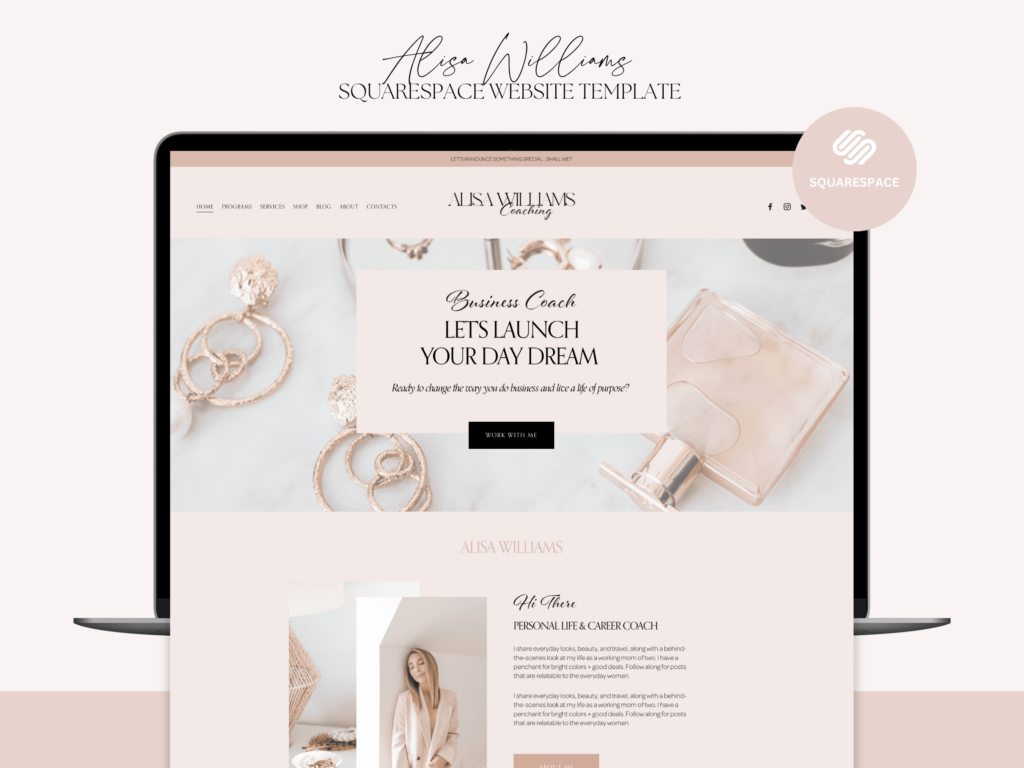
But how we can know about what to improve to detain a potential customer. Well, it all depends on the website profile. Squarespace wedding website is one of the few templates platform that provides opportunity to create a beautiful site based on its tools regardless of the profile.
For example, if the website is specialized in e-commerce, the main accent should be on product description and pictures along with shopping convenience.
Wedding photographer’s website, in its turn, should impress by his pictures and appealing layout. Thus, it is very important for a photographer to create entire website and especially landing page to be a masterpiece of beauty.
Key website advantages to convert customers.
As we know, wedding is the top event in many people’s life and they want everything to be the best. But how to choose the best photographer if you are going to use them only one time in your life and you have no experience. This is why websites are playing key importance in creative a unique image of the photographer who can deliver the message about potential beauty since landing page of his site.
As we discussed before a wedding photographer website has its own key metrics in how to retain and convert the customer depending on niche. To get the most beauty out of the template, a photographer must pay attention to a number of features that would make his website stand out from the others.
This metrics includes graphics, pictures, layouts, fonts and custom appealing texts that can retain a potential wedding customer.
Let’s look at each point that makes Squarespace wedding websites better than the templates of its counterparts.
Squarespace 7.1 user interface.
New Squarespace interface enables users to easily create page with extended level of freedom. As a result, it became much easier to embed content and texts as well as implement custom fonts and lay outs.
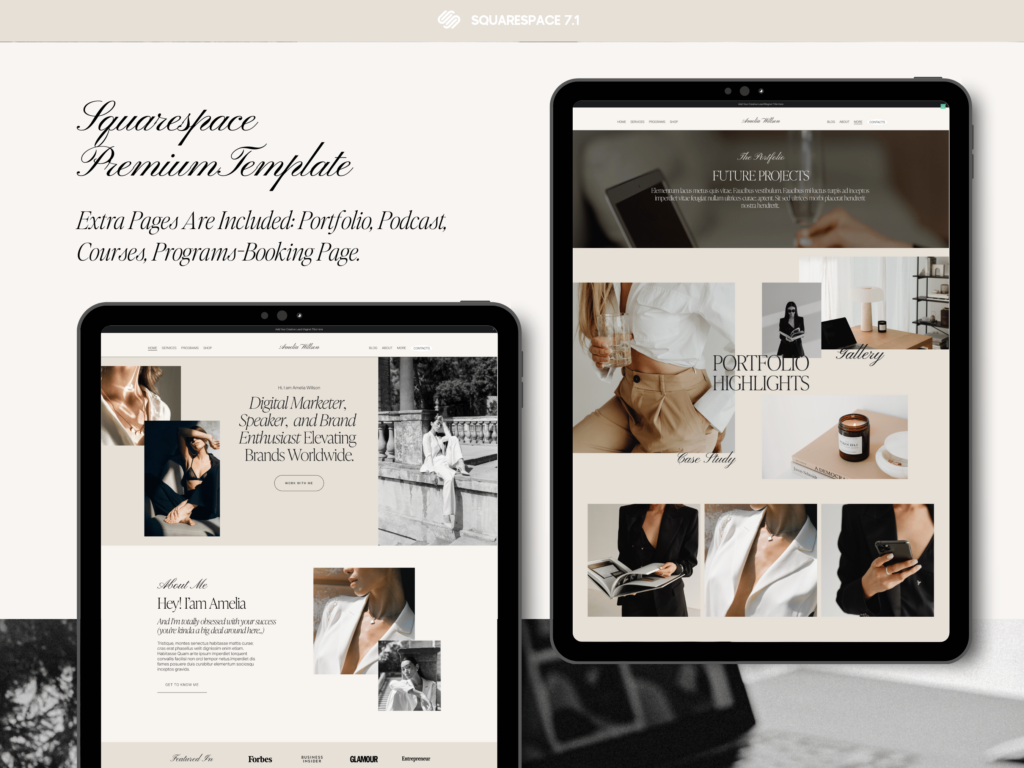
New user interface also allows its users to add number of features that were unavailable in previous versions. Now in order to create a fully functional landing page with custom lay out you do not have to embed the code but can do everything through CMS. This is of great help as it allows to create and edit templates at faster paste.
Graphics and layout.
Squarespace wedding website is done on Squarespace 7.1 version of control management system. This CMS has enhanced user interface and allows to apply color variety of color themes.
Combination of these themes along with styles and fonts delivers a premium level of website graphic outlook.
Editing sections and applying different styles to each section enables user to create an astonishing looking template as if it was drawn by hand.
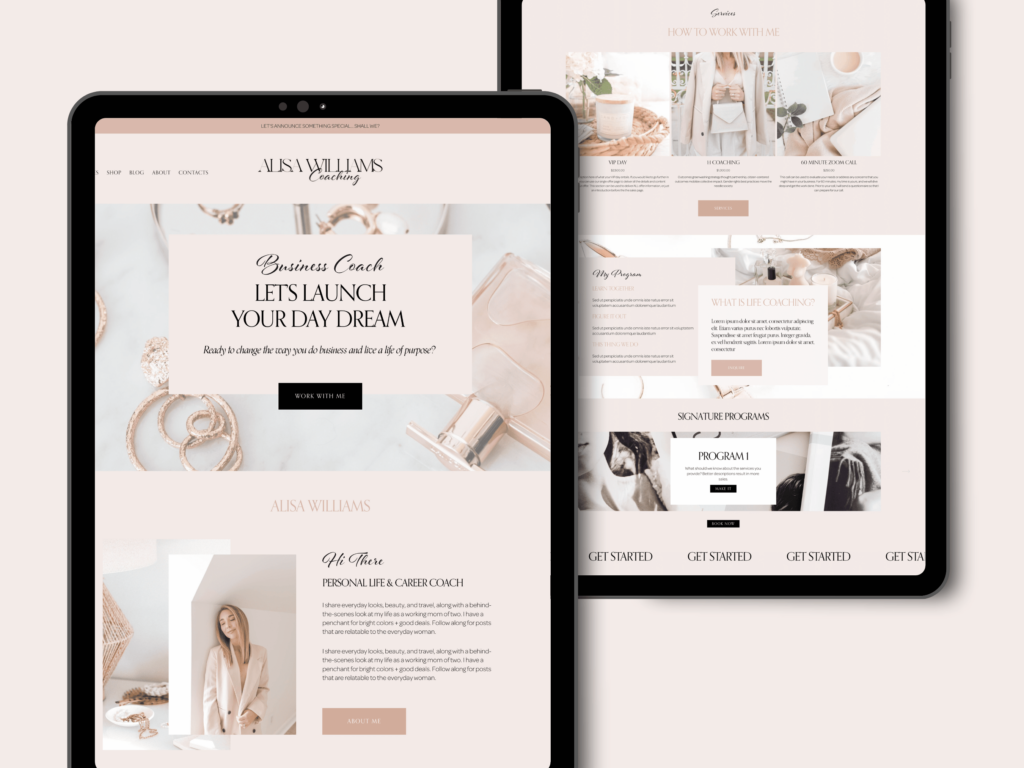
The only thing that new interface does not allow to inject automatically is the custom CSS fonts.
In order to inject these fonts, you have to go to code embedding section and put your fonts manually.
However once fonts are already there, you can manage theme through themes in the same way as remaining features of the website. As we mentioned before, the graphics and layout of the template is main key metrics at which potential customer would look before placing an order.
Users can now easily create beautiful designs thanks to new simple user interface.
Not only better than the previous Squarespace 7.0 version but also more advantageous comparing to Wix and Showit.
A great number of presetup templates.
Initially Squarespace was developed as a purely e-commerce platform. Over time it evolved into versatile site builder that allows to create website for almost any type of business. Wedding and photography are not an exception.
The thing that makes certain site builder more preferable is actually number of beautiful templates produced through it. Squarespace 7.1 version of the site builder became so popular with demand being so high that new professional custom templates start to appear on different digital marketplaces.
Those marketplaces provide an opportunity for professional designers to publish and sell their templates. When choosing a template, it is always advisable to spend extra money and get a custom template done by professional designer.
A professional designer would not only create a beautiful graphic layout but also would usually do it the simplest way possible. What it means for the customer is that he would not have many issues while editing or updating the template. Everything is set up to help customer manage the template in touch and go manner.
SEO advantages.
Another reason why you may consider buying Squarespace wedding website template from custom designer is SEO optimization of the template. A professional designer not only sets up graphic and layout. A great number of presetup templates have already preoptimized SEO structure.
It means that you can just start injecting meta tags in the predisposed sports. Also the load speed of Squarespace websites started to pick up. All done to be analyzed and put to a front page by search enrings.
Conclusion
As we can see, Squarespace wedding website is real breakthrough among other site builders. This is why it is preferable to set the up for wedding photography and other profiles where graphics is important.
As any other major site builder Squarespace allows for creation of Squarespace duplicate website. In the Squarespace dashboard there is an option allowing you to duplicate an existing template.
It takes around 1-2 minutes and you gert exactly same Squarespace duplicate website. Once you get a new website you can do it with it whatever you want. You may start a new subscription or transfer the ownership to another account or even sell it on template marketplace.
Usually, people are in need of Squarespace duplicate template due to certain main reason.
Building a website from scratch is an intimidating task if you don’t have proper knowledge of web designing. Squarespace provides you the best solution to this problem—its website duplication feature. With this tool, you can copy an existing site, and it will save you time while providing only professional outcomes.
But how does it work? Can you actually develop a new site using it? The answer is yes, and it’s not as difficult as you might have thought. In this guide you will find detailed instructions on what you need to do at each stage. You will also find information on two great Squarespace templates known as Kristine and Elisabeth that can help enhance the look and use of the website. Small business owners, artists, writers, and newcomers will find this article helpful in learning the tricks of using Squarespace’s duplication tools to build a stunning new site.
Reasons for Squarespace duplicate website.
They either want to create a new website based on an existing template, or transfer the duplicate template to another account. There is also another option when person want preserve changes and make a backup copy. This happens when he does not know whether he wants to keep changes.
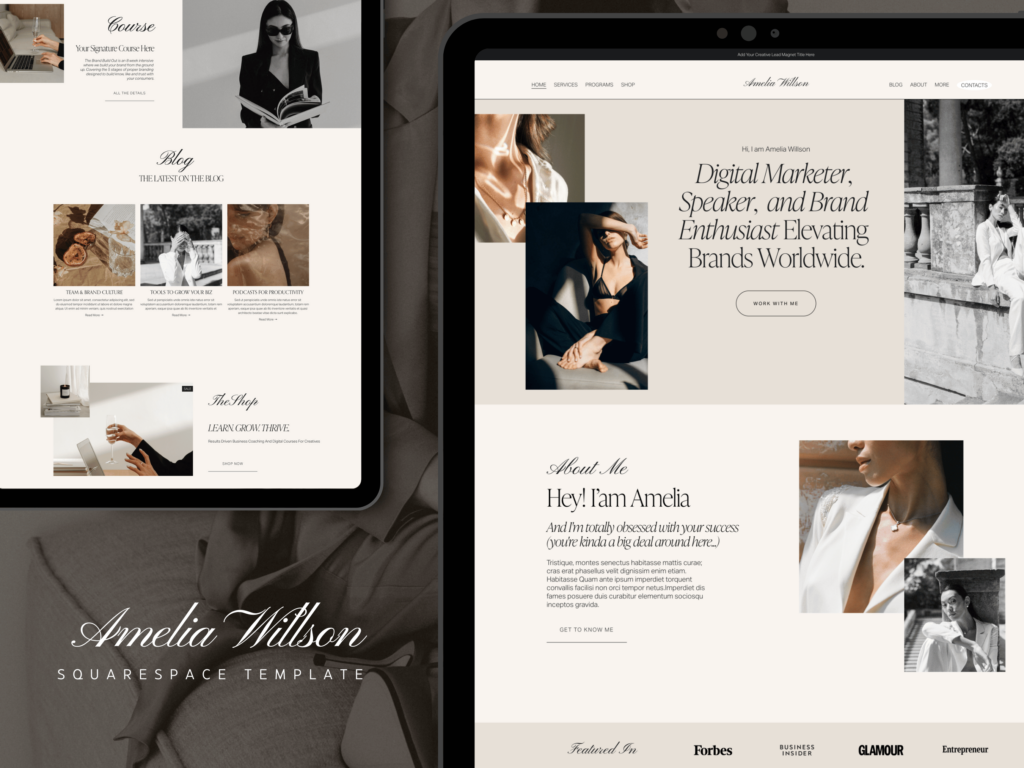
In this case old back up copy helps him to restore his website to an earlier point. Let’s look at the reason why people are duplicating their websites.
Start a new project based on old website.
Part 1:
A Step-by-Step Guide on Using Squarespace’s Duplicate Website Feature
Squarespace has a specific interface for website creation, and it is easy to design a new website through duplication of an already existing website. When it comes to copying a website in Squarespace, you literally can clone a website and accomplish this fast enough with all the information, settings, and configurations being preserved. We have developed a guide on how to do this as follows:
Step 1: Access Your Squarespace Dashboard
First, you have to go to your Squarespace sign-in page to begin the process. After the login, you will be redirected to the Squarespace Dashboard, where all the sites that you have created before are mentioned. If you already have a site set up that you would like to use as a model for replication, from there, you choose the website you would like to clone. It is important to return to your current site and see which of those elements you would like to incorporate into your new site or to use, for example, particular layouts.
Step 2: Create a New Site or Choose an Existing One
This position allows you to either design a new site from scratch or copy an existing site. Here’s how you can do it:
- Creating a New Site: What if you are starting from scratch, developing a new site? To do this, first, click the “Create a New Site” button. From there you either choose from one of the templates available or start with an empty layout. With such tools, Squarespace offers several templates fitting to industry, guaranteeing that one starts with what they want.
- Duplicating an Existing Site: If you have an existing site that you would like to copy, go to the burger menu at the bottom of the page. In the “Site Management” section you will see the button “Duplicate Site.” Choosing this link will make a clone of your site, and you can edit further as you wish.
Step 3: Customize Your Duplicated Site
Once you have ‘duplicated’ your new site, it will work, in terms of editing, just like any other Squarespace site. The beauty of this duplication feature is that your original settings, layout, and even content are not affected by the duplication process, which makes it such an awesome feature. But the basic thing in practice is to make the new site distinctive and tailored to the subject it is discussed on. Here are areas to focus on:
- Design Elements: Change font type, colour, and general style to fit into the new project that you are working on. It might be worth trying one of Squarespace’s integrated design options to try something different.
- Content: Edit the news that is written in text, images, movies, songs, and another media content. If any part of the content does not match the new site, then reduce it and put fresh content in the required sections.
- SEO Settings: Optimize the metadata tag on the new website for page title and description in order to achieve a perfect fit with the new project objectives.
Step 4: Adjust Your Site Settings
Once the design is made, ensure your site setting is well done as indicated below. These are your site’s domain and publishing options, integrations, and security options available within the site. Pay close attention to these areas:
- Domain Name: If the second site is targeted at a different audience or if it is a different version of the site, then choose a more relevant domain name. However, you can register a new domain through Squarespace, and they will link it to your site automatically.
- Publishing Options: Determine whether the site should be under construction and closed to outside visitors or open for navigating.
- Integrations: Check on analytics, social media, and email marketing partnerships and see what needs to be changed.
- Permissions and Security: Change permissions in order to define what changes can be made and who can change them for the newly created site. SSL should be enabled in order to increase the security level of internet communication.
Step 5: Publish Your New Site
After you’ve made the necessary customizations. You are at the final stage to publish your new website. Before going live, double-check every aspect of the site, including:
- Navigation menus
- Mobile responsiveness
- Ad testing forms
- Call to action button
After organizing and setting up everything, click the “Publish” button in order to make your new site go live. Squarespace provides you with basic tools to edit and load an object in the work zone, and it is easy to edit the work even after loading it.
Bonus Tips For Squarespace Layout Copy Extension
Following these steps can help you to duplicate a Squarespace site while also enabling you to start from scratch quickly. This method works best for you as it enables you to save a lot of time and energy.
- Plan Ahead: When copying, always have a list of issues they want to retain or modify to avoid a blank screen when making a duplicate. This will help to simplify the customization process.
- Test Thoroughly: For the next activity, run the site on the different technologies on which it is to be run to make sure that the site runs well on a PC, tablets, and mobiles.
- Optimize Performance: Squarespace comes equipped with many tools to check site speed and performance. Reduce image and media size for quick loading of the web page, among other qualities.
Part 2:
Practical Benefits and Considerations of Using Squarespace’s Duplicate Feature
With the information provided above, you now know how to effectively duplicate a Squarespace website—now let’s discuss the specific advantages of this feature and a few things you should consider. Knowledge of these aspects can assist you in not making common mistakes and, in general, using website duplication to its maximum advantage.
Why Squarespace Layout Copy Extension?
Replication of a site in Squarespace is quite useful and can be used for different purposes. Below are some compelling reasons why it’s a powerful tool:
- Speed and Efficiency
It is convenient to replicate an existing site. It does away with the need to come up with all the aspects you need from scratch. In this way, by having a good model to follow, you can easily transfer it to a new context and the new project. Whether it is a sister brand or designing a client’s website or getting ready for a big campaign, duplicating the site helps speed up the process.
- Consistency Across Projects
It is always important to maintain the brand image to leverage consumer trust and build the brand into one that is easily recognized on the market. If your current website’s design and layout are understood well by the visitors, then copying it retains similar appearances throughout the various websites. This is especially helpful to businesses that address more than one outlet, franchise, or geographic area where their services will be sought after.
- Reuse of Existing Content
Recreating from scratch is impractical if you already have content, images, and layouts that actually offer convincing sales copy. Copying your Squarespace website is helpful because these properties may be used for other projects or versions of the site with ease. This is particularly helpful for agencies or firms who perform projects for different clients or for different target consumers.
- Safe Space for Experimentation
A duplicated website is a loser environment where an experiment with new ideas may be performed. You can try out new theme concepts, change the layout, and even redesign the user interface without the stress of affecting your live site. It is particularly suitable for the segmentation of product testing, implementing a new product, or experimenting with a new approach.
Additional Benefits Of Using Squarespace Layout Copy Extension
Beyond the immediate advantages, here are more reasons to incorporate Squarespace’s duplicate feature into your workflow:
Backup and Redundancy
This is especially true when one desires to make radical changes to his or her site, and it can be a daunting exercise all the same. By having a duplicate of your original site before the launch, you have a site to fall back on in case things do not work out. This contingency measure protects your content and design from potential problems.
Improved Team Collaboration
Inevitably, when several groups work together on different projects, creating another website offers a common platform. This way, there can be little confusion as workers are all starting from the same blank template, which aids productivity.
Scalability for Business Growth
That way, brand integrity is achieved, especially when a firm extends its operations to other markets or launches new product lines, by duplicating the website layout. It also affords you the opportunity of programming the duplicated site for the respective needs across the different regions but without compromising on the general image of your brand.
Many people would like to start a new project based on the old website that they are already using. Even if they plan to completely change topic and content, they would still rather have same graphic layout and design.
Especially if the existing Squarespace template was done by a professional designer.
Such websites allow for versatile usage. What you need to do is to add and customize content and meta tags.
Sometimes people do Squarespace duplicate website to create the same site under different domain. Usually, the new domain is getting registered when owner does not want any third party to register this domain as it has similar name. There are many known cases when people took some domain names similarly to original ones and.
However, there is a limitation from Squarespace as you cannot have two active domain names under one active subscription. You have to pay for both. If you want to preserve a domain name that sounds similar to your Squarespace website the best bet is to create a domain on a separate registrar and forward it to your main one.
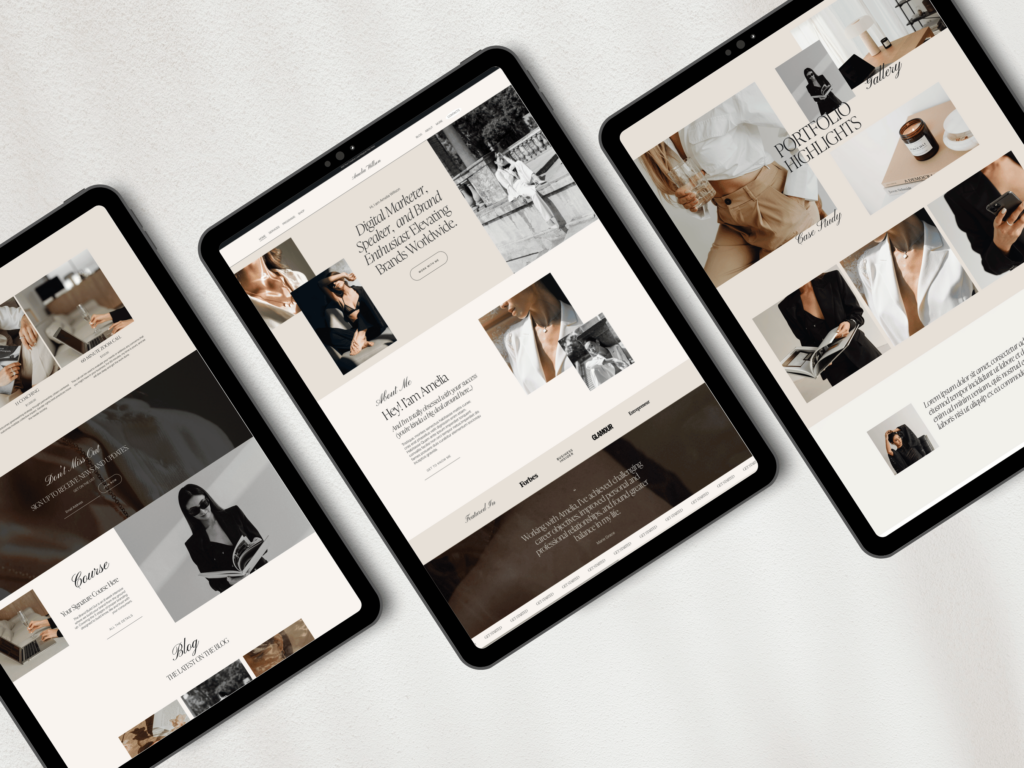
Thus, you do not have to pay extra for your second subscription. Anybody, looking for your domain would be forwarded to your main domain no matter which of two domains they click.
Create a backup copy to retrack old Squarespace site where no recent changes applied.
In some cases, people want to create a backup copy of their template before they proceed with customization. For this reason, Squarespace duplicate website is a plausible option. You can basically create any number of duplicates. Each duplicate would have its own progress level of your customization.
Thus, they can choose at what point they are unhappy with the template, and would like to start fresh without losing all previous progress.
Considerations for Using the Duplicate Features
While the duplicate feature is highly beneficial, there are some important considerations to keep in mind to avoid potential drawbacks:
- Avoid Overwriting Content
It is therefore important to ensure that during a duplication process, the content that appears on the new duplicate website has been updated or rather contains the most recent information that should not tarnish the reputation of the firm or company. This can be detrimental since, by accident, you may just transfer unrelated information, which may complicate the message being passed across or may just downplay the entire message being passed across.
- Be Aware of Template Restrictions
It is important for everyone to note that not all Squarespace templates are equal. Others may not be as flexible or feature-full when copied as the original as detailed above or customized as preferred by the user. Ensure that the chosen template is capable of being copied again without relying on the basic, yet rigid model at the expense of its functionality.
- Address SEO Concerns
Duplicate pages are bad for your website’s SEO. To avoid it, update your page titles, meta descriptions, and URLs on the site that is a duplicate of the human-edited version. Make sure that you modify your content just for this purpose in order not to be penalized by search engines and, in equal measure, be able to sustain the visibility that you intend to achieve.
Make a site transfer to another Account.
Another reason why people used to create a Squarespace duplicate website is a transfer to another Squarespace account.
It can be done mostly for two reasons, selling or sharing template as a gift.
In both case scenarios you would be asked to transfer ownership of the template to a new assigned owner.
There are some cases when people by a professional template, use it for their personal use and then decide to resell to gain extra money. Most of the sellers are prohibiting such practice as a rights infringement. Unless you are buying a full commercial license for the template.
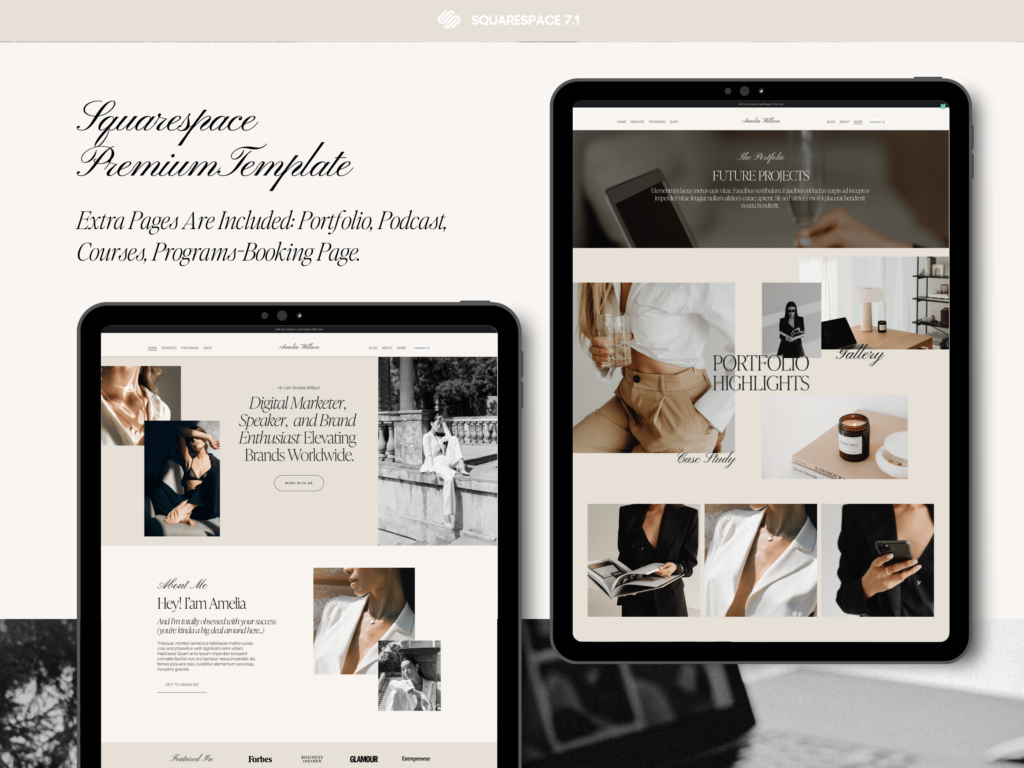
Even sale of customized template with altered layout would still be considered as reselling of the purchased template.
If you want to transfer and sell your purchased template to another account, you should first contact site creator and settle revenue proceedings from sale.
Transferring your existing Squarespace template as a gift requires you to delete this template from your own account. Thus, only single copy of the template would remain at your disposal.
Many web designers prefer buying presetup professional templates for their customers. If you are the designer you do not use purchased template for your one needs. But it is prohibited to sell Squarespace duplicate website more than once.
For example, if you want to sell purchased custom template to several customers of yours, you need to purchase exact number of same templates from the owner.
Selling Squarespace templates on commercial basis.
But what if person created its own custom template and would like to sell it to the others. In this case, he would definitely need a Squarespace duplicate website option. By duplicating Squarespace websites seller can create copy of his templates to transfer to the buyers.
For example, seller can list its Squarespace template on a market place like Etsy. Once he sells the templates he has to send it out.
The next step would be to transfer a copy of a template. It is is done through duplicating the original template in your Squarespace dashboard.
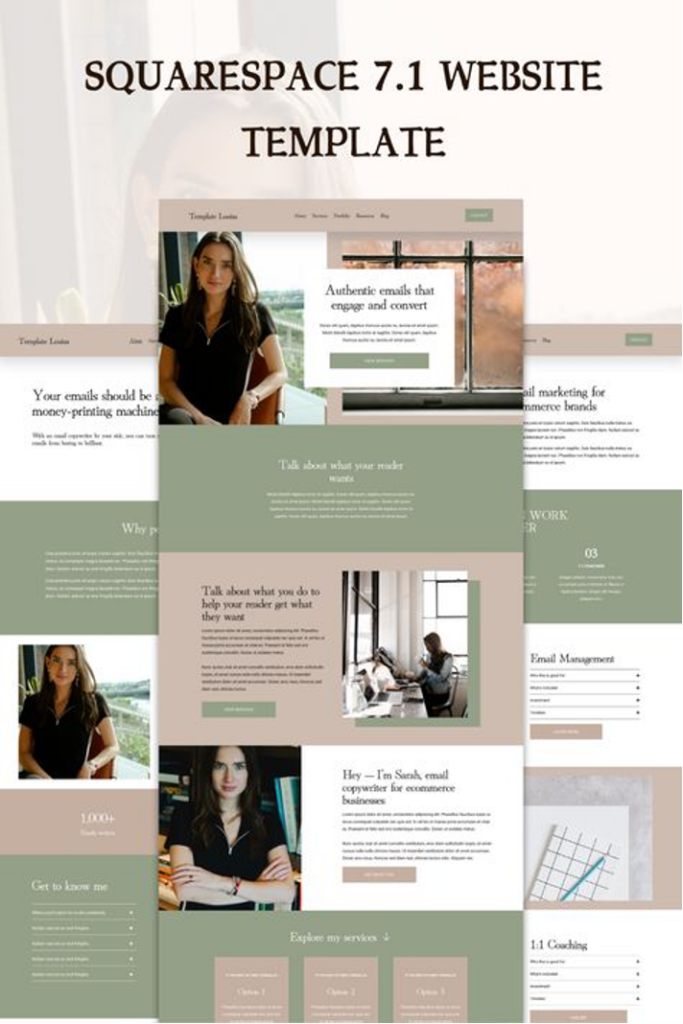
Most of starting sellers face the issue of two weeks trial period given for any Squarespace template.
Initially Squarespace does not provide extended trial period and every new seller has to duplicate Squarespace website to keep it as free trial.
However, if Squarespace template seller manages to overcome certain number of sale threshold, Squarespace gives him an extended trial period of 6 month. This is done specifically for Squarespace custom templates sellers. For those who need to keep their templates in the dashboard without activating paid subscription.
A good thing is that even the customer who buys from custom Squarespace template sellers gets six-month trial period.
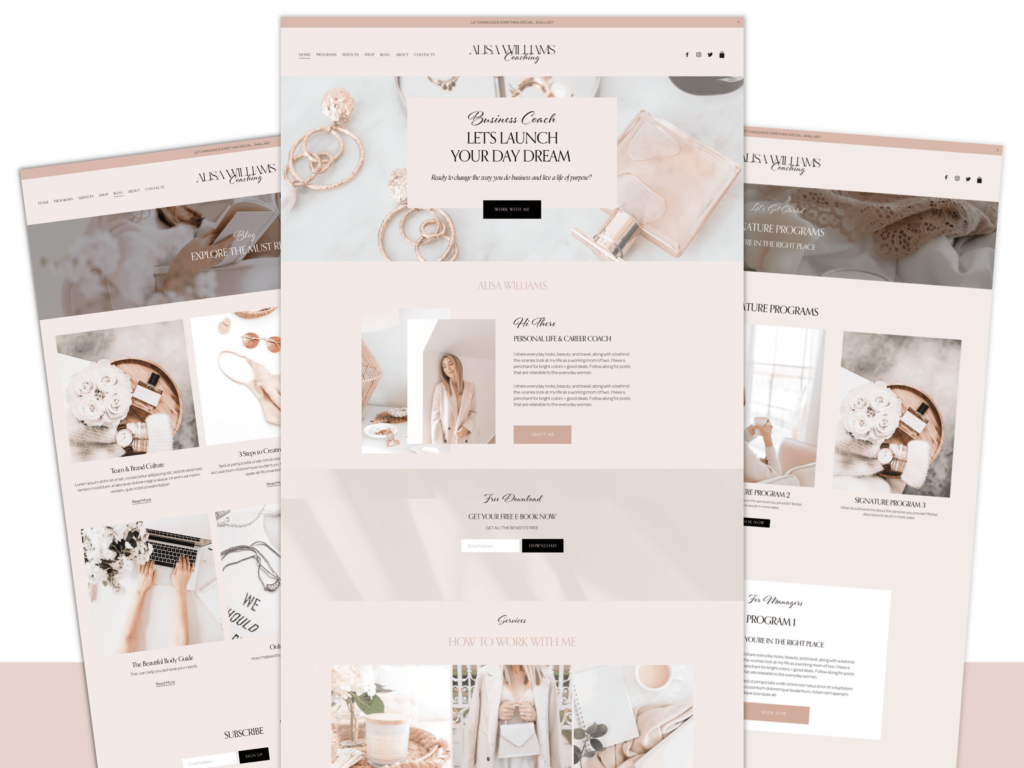
This is a convenient feature developed for custom Squarespace template sellers. It does not limit the potential clientele to upgrade template to paid version immediately after purchase. They have six-month trial period. What it means for customer is that it can now buy a template he likes without need to activate it within two weeks after purchase. This allow customers to have less hesitation while buying as no time limits is pushing them forward.
Part 3:
Top Squarespace Templates to Enhance Your New Site
Now that you know how to replicate an existing Squarespace website, let’s take a look at two extraordinary Squarespace templates that can supercharge your new site’s looks. These templates are beautiful, flexible, and practical, so they can be a great solution for different kinds of businesses and personal initiatives.
1. Kristine Template
The Kristine template is a neatly done modern template, which can be used by creative professionals and small businesses. The site’s layout is clean and uncluttered, and it’s primarily an image-sharing site, ideal for photographers, designers, and artists.
Features:
Elegant And Contemporary Layout: The Kristine template looks quite formal, which is complemented by sharp edges and neat divisions that focus on your content.
Responsive Design That Works Seamlessly Across Devices: Regardless of whether you’re using this site on a large computer screen, a tablet, or your smartphone, this template guarantees consistency.
Integrated With E-Commerce Functionality For Online Stores: A strong emphasis on your work and the feedback from the clients is provided by the possibility to have separate special sections that can be easily adapted.
Built-In SEO Tools To Help Optimize Your Content: SEO optimization features will help you achieve greater visibility and rank on the search engine.
For any creative businessperson who wants a fairly elegant design, the Kristine template will be perfect for your visual needs. If you want to create a portfolio of your artworks or create an online storefront, this template is your best bet. If interested, you can visit Kristine Template to further explore and begin utilizing this service.
2. Elisabeth Template
The Elisabeth template is also an equally good choice for whoever would like to have a refined professional look for his website. Coaches, consultants, and other professionals that could benefit from the minimalist design and an easy-to-use platform should consider its utilization, particularly those inclined towards the health and wellness market.
Features:
Soft, Muted Color Scheme: That is why the non-aggressive, almost pure design parts allow your guests to feel calm.
Well-Structured Layout With An Easy-To-Navigate Menu: Make it easy to browse through all designed sections and subtitles to enable easy access to information and insights.
Multiple Sections For Pages, Services, Blogs, And Contact Forms: Provide an overview of your business with a special emphasis on the most important information.
Mobile-Friendly Design: Your website should be responsive and aesthetically pleasing on any device you visit it from—be it a mobile device, a tablet, or a PC.
For anyone desiring a friendly and welcoming online image, Elisabeth may be the perfect template for any website. Given at its highest levels, it is especially appropriate for use by anyone who would like to convey trust, care, and competence. To try and implement this template, you can visit the Elisabeth Template.
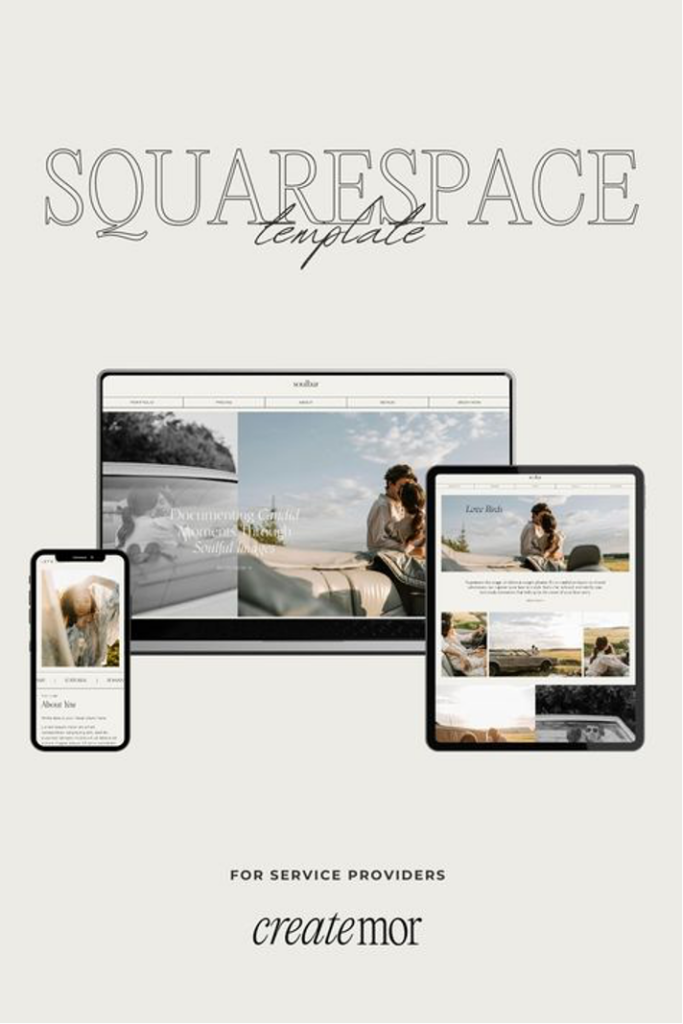
Part 4: Frequently Asked Questions (FAQs)
Can I Duplicate a Squarespace Website Without Losing Data?
Yes, indeed, by creating a similar site in Squarespace, all of the content, all of the settings, and all of the designs are copied. Nevertheless, important information on the duplicated site may be found irrelevant for the newly set objectives and needs to be revised.
Are There Any Costs Associated With Squarespace Layout Copy Extension?
Copying a website in Squarespace is not costly; the feature is available for free. Nevertheless, for each site you will be required to pay hosting fees if you wish to keep several live sites at the same time.
Can I Duplicate Only Specific Pages Instead of the Entire Site?
To date, in Squarespace, site duplication only takes place to the whole site. But the fact is that some individual pages can be copied by recreating the whole picture on the new site.
Will Squarespace Layout Copy Extension Affect My Original Site?
However, replicating a website will not hinder the development of the initial site at all. It is an exact copy, which is distinct from the original, and what you create here can be updated and posted separately.
How Do I Ensure My Duplicated Site Is SEO-Friendly?
When trying to optimize your duplicated site for search engines, change all the meta titles, descriptions, URLs, and keywords. Don’t keep even a single copied content from the original site to avoid getting penalized by the search engines.
Simplified Website Creation with Squarespace’s Duplicate Feature
The abovementioned Squarespace duplicate website feature is one of the most effective instruments that can save much time on the development of the new site. Following these guidelines, it is easy to recreate an existing site, modify it as needed, and launch it in no time. Whether you’re designing websites for business, a blog, or a professional portfolio, this feature helps shave time off design while ensuring that aesthetics is kept to a high standard.
The Kristine and Elisabeth templates will help to improve your site’s design and functionality if needed. Their professional and, most importantly, friendly layout makes your website unique while at the same time offering the clients a rich experience. Explore more at Presentybox where you can discover additional templates and resources to create a truly remarkable online website.
Conclusion.
As we can see there are many circumstances under which Squarespace duplicate website option is in need. No matter whether you are professional Squarespace templates seller, a web designer or an end user, you will need duplication feature.
The beauty of a site builder is that you do not have to copy all the content and move it to new set up folders as you do while manually copying.
It is just a button with in Squarespace dashboard that allows to create as many Squarespace templates as one needs.
Everybody has it own definition of best when we are talking about web design and best Squarespace websites. At the same time there is certain metric that can be applied to find out what is close to the best in most people minds.
To create a best website that would be superior to others you need a toolset. Yes, it is possible to do manually through direct coding in html. But would it be the best site from graphic and functionality point of view. What if you would need to do some change or update. Would you every time call a programmer to undergo a costly and lengthy procedure.
Let’s take WordPress as an alternative. What you can do is to set up ready to go dynamic website.
Contrary to manual coding, WordPress website is easy to inject updates in. However, the site created with wordpress is still no match in terms of flexibility and design to products of other site builders.
Lately WordPress introduced a number of plugins allowing people get a really decent graphical design. However, it is still a far cry from that other site builders can offer.
Nowadays there are three main site builders, Wix, Showit and Squarespace that offer an opportunity to create an appealing website. Wix and Showit were purely concentrated on graphic with no much attention to e-commerce.
Squarespace evolved from being a purely niche e-commerce tool to a versatile platform that can host sites of any kind. Today many users how have nothing to do with Squarespace a betting on this platform as it gives chances. Let’s talk about the advantages of Squarespace websites.

Squarespace website advantages.
Among the number of improvements Squarespace undergone in recent years we can notice the most is updated content management system, graphic performance, new features and options as well as more convenient set up for SEO customization.
All these and other improvements helped boosting the performance of Squarespace. This boost triggered demand on Squarespace websites. As a result of such platform popularity rise, lots of new professional Squarespace templates for sale started to appear on the market. Let’s see each one in detail.
The updated working interfaces in Squarespace 7.0 to Squarespace 7.1.
The update from 7.0 to 7.1 system brought working with Squarespace to a completely new level. Now it became possible for even hard computer literate person to be able to create a website.
Improved user management, introduction of new functions and features that can be embedded through user interface raised popularity of Squarespace significantly.
Apart from facilitated control management, the new user interface lost its rigidity. Now site creation became not only easy, but also looking way more stylish and appealing.

Working with color themes and easy adding custom fonts made it possible to customize Squarespace to a completely new level making them Best Squarespace websites ever created.
Now you can create a business class website using just basic tools provided y Squarespace with no coding experience.
Better SEO optimization.
Another recent improvement introduced in Squarespace is its optimization for search engine purposes. First of all, the overall performance of the website became faster. Images started to get processed exactly in the format best fit for SEO purposes.
All meta tags such as meta description, meta titles, and alt tags for pictures are now easily discoverable and allow users to tune them up relatively quickly.
Presetup Squarespace templates.
A fresh push from user management and less rigid content creation pushed lots of professional designers create best Squarespace websites.
There were so many of them, that they started to get sold in online marketplaces.
Squarespace templates were always for sale since its beginning.
However, with modern technologies and improvements, the templates that are for sale now is a completely different thing.
For example, if the old Squarespace looked like a rigid online shop, many new Squarespace templates for sale have outstanding graphic and design. Things, that you could never achieved using previous versions of the site builder.
Best Squarespace templates vs Wix and Showit.
Of course, it is not only Squarespace that improved its graphic interface and enhanced its appealing look.
Wix and Showit were initially created to satisfy customers need of good graphic.
Wix was initially created for artist. Showit was developed as pure photographer website.
Thus, no matter how fast Squarespace could continue to improve it graphics and layouts, Wix and Showit would always be one step ahead. Then we why we still think that best Squarespace templates would overperform its main competitors.
The answer is simple. Squarespace reliability and core functionality is far superior.
Initially Squarespace was developed as an e-commerce platform with major concentration on sound check out work.

As a result, its functionality is the most stable among other builders.
Showit, for example, does not offer online sale module at all. What customers have to do is to find an API and integrate it into Showit template.
Wix has more flexible options and provide plug in module for e-commerce but still this platform is far away from the real sales.
Final thoughts.
Best Squarespace templates are the ones that fit your specific needs. With application of certain metrices we managed to find out why we may consider Squarespace templates are best on the market.
At the end of the days, we should not forget that it is not a site builder but a template itself is to be considered successful or not.
Thus, site builder is not a detrimental factor while choosing your website template. The main metric is the template itself. Best Squarespace templates made by professional designer should not only look great but be adaptive for SEO and easy for making updates and changes.
Thus, when you try to pick up a template you want to buy, the best bet is to find templates you like the most from 2-3 site builders.
Then you can check your live demo and test their functionality to better understand the differences.
With last changes in Squarespace there are more and more professional ready to use templates are coming to the market. Most of them we can call best Squarespace template.
It is your choice now to decide which one of the best you like the most.
Do you really need use a Squarespace change template option. Most people think that they need to change Squarespace template only when sales are going hard. They consider Squarespace change template option, as one of the last chances to boost their sales.
But is this really a case when you need to make Squarespace template change.
First of all lets have a look at what Squarespace is and the advantages of this platform..
What is actually squarespace?
it is basically a website builder platform which helps user to create a website without having any coding knowledge. Squarespace has a variety of templates that helps user to create whatever their thoughts and needs are it has a network of creators that create and then sell templates.
Squarespace templates basically have tailored theme and the most craziest thing is that it has the most customization options then other website builder such as WordPress, Wix, Shopify and etc.
Let’s have a quick compare with other website builders.
Squarespace vs WordPress.
WordPress is a hosting platform through which you can also build websites and can customize the themes.
WordPress is widely famous for its massive library of themes and plugins but you just have a little of the customization options. Squarespace provide you beautiful and professional themes and templates on considerable price and you does not require any premium for doing customization and modification.
Squarespace vs Shopify.
Shopify is a builder for websites that is usually used to build e-commerce websites and it has a great set of themes. Squarespace allows to create websites for every purpose and although its has a affordable price. Shopify is a bit more expensive for small business or startups.
As we can see you do not have to change Squarespace template to another site builder.
But what about changing you current Squarespace template to another Squarespace template.
Let’s look at some cases when Squarespace template change is advisory.
One of the main reasons to get a change is having existing website done on Squarespace 7.0.
Another reason is a lack of functionality. There are also such reasons as outdated layout, lack of SEO metatags, limited content. Generally speaking, Squarespace change template option is the best bet when you need a complete redevelopment of your online project.

It is also important to note that requirement for Squarespace template change does not derive from low sales.
Let me give you one example. There was a friend of mine who got great sales through a website which had an old inconvenient check out. He was very fond of the fact that without modern site changes he managed to get good sales. Later on, when he submitted his website for external audit it came out that he was losing money.
It happened as there were still many customers, who wanted to get something from his shop but were distracted by obscure design and difficulties with registration. It is one of many examples when Squarespace change is a real good solution to boost traffic and sales.
Let’s look that cases when Squarespace change template option can be of great help.
Squarespace change template from 7.0 to 7.1.
This is one of the most important reasons why people decided to pursue Squarespace change template option.
Squarespace 7.0 is an old version is not compatible with modern user control and management system. What it means is that it is next to impossible to correct any errors happen on the site.
At the same time there is no support for Squarespace 7.0. The Squarespace company is asking its users to switch to Squarespace 7.1 version.
Another reason why you would want to use do a Squarespace change template from 7.0 is lack of any support from the company. Sooner or later any website would need to get an update even if there are no glitches on the system.
In this case scenario a user with previous Squarespace 7.0 has no way of modifying website but to change the entire template.

But why to wait till you need a change and risking doing the template change in a hurry.
Why not to do it in advance and get a template ready for any change or update at any time.
Rebranding of your business.
Doing the complete rebranding of your business sometimes requires total update of your website.
In this case, owner is to completely change content and graphic even if nature of the business stays the same. Doing the total rebranding is a hard work especially if you want to add lots of new content.
This is why Squarespace template change is the best solution as well. Getting the new website opens up an opportunity to buy a website from professional graphic designer.
Choosing among presetup templates allows to account for any type of content you want to put in your new website.
Graphic change
Sometimes change of a template template can be of use if you want just to change graphic or lay out. Even if you are willing to leave or slightly update the content it would still be easier to get a new Template.
Do not forget that it is always much easier to put an old content to a new website rather than try to imply new altered outlay and design to an old one.
Lack of Functionality.
Introducing many new functions and features to an existing website may create a distortion to an existing graphic. As a result, any changes and updates may lead to general website layout skewing.
To avoid that, the best bet is to change Squarespace template and get a new one from professional designer.
Meta tags update.
To get sales from your website you need to get a target traffic. The best target traffic is the organic traffic from search engines.
To get such traffic your website needs to be optimized for search purposes. This is done through internal optimization of the website.
The main part of optimization is to put right meta tags including content and meta title and meta descriptions.

Another important part of the search optimization is putting the right pictures that account for fast loading of the website. Such things as alt tags to pictures are also important.
Many old design websites are simply not that optimized for search engines. It does not necessary mean that they would fall off the search. But the impact of your effort would be undermined by improper search optimization.
Yes, you may modify your old Squarespace website to be properly optimized internally. but it would still require lots of effort. It is much easier to opt for Squarespace template change and get all search set up tuned up to be fit with meta tags.
Bottom line for Squarespace template change.
Whatever reason for the change of Squarespace template is, it should not be considered as versatile solution for low sales. The change of Squarespace template may contribute towards more visitors or better conversion. But it will never solve the problem of low sales or lack of visitors.
If you want to increase the number of visitors or get a better conversion you should start a complex SEO campaign. This campaign would include posting blogs and articles on related niche topics in high authority websites.
As we mentioned before, the new Squarespace template can help setting up better internal SEO. But it will not improve your content to be more attractive to the reader or better recognized by Google. Both internal and external SEO is needed to get traffic to get customers.
In the same way you need to sell a good product to get customers regardless how good is your sales channel.
The technical process of changing website name is pretty simple. Many site owners are willing to find out how to change website name on Squarespace without losing their website.
There are several options to do that. First of all, it depends on whether Squarespace is done in trial or public mode.
If Squarespace is in trial mode and site owner would want to upgrade the subscription to premium then he can register a new domain with the Squarespace. Do not forget that
Squarespace is also a domain registrar. Another option is to transfer the existing domain from another registrar to Squarespace.
Both actions can be done with no hassle at the time of upgrading Squarespace from trial to paid subscription.
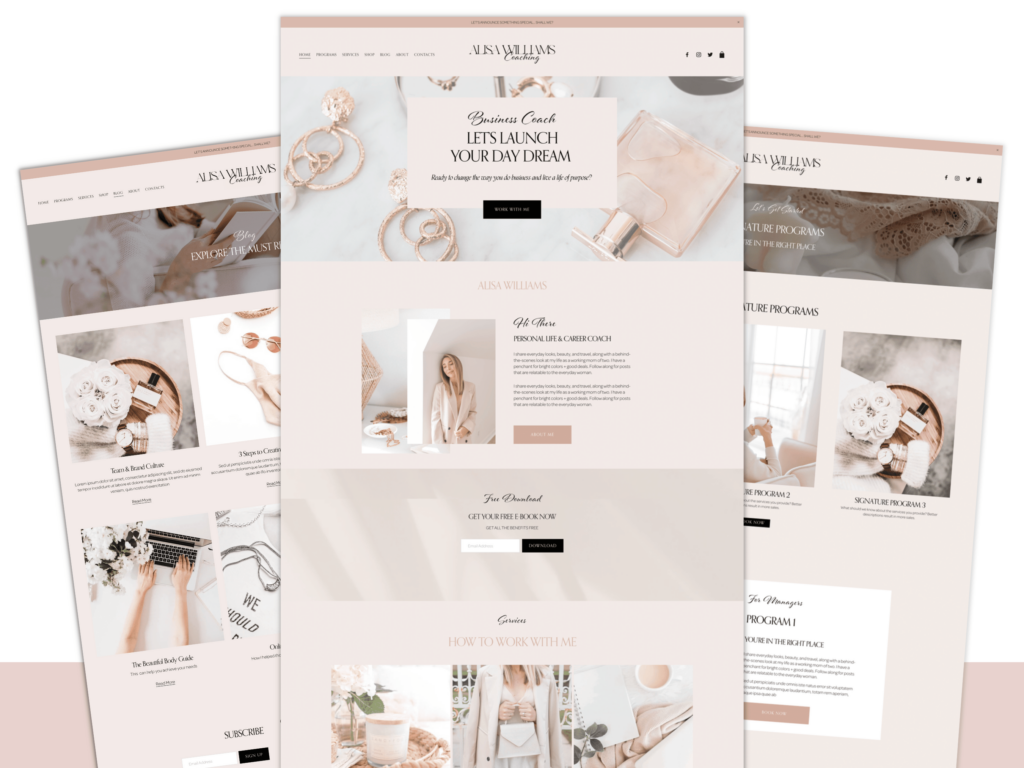
However, sometimes people claim they want to know how to change website name on Squarespace. But It later comes out that they want to switch to Squarespace from another platform. In this case it is important to not only switch the platform and name but do the SEO meta tags transfer.
Otherwise, there is a big risk of losing your SEO results.
Another issue when people are asking about how to change website name on Squarespace is
when they try to leave Squarespace for another platform. To explore these opportunities let’s focus on each of the actions.
Switching to and from Squarespace.
Usually when somebody wants to change its platform to Squarespace, the domain name already exists. Starting and subscribing for new platform is straight forward process. All the hassle lies in how to change website name on Squarespace.
As we mentioned before Squarespace has its own registrar. Thus, you can host your website name on Squarespace hosting. Given that you moved to Squarespace already. At the same time, it is important to know that all your meta data should be copied to a new site accordingly.
If you change a domain name and leave meta intact, then it can lead to results drop in Google and other search engines.
Switching away from Squarespace is technically done in the same way. Most of Squarespace users change Squarespace for Showit which is another site builder.
The process is similar. What you do is create an account on a new platform and then start the domain transfer process. Usually, it will take up to 48 hours till the new one would catch the DNS your domain and make it active. As we can see it is not a big deal to make a switch technically. Let’s look at some reputational risks while going this path.
Reasons for domain name change.
Before taking an action and changing a domain name every owner has a long path of consideration weighing all pros and cons.
The decision to change the domain happens mostly due to rebranding, starting a new company or
Launching a subsidiary business that would be interconnected with exiting one.
All these reasons are good enough to start a new domain. However, starting any new endeavor must be supported by its roots to existing well established project.
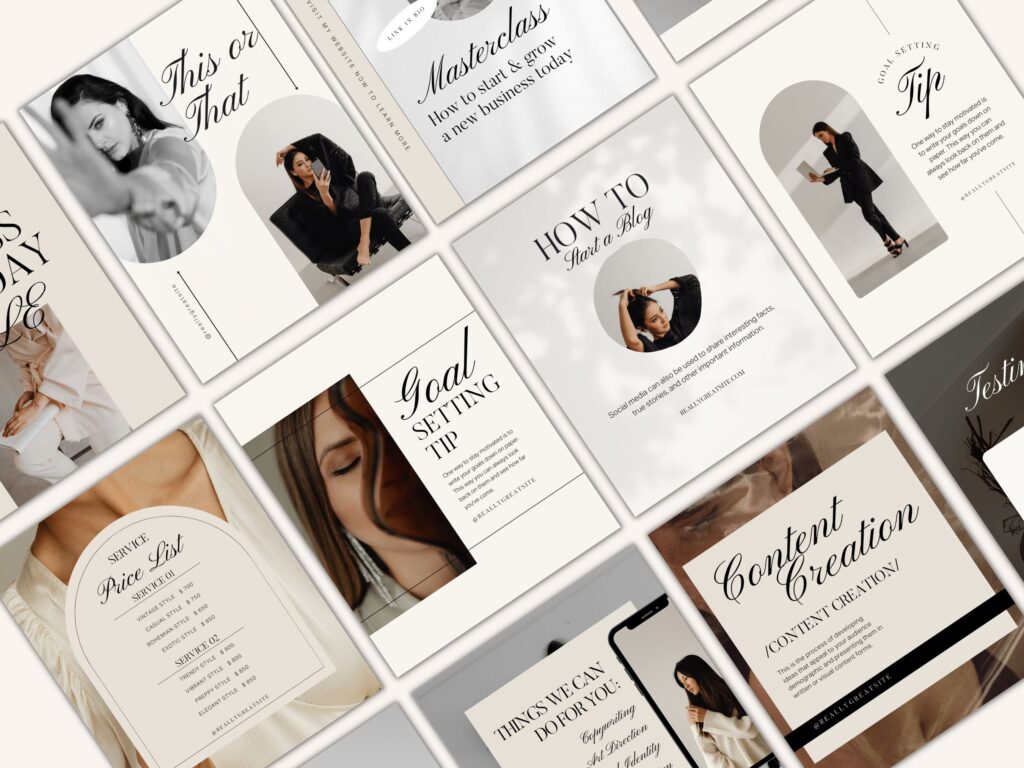
And the name should always show and reflect the connection to make a new business grow at faster pace.
In order to show this connection your new project should reflect the connection through either domain name or other symbols presented at the website. The more connections users can find with other projects, the more they would be inclined to trust a new website.
Thus, it is important to create a project that would have interconnection through a number of different parts of the website for both users who visits and search engines.
How to avoid risks.
When you change website name on Squarespace it means that all your previous connections with search engines under the old name would be lost. No matter how long it was gained there is no way any search engine would find the old website under new name. To make your new site visible you should use other metrics to push it through.
First of all, it is necessary to name all meta tags the same as they were on the old project.
In this case your new domain would be discoverable under same name even the domain name was change.
How to change website name while updating the content.
Usually, people use Squarespace to set up online trade. The website name change happens if person wants to set up a new brand or launch a new product. Even if the content is new and there is no way to leave old meta tags, you need to completely change all meta tags and content keywords.
It is a common mistake for many users who are trying to leave old working metatags in order to attract more customers. Do not forget that the main goal of your resource is not to attract visitors but also convert them into real customers.
If you will use old attractive meta tags and keys, you will get old traffic but the quality of the traffic would be low. Then you will stumble upon same old issue. Your website would have traffic but low conversion and sales.
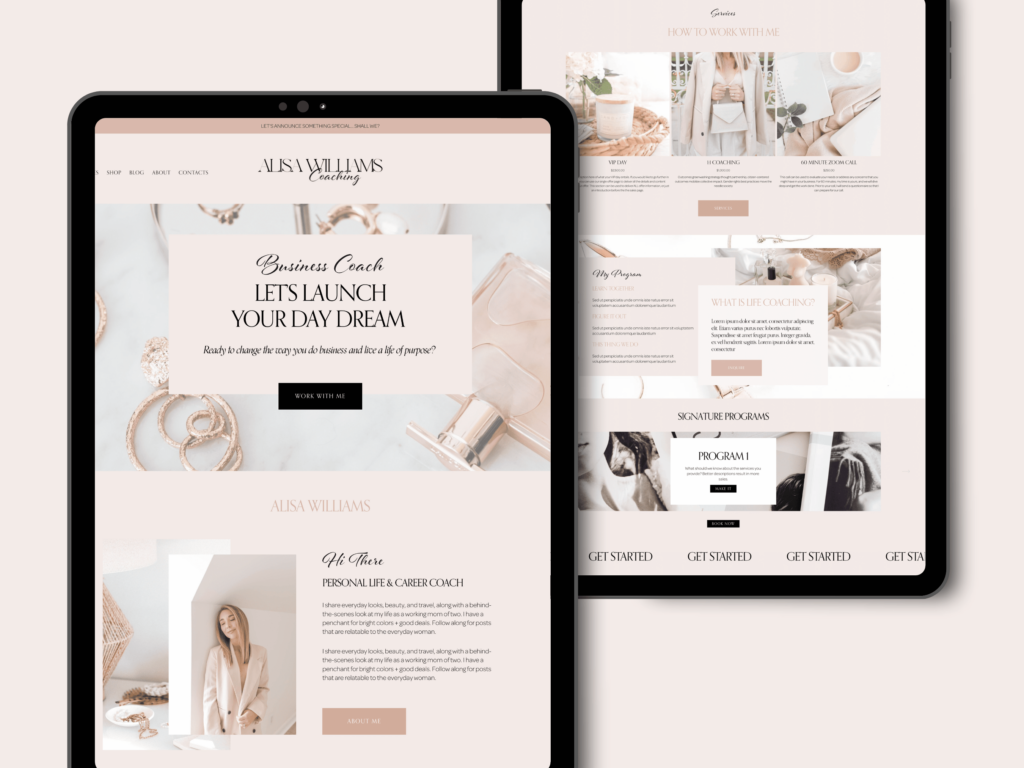
To avoid this issue, you need to put keywords in all metatags that are exactly reflecting your niche product and profile.
Choosing the right new domain name.
The best bet to make your site most effective is to make your new site domain name reflecting your selling stuff. The domain name is one of the most important meta tags that are discoverable by Google and other search engines.
In order to find the better names, you can use the registrar suggestion tools. Suggestions are showing the names that are not occupied. Today it is getting harder and harder to find lucrative domain name be unoccupied.
Sometimes it is impossible to find a domain name that precisely reflect your business niche.
Especially if you try to start working in a highly competitive field. In this case scenario you are free to use any domain name you like.
What you need to do is to associate your newly established domain name to your product niche.
To do that, you would need to get a number of blog posts on high authority resources that has texts associated with name and related keywords.
There has never been a time when there were so many site builders present on the market today. Among those there is a number of key players who pathed their way to market share through long time. Squarespace templates are on the market since 2006 and have been evolving ever since. But are they really that good to be picked from huge numbers of other site builders’ products.
Before going any further we need to understand the core evolvement of site builder platforms.
Each site builder poses itself as a tool for certain profile activity. For example, Wix used to offer its site building tools primarily for artists. Showit performance was mainly aimed at photographers and artisans.
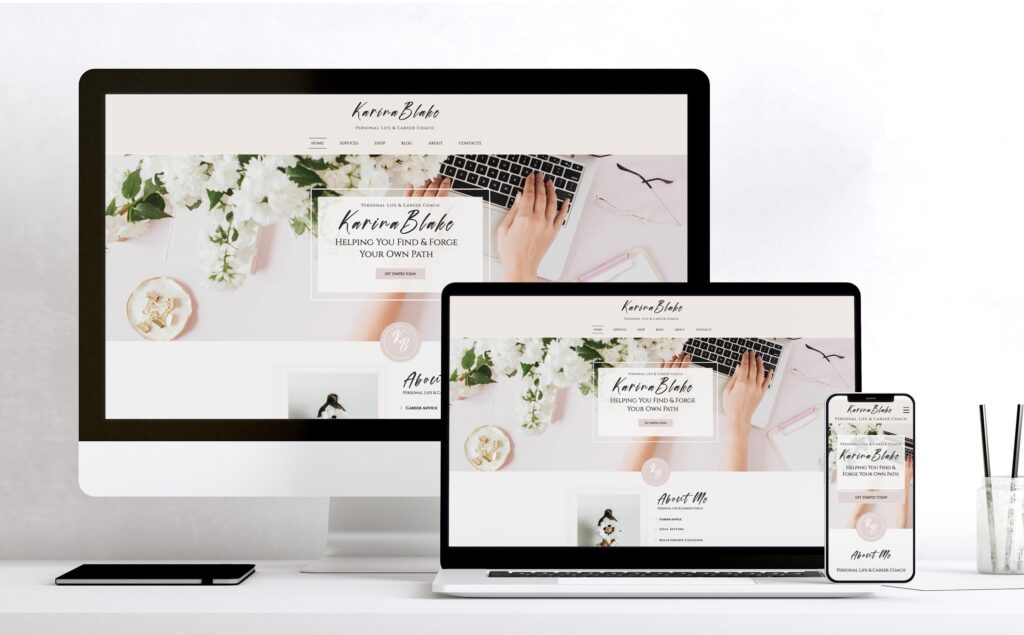
Shopify e-store builder was created and still exists solely as an e-commerce platform. It is a really single well-known platform that incorporated itself solely around e-commerce.
Other site builders started to move in every direct. Wix, for example, evolved into multifunctional site builder that can fit the needs of customers from almost any profile.
Showit being a robust photographer templated builder, started to change its focus towards niche e-commerce stores. Stores that are selling limited quantity of quality goods.
So did the Squarespace. Being created as a platform exclusively for on-line commerce, Squarespace gradually evolved into a comprehensive site builder tool. A tool that can help almost anybody.
Site builder’s evolvement.
When we are talking about evolvement of established site builders, we can see that most of them have grown immensely and became more versatile. However, if we would have a closer look there are major differences in between.
Let’s compare four well known site builders that are having biggest market share. They are:
Wix. Squarespace, Showit, WordPress and Shopify. They all been established long ago and undergone lots of transformations. At the same time the type of transformation is different.
Wix.
For example, Wix, initially built for artist, now offers versatile profiles for almost any kind of profession. Lots of features such as e-commerce and scheduling were added to the templates.
Apart from that Wix made big improvements in user interface.
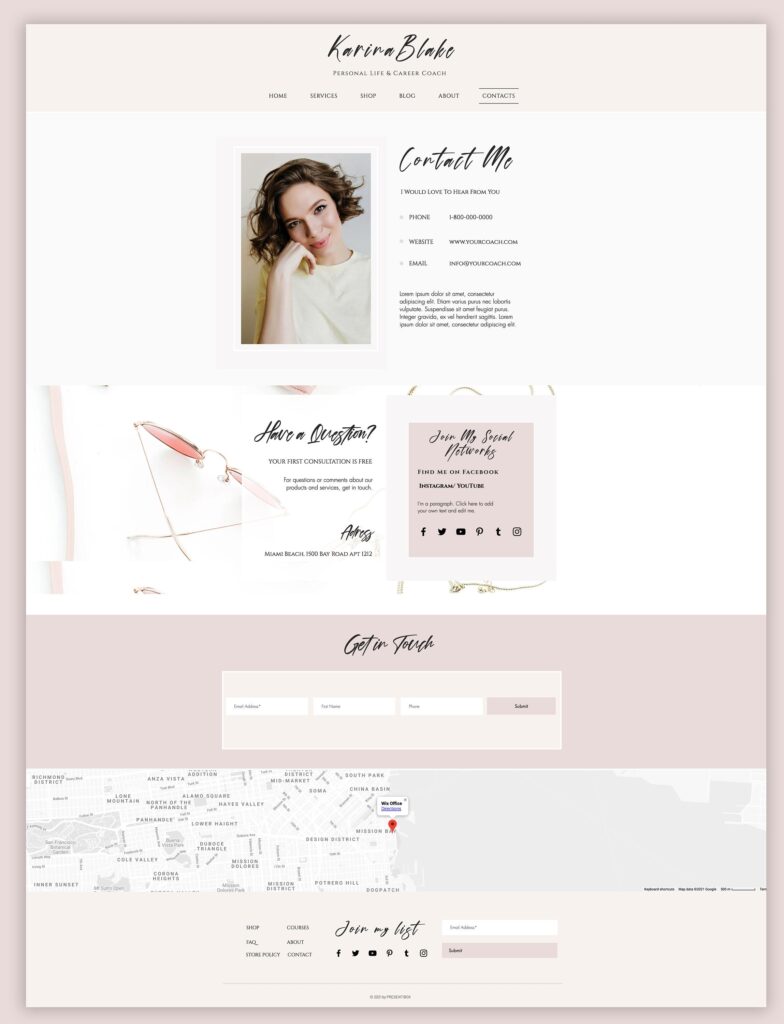
Now it became as easy to build complex template with many features integration as it was to build a simple business card type website not long ago.
Showit.
Showit is another example of relatively low transformation. Platform is solely built on wordpress and allows you to add features manually or inject code. Its evolvement was mostly gone around simplifying the work with drawing the website itself. As a result. Showit gives an unprecedented performance in outlook and design comparing to any other site builder.
At the same time, most of extra features are still available through code injections. When other site builders were working onto simplifying additions of extra features, Showit mainly concentrated on its design and outlook.
Shopify.
This site builder was initially created with one goal. To serve people who does sales online.
All its development were done around optimizing performance of the shopping card and check out proceedings.
At the same time, there not much done towards developing this platform towards flexibility and availability for wider range of internet profiles. What Shopify did was concentrating on more options for the sellers with little attention to the outlook.
Going along this road made Shopify an excellent tool for wholesale traders online. But it still has rigid design and almost no space for site lay out customization. To get more or less decent website you have to hire a professional programmer.
WordPress.
This system is a pioneer in site builders. Initially created as a tool to facilitate blog activity it quickly developed into a major platform for all kind of sites. WordPress allows side contractors to create features and plugins that can be used on its template.
As a result of such partnership WordPress has the highest number of possible features and options that can be integrated in the template.
However, it does not make the set up easier. Although today WordPress has lots of templates such as Kadence or Elementor that allow for easier and nicer graphic setup, it still has big limitations in terms of design and outlook.
WordPress is far more flexible than Shopify but gives you way less freedom than Wix or Squarespace.
Squarespace.
Initially Squarespace templates were set up only for e-commerce. It was the same way as Shopify.
However, contrary to Shopify, Squarespace paid lots of attention to general development of user interface.
We decided to stress our attention on Squarespace templates as today they offer web design flexibility as ones from Wix. At the same time their e-commerce part is still stronger as Squarespace templates were initially created to work for e-commerce. But in Squarespace 7.1 version they developed such a beautiful user interface that you can easily set up a nice website to start.
Premade templates.
Another reason for choosing a site builder is an actual template that you can get in a certain platform. Wix and Squarespace templates have the biggest number of crafted presetup templates created by designers. Squarespace even has its own marketplace of templates.
Crafted design templates not only have outstanding look, but are usually optimized for SEO campaign. What I mean by that is that professional website designers optimize picture and graphic that allow for better SEO performance.
SEO optimization.
Another important point in choosing the right template to start its chances for good search engine optimization. Today most of the site builders offer the meta tags set up to optimize websites for SEO.
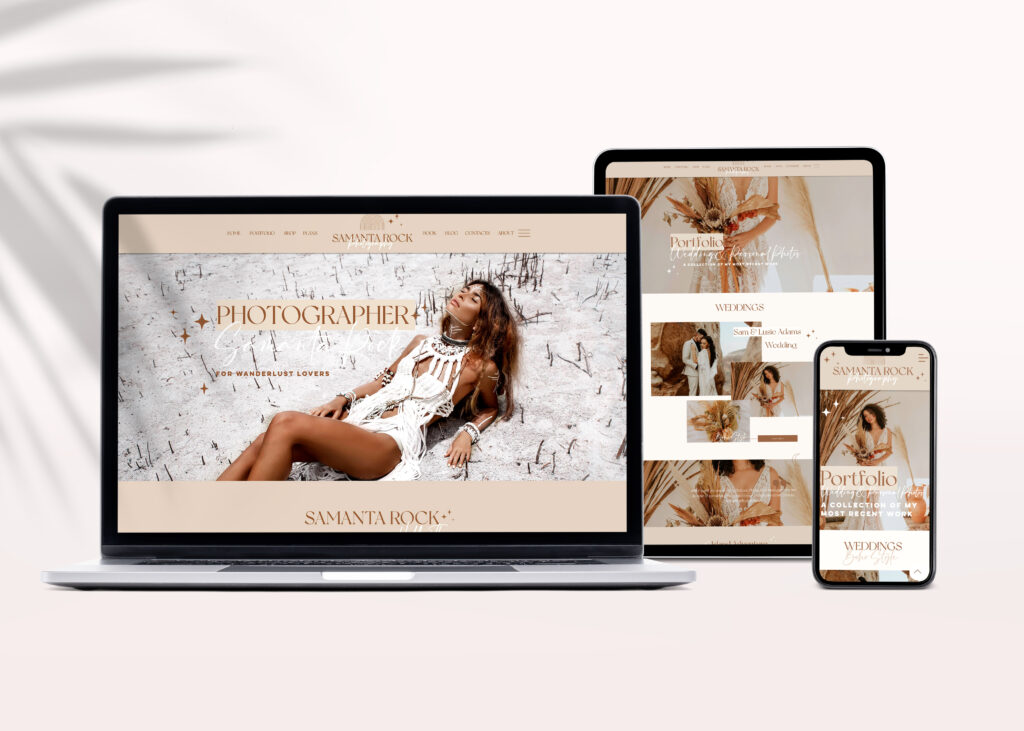
However, it is also important to have pictures and lay out setup as long as loading speed to become a candidate for SEO purposes.
Final thoughts.
Squarespace templates to our point of view is an ideal place to start a website. It allows for relatively quick and easy installation of the template itself. The same with attaching e-commerce and other features. At the same time Squarespace has definite graphic advantage and convenient options and features addition.
In case you want to progress with your project you mainly have two options. Switch to Showit templates for better graphic or to Shopify if you want to start more items on wholesale basis.
Almost all Squarespace users stumbled up the need to change their Squarespace template.
How to change template on Squarespace is not a big issue itself. However, everybody doing that step should take several precaution measures. These measures would assure that change Squarespace template would pass without any issues.
Thus, the most important question is how to change template on Squarespace without deteriorating the website.
Among the possible deteriorating options from Squarespace template change could be loss of customers who got used to old template and design.
Loss of important content that were previously used by customers visiting. Destroying SEO optimization that were tuned up to bring solid flow of customers. Also, there could be a loss of some functions and features that were not transferred to a new template.
To avoid all these and other issues let’s look at precaution measures we can take to safely change Squarespace template.
Loss of content while Squarespace template change.
One of the main reasons to change Squarespace templates is to update and add new contents that does not fit to the old website. However, it is necessary to check each page for amount and quality of content to be a match to the ones on the new templates.
Even if some content seems outdated or irrelevant it may still attract some visitors who are actively using it.
If some important became obvious for you, it does not mean that it became equally obvious to your customers. In addition, it the updated content could be one the magnets that is attracting people to your website.
Removing this content could also negatively impact SEO even if you leave the actual hyperlinks intact. Especially it is applied to websites that are older than two – three years. During this time links and texts got deeply infiltrated into engine search. Any touch or movement of pieces of text could lead to severe loss of SEO results.
In order to avoid those issues, it is important to transfer the content to a new template on the same page and mind the placement of the content and its original forms.
Graphic and deterioration during change of Squarespace template.
It is not a secret for anybody that many customers love to visit and order something on website just because of the setup. Squarespace template change could turn away lots of customers that got used to the old templates.
Even some pictures could play a crucial role in retaining old and gaining new visitors. Pictures themselves contain alt tags today that are working as additional search engine meta titles. When you change pictures along with tags it wipes out all SERP features gained so far by old template.
Thus, in a worst-case scenario new graphic lay out and pictures of the fresh template could push off both old and new customers. To avoid these issues during Squarespace Template change you need to mind properly the alt tags of every picture. Even if you want to change the picture the best bet is to get a similar one with same alt tags. In this case search engines would not adversely react on a change.
Preservation of styles over template change is another important aspect to keep the current customers happy. To cultivate loyalty among your visitors it is important to create a perception of update and evolvement rather than changes and distractions.
Broken SEO during Squarespace template change.
Another huge issue to pay attention to when thinking of how to change template on Squarespace is a broken SEO links that lead to the entire website falling out of search queue.
This is often omitted by the website owners who want achieve graphic and stylish excellence through getting a fresh template. The issue consists of two major SEO damages to the website:
the internal optimization and external links building. Depending on how different your new template from the others both above parts can be severely damaged and reduce visitors flow to your website. Thus, you will fall in a trap when more admirable website would attract way less visitors than good old existing Squarespace template.
Internal SEO Links damage.
Depending on how you want to change Squarespace template there is a potential extent to which your internal interlinking may be damaged. For example, if the reason for your Squarespace template change is graphic update the impact may be not as bad. Leaving the text content intact would preserve your internal search optimization and save all meta titles and tags. In other words, text linking for SEO would remain intact. The only change in pictures and lay out would be offset by new template over time.
At the same time if your update is connected with content change, the potential adverse impact is catastrophic. Without proper preservation of interlinking structure, you can lose at once all SEO gains that your website was gaining over years.
External SEO Links loss.
Same situation happens with external linking for SEO. The more your website exists the more links and domains are referring to different pages of that resource. Any content amendment could easily lead to breakage of those links that were hardly gained over years.
The issue here is that external links are mostly untraceable. What I am saying is that you can easily find which links refers to where on your website. However, it is impossible to say which pages and texts of your resource is used as link destination from external sources.
Thus, simple changing the texts on pages could lead to irreversible loss of important external links that were pumping up your website in SEO.
To avoid such adverse impacts on your SEO it is important to leave the old texts intact especially on pages that are serving as final SEO redirect pages.
Functionality changes.
Another problem of Squarespace template change is a loss of functionality that was available on a previous template.
Function disorders could distract some of the customers who got used to the good old functionality. For example, Squarespace 7.1 changes bring completely new lay out and functionality. Some users experienced hard time getting used to new functionality. Even move of some function from one page to another could put a visitor at a loss. Nevertheless, the overall adverse impact of those changes is no match to the SEO ones.
Final thoughts.
On a final note, I would like to say the best advice of how to change template on Squarespace is to do the amendments while controlling each step. It is something that resembles car manufacturing control quality. At every step of car assembly, it is check if there are flaws.
You should apply the same technique while doing Squarespace template change.
What you need to know before changing a website whether it is Squarespace template, Wix , or even WordPress. Right. The reason you want to do it. Main reason of Squarespace template change is unsatisfactory performance of the existing Squarespace template. But before we go any further it is important to go through necessary step to access why we need to change it. To understand the process more specifically I decided to introduce a Checklist of How to change Squarespace template.
Squarespace change template Checklist:
· Assessing the reason why we need to change the template.
· Defining what we want from new template.
· Try to find exact match to our criteria.
· Comparing pros and cons of taking action.
Reason to change Squarespace template.
There is a number of reasons why people want to change Squarespace templates. Obscure graphic, unsatisfactory lay out, unoptimized SEO performance, lack of Flexibility to update the website and align it with your needs. Whatever reason it is, we should clearly assess it before going any further.
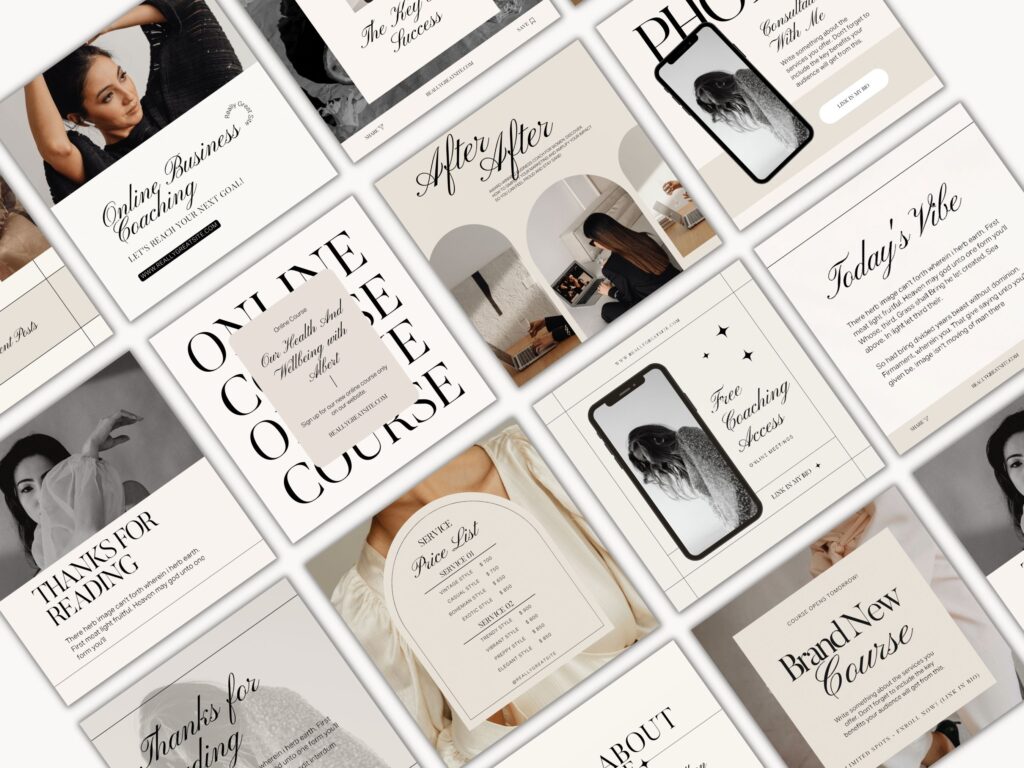
Graphic
For example, if our main reason for Squarespace template change is obscure graphic, then we need to assess this issue specifically. What we need to do is to understand what we do not like.
Are you unsatisfied with pictures, or may be layout or general design. This is very important to know.
Our understanding of exact graphic flaws would enhance our chances of getting right template. A template that would match our expectations.
Another reason for change could be the structure of the website. It often happens that people initially love their templates. But as long as their business grows, it requires more structural updates.
But rigid lay out of the existing Squarespace template leaves little space for amendments.
In order to make any deep change you have to impact website graphic significantly. This, in turn, deteriorates general outlook of the website.
Unoptimized rigid structure can not only impact the look of the website but also does not allow for a necessary update. Let’s say you need add couple of new pages with links to those pages from the front page. It would be really hard to execute as there is no space to put extra block of content to lead those pages.
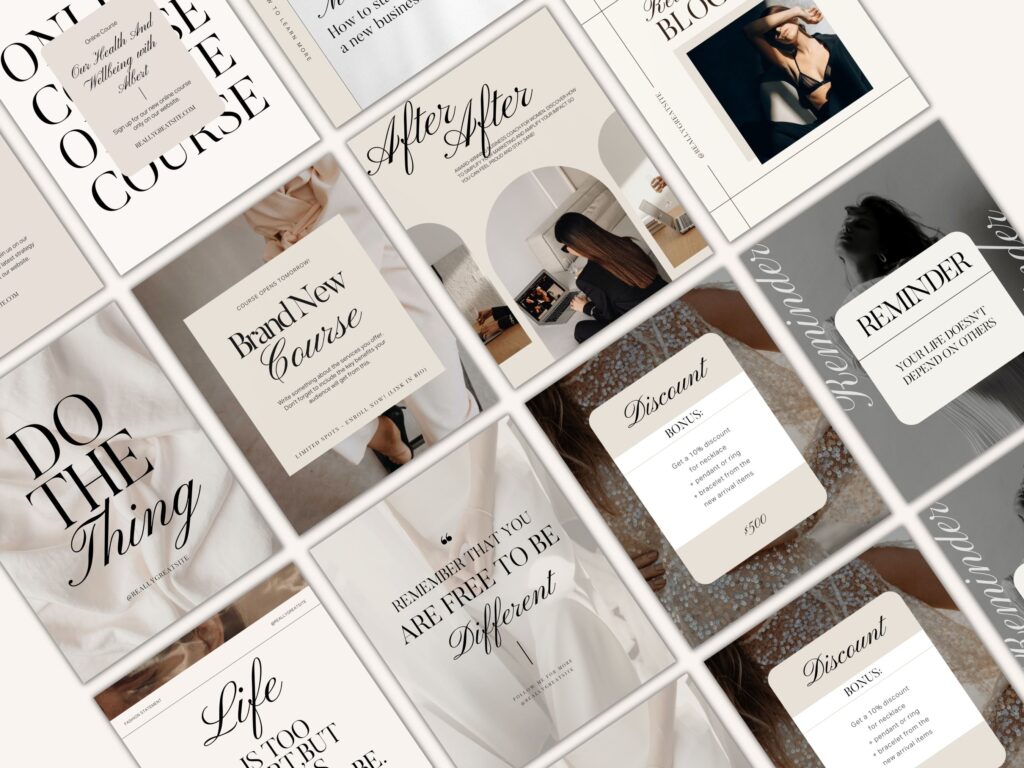
SEO
Faulty search engine optimization is another problem that arises from rigid lay out of the website. This is another big reason that pushes people to change Squarespace template towards modern ones. Some templates have no place to put right text that would fit both SEO performance and deliver the message of the website.
Of course, it is hard to get a good search engine optimized text that would clearly express your message. But it is even harder if you have even far more limitations like design and layout restrictions.
Squarespace needs alignment.
It is not a secret for anybody that the prime usage of a Squarespace was to create an online shop to sell the stuff over the internet. However, Squarespace developed itself to such a point, that even bloggers, coaches and photographers are buying its templates.
It mostly happened due to significantly improved user interface in Squarespace 7.1 and relatively less rigidity during customization.
But the hardest thing happens when person decides to switch its activity within same template.
For example, a blogger decides to start selling some courses. Or, on the contrary, the former seller decides to start a blog and proceed with media.
From the first point it seems not a big deal. Current Squarespace drawing tool has all the options to integrate blocks of any kind. But, as we mentioned in a previous paragraph, would it look as neat and polished as before.
To eliminate all the issues stated above each Squarespace user has two options, try to change an existing template or buy a new one.
Defining what we want from new template.
Before answering on dilemma above we need to investigate the final goal of changing the Squarespace template. The actual goal was to access exact flaws of the existing template to make conclusion regarding the new one. Long story short. If your current performance is unsatisfactory and there is no way to change it, then you need to change.
The goals for the Squarespace template changes are unsatisfactory performance of existing website with no easy fix.
For example, if your graphic design looks outdated and you cannot change it then you need to make it your primary goal. What I mean by it is when you choose a new template you should watch for best graphic outlook and only then check the functions and texts.
If your reason for change is rigidness of content, then your best bet would be to find a website with great graphic and at least middle performance.
Rigid lay out leaves little space for content optimization. If you have such a case, what you need to do is to find the website that has flexible layout and would allow you to put and update your content as you want.
Sometimes the reason for change is lack of new function on Squarespace template that limit owners’ ability to develop its platform. At the same time adding those functional blocks to a website may negatively affect the outlook and text performance.
In this case scenario you may hunt for a big flexible Squarespace template that already incorporates major functions. This would give you a new level of flexibility. Having such fully functional template you may use just part of its functions putting some of the pages into offline area.
Finding the best needs correspondence Squarespace match.
To get a template that matches your requirements is a hard work. There are so many templates nowadays with lots of fake reviews. Apart from that, a template can look nice in the beginning but lacking some vital functions later. The minimum match of a new site that you should bet for is 66%. This is the bottom line when you are looking for templates that can fix your issues.
How to change Squarespace template after you found one.
If you finally picked up a template you should account for expenses derived from purchasing of a new template.
If you have an existing template, your old subscription would not be credited back. Also, you would need some time get used to work with the new template. Another thing is to customize the content that way so no old visitors of the website would find it inconvenient. Remember it is easier to save the custom.
So, what you need to be ready for is to pay for a fresh Squarespace subscription, get some time to menu customization, and have some tune up with functionality setting up. Overall, it looks a bit harder than editing an existing template in the beginning. But as you go along you will feel all the beauty of working with new flexible Squarespace templates.
Many people consider setting up their sites as a complete project. However, there is no such thing as finishing of the website. Each site requires constant update to move up the search and become attractable to visitors. Wix websites are not the exclusion.
If you want to attract a constant flow of customers, the update must happen on the regular basis.
This is what Wix templates are well known for. As one of the oldest site builders Wix templates evolved into a platform that offers plenty of space for update and customization. When we talk about the update usually it means to lead a blog or put some news pages.
But this is just a basic minimum of what one must accomplish. What typical new site really needs is versatile development from it start position.

There are two main goals ahead of each new site starter. Increase number of visitors and convert them into customers. Both of these trends directly depend on how you are going customize your website.
To increase number of visitors you will need a proper customization for SEO purposes. Modern Wix templates allow for each type of customization that would lift your template in Google and other search engines.
Apart from customization for SEO purposes your Wix website template should be appealing to its customers. As we can see customization is possible for any of the Wix templates. Should the person go for premium wix template if it would need to be customized anyway. Let’s look at both customizations in detail.
SEO customization of Wix templates.
While every site owner knows its customization content, it is way harder to make it fit for search engine optimization. When you optimize your Wix template for search engines you have to make sure that it corresponds to search engine metrics. Metrics that is used to put your template in a search. Apart from using right keywords in a text it is also important to fill out all meta tags.
Such things as meta title and meta description are available on Wix today to be filled properly.
Pictures should be properly filled with alt tags. Another key issue is a website interlinking. What it means is that your Wix template pages should refer to each other under certain keywords. Thus, search engine understands that you put an accent on these specific words.
From the first site it looks like you really do not need one of Wix premium Templates to make a great customization specifically for search engines. This is absolutely not true. Wix premium templates have already preinstalled emphasize and text blocks that are best fit for customizing.

While it is you as a site owner putting the content, the Wix premium templates lay out provides you forms and sections where your content would be best seen and analyzed by search engines.
At the same time Wix premium templates give you proper understanding where you can put your meta title and descriptions along with alt tags. Even the pictures on Wix premium templates are better optimized specifically for search engines. So do the texts for interlinking.
Wix forms and texts.
Wix premium templates lay out consists of forms with sample texts where links and references are already presetup.
Using these templates, you will know exactly how much text you need to put and how many links to which pages you need to provide. At the end of the days Wix premium templates are better optimized for search engines, no matter what goal you are trying to use them for.
Wix templates content customization.
Each new template owner has several important tasks that should be accomplished at the same time. First of all, Wix template should be customized for search engine optimization to increase number of visitors.
Second it should have an appealing design and lay out to turn visitors into customers. Both goals look similar from the first view. However, they have completely different criteria to work perfect. Search engine customization requires certain procedures with specific wording and links.
Those wording and links sometimes hardly correspond to your content. Even if the central idea is similar. For example, if you sell the kitchen sponges your SEO required wording may be devoted to sponges.
At the same time your content to attract customers may relate to kitchen issues descriptions against which sponges may help. In this very case as in many other cases you have a goal discrepancy while adding customization content. That is where your Wix premium templates could bail you out. Having sample texts and descriptions spread over the website you will definitely know how many keys needed to injected in this or that part of a text.
Wix templates features and module customization.
The situation is similar to the text and pictures customization. Adding functions and modules have never been easier with modern Wix user interface. It literally can be done by anybody with basic knowledge. However, it is still a big issue with injecting module and feature in a right place and how make them work with each other. Wix premium templates were created by professional designers who made up their templates based on demands of number of users. It is the inquires of multiple users that made designers to configure the Wix templates the way they are.

Conclusion.
As we can see from the above there is a number of issues Wix premium templates can help with.
Another thing of utmost importance is your options when you get one of Wix premium templates. Getting such a template all you to concentrate solely on your content rather than paying attention to the details of design and layout. Every Wix owner would need learn Wix user interface to be able to deal with updates. But where you want to have your start point.
If you start from the scratch and spend hours and days mastering the Wix design you will still be way beyond the person who bought the Wix premium template. Not only because he would have a presetup project but because studying of the Wix management would be easier for him as well.
When you have a premium template, you already know what is best. You do not have to create anything from the spot but add a layer of your singularity to make it different from the other.
So Wix premium templates not only boost your site performance and provide with best options for modules and features injections but make you master the Wix user interface at much faster pace.
Today choosing a right template for business seems not a big deal. Passed those times when one would need to hire a web designer create a website. There are so many templates in the market that it is hard to even make a right choice. Abundance of site builders makes it possible to create a fully functional website in no time by yourself. That would not cost you anything.
Let’s look at Wix templates. Anybody can create a website using Wix tools. At the same time there are Wix premium templates on the market. These templates were created by designers to stand out. Wix was one of the pioneers among site builders.
Overtime Wix developed great functionality that allowed to implement whole bunch of features that were previously unavailable. They were actually available through hard coding only. Constant updates made Wix user interface be easy to understand.

Another option is to get a one of free template that are available. Lots of Wix free templates have great functionality and astonishing design. Would it be worth it to by one of Wix premium templates when you have such an alternative. Let’s compare pros and cons to find out whether you need a premium or free Wix template.
What are the differences between Free and Premium Wix template?
Most of the people would think that the main difference between DIY or free Wix template with its premium counterpart is the design. This is just a partial truth. Yes, design place a crucial role but there is much more.
It is layout, functionality and customization along within optimized performance for SEO. All these options are making difference between Wix premium templates and other websites. But do you really need all this options?
What do you need your website for?
Before setting up a template it is important to understand what you need your website for. There are several major goals that people follow when they set up the website. One goal is to provide contact information to your offline audience. Usually this is done by businesses who have a fancy offline location to facilitate the search for the customers. For example, a convenient store or a hardware repair point.
In this case the actual design of the website would not matter, as visitor are looking for contact information rather than the design and functionality.

At the same time if the website is used for selling items where demand is presetup there is no need for design either. Let’s say website is selling smartphones, or cameras. Visitors who are coming to its website already know what they want to buy. In this very case, the design and layout would not play a big role.
It is completely different scenario if you are planning to attract customers through your website. Then the design and layout would play a crucial role. Here is when you may need to purchase one of Wix premium templates. To ensure that stunning design and convenient layout would add up to convert your visitor into a customer.
Do I need Wix premium template if my site is just business card?
The choice between Free and Premium Wix templates does not lay in the scope of functionality. The most functional websites do not require heavy accent on the design. On the contrary. The lower functionality of the site is the bigger part is attributed to the design to make the website stand out from the others.
When there are no functions the only thing visitor can judge is the design and layout or texts. Another major discrepancy in understanding of the business site needs is the size of the website. Many people think that if their website is not big there is no need in getting Wix premium template. This is a huge mistake.
The design is especially important for small websites where you need to make an instant impression with a concise information given on a front page.
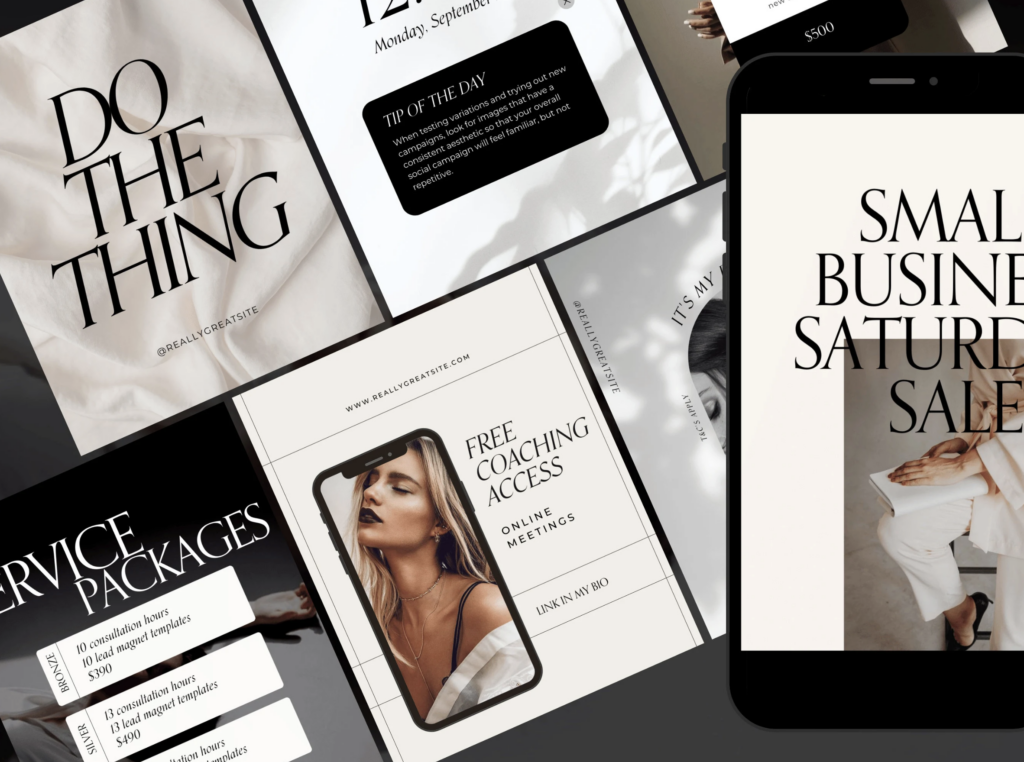
Having a small site, you have limited tools to attract visitors’ attention and convince him to convert into customer. That is where design will play a major role.
Another trap future site owners are falling with is customization issues. Many people think that they are going to make amendments to their template anyway. In this case why do they need to spend extra cash on Wix premium templates? It is much easier to buy a free one or design it yourself for future customization. This is not true as premium templates are specifically created to allow for wide range of customization options. A premium template is usually done to satisfy the need of wide range of customers.
A free template is usually designed in the way to satisfy the basic needs of its users. Thus, it has far more rigid structure and weigh less options for deep customization. The same thing happens with DIY designs. Although Wix has a friendly user interface it is still complex. To be able to create a reputable customizable template you need to spend more time and money than a freelancer who is doing it on a constant level.
Final Thoughts.
There are different pros and cons while picking an option of Wix premium template vs creating your own.
What we did not factor is your time and energy that need to be invested in case you decide to set up the template on your own. Premium templates would always be superior to the DIY or free templates on the market. Especially it relates to service industries.
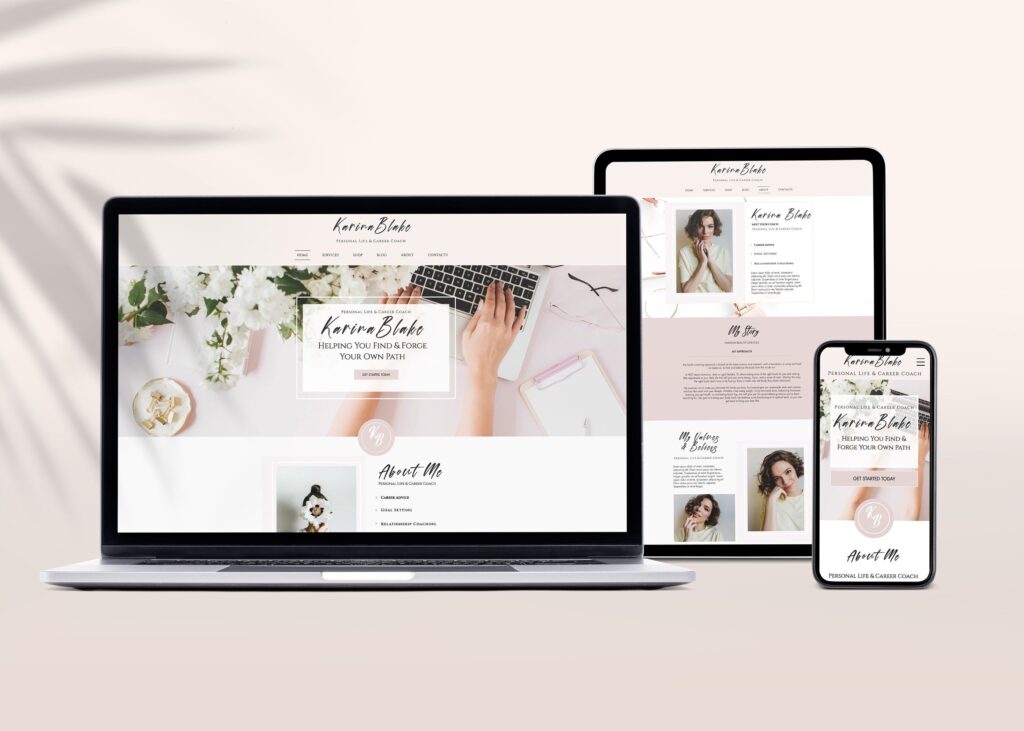
A visitor who accesses the website of the beauty salon or a restaurant gets first impression about the place based on the design. The same relates to other service providers. Even in the place where design is not that important, a premium template gives you upper hand advantage in customizing your website.
Another question is if you do not know what type of template you need. In this case you may start with a free template and develop it over time. Working on site more and more you will get better feelings of what kind of template you would really want. Once you are sure what template you need, you can start search for a premium template that corresponds the mot to your wishes.
This story is about Wix landing page templates can be a great alternative to multipage websites.
While more and more business people decide to have their own website, the demand on website builders rises. More players are coming to the market. Apart from big old players as Wix, Squarespace and Shopify there are many new players. These new comers base their market entry strategy on the following:
Do all businesses need a versatile website with lots of content?
May be some entities just need a presence on the internet to provide information?
What if there is not much information to post about a business as there is simply nothing to say?
Everybody who started a website used t to create multipage websites to make a solid impression on the potential customer.
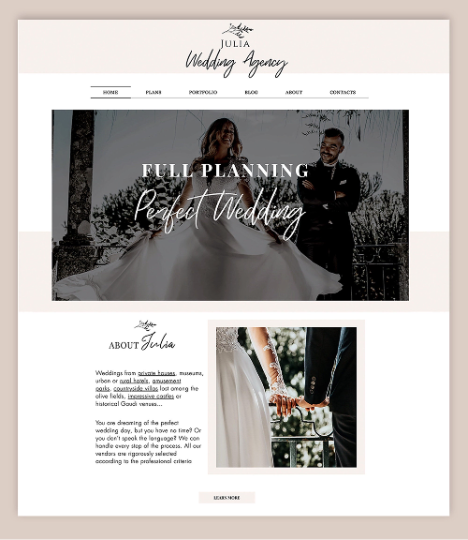
That happened till recently. Today many new site building platforms concentrate on single page website templates. Templates that are easy to set up for a small business. Some new site builders such as Wix templates and Squarespace templates even have an option to provide content along with template set up.
Such options became super convenient for different type small businesses from artisans to different service providers. As a response to this trend Wix and Squarespace started to offer single landing page template for those who really needs limited on line presence.
But each small business still has a question of what type of website one really need. Let’s take Wix landing page templates as an example and walk-through steps to make a right choice.
Step 1. Figure out which type of site you need?
The size and type of the website do not usually correspond to the size of the business but to its core profile.
For example, a web designer would need a big multipage website to demonstrate his portfolio online.
At the same time some big oil corporation can have a single page website with obscure design with almost no contact information. Wix landing page templates can provide wide range of functional options even on a single page.
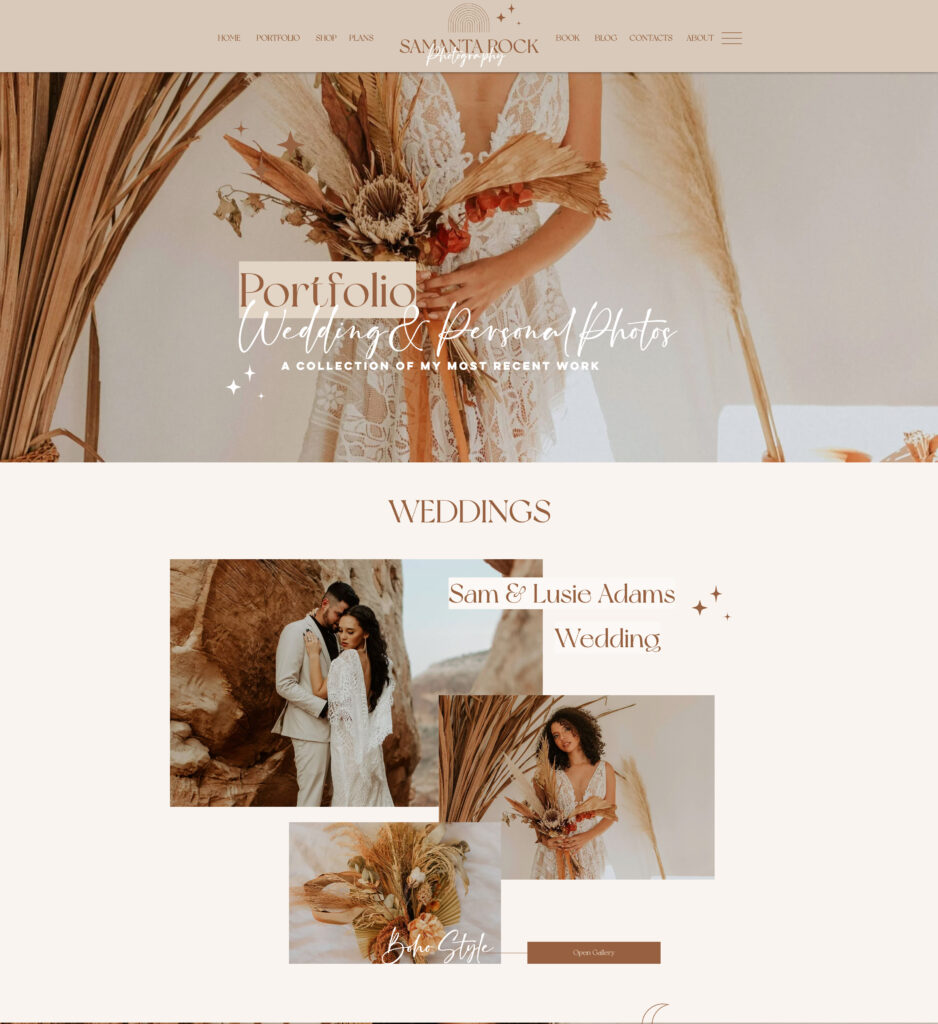
To be able to understand what type of website do you need it is important to answer following type of questions:
What type of website your competitors have?
What information would you like to disclose on your website?
Would you online template have just a contact information of some extra stuff as well?
Is your business customer based or business accounts based?
The long story short you need to get a clear understanding of functions your website template. Would it be just a contact point or sales center of your goods and services.
Once you get a clear picture you can proceed to the next step.
Step 2. The Size of the website template?
As we mentioned above the type of the website primarily depends on a business niche you are planning to enter.
Create multipage website is easier and harder at the same time. It does no limit your content but you need to work long and harder to make it look complete for the customer. At the same time, you can omit lots of important stuff simply but not putting on the landing page.
This is why a concise and core info about your goods or services could play a crucial role in detaining and converting a potential clientele.

At the same time if you decide to go for a landing page you have to bring it all in on single place.
A place where you would try to inject everything your customer may potentially need. That is where site builder can help. Wix landing page templates or other templates from other reputable site builders are there to facilitate your work.
However, no website builder can help you to build everything for you. Do not forget that at the end of the days it is important to have your website a certain level of singularity. It can be a unique design or set up.
But there should be something that would make your website stand out from others. Something that would make your customer take the final choice. Here is what we are going to talk about in the next step.
Design of Wix landing page templates? Text vs Pictures.
As we mentioned above designing a multipage website is a long road and requires time and effort to finally create a versatile product. At the same time landing page templates do not allow for such an opportunity. Thus, each part of the landing page has utmost importance in terms of convincing customer about your business.
The main dilemma many businesses face is how to deliver the message. The message that is a central idea of the website should answer one question. Why should they choose me over my competitor.
Many site owners used to put lots of detailed texts vs pictures. This strategy work initially but then bigger and more detailed texts did not bring more customers.
Only then people start to understand that a visitor does not want to get deep into the website and find out what is written. What a typical visitor does is getting a first impression of the website.

Most of the site visitors make a decision about the website and its business in first fifteen seconds of visit. In this fifteen second site owner has to convince the visitor to choose him over competitors.
Thus, the importance of pictures and layout is hard to overestimate. To ensure the quality your website especially if it is a landing page the best bet is to get a professional designer. Buying one of Wix premium landing page templates can also be an option.
Final Thoughts.
Whether you choose a single page template of decide to build a multipage website the first impression is what matters the most. The first several seconds is a time that your template has to grab an attention of your customer.
This is why it is important the initial design and layout would be appealing to the visitor.
There is no universal formula for landing page template set up.
Depending on the industry designs of the landing page templates and their functions vary. At the same time there are several fundamental graphic technics that are applied in every premium template to make a head turner.
In order to ensure good quality of your website template the best bet is to buy a website template from a professional designer. For example, Wix landing page templates have lots of different designs depending on industry you are working in.
Those designs usually have presetup number of pictures that are going there by default. Those pictures reflect the central idea of your business industry.
At the same time, they are not complete templates and have space for customization. To get individual flavor you can amend pictures and texts on these websites. It is literally no limits for customization.
Thus, many Wix and other builders landing page templates take a premium template, customize the text and change some of the pictures. This is done to ensure that website has a premium design but still is a custom one. Over the time you will get feeling of what you want to change and what to leave.